


12,630
likes
526
comments
daily view 0
monthly view 0
Live Analytics
Comments 0
2 Easy ways to PLAY Roblox on Nintendo Switch (2025) Analytics Table
Income Estimates for 2 Easy ways to PLAY Roblox on Nintendo Switch (2025)
Based on this YouTube video's total view count of 1.64M views and industry-standard rates, the estimated total earning is $1.15K - $3.29K through ad revenue. Historical data is not yet available to calculate daily, weekly, or monthly averages.
About 2 Easy ways to PLAY Roblox on Nintendo Switch (2025)
Explore 2 Easy ways to PLAY Roblox on Nintendo Switch (2025) with 1,647,345 views, 12,630 likes, and 526 comments. Experience the impact of this video content that has captured audience attention.
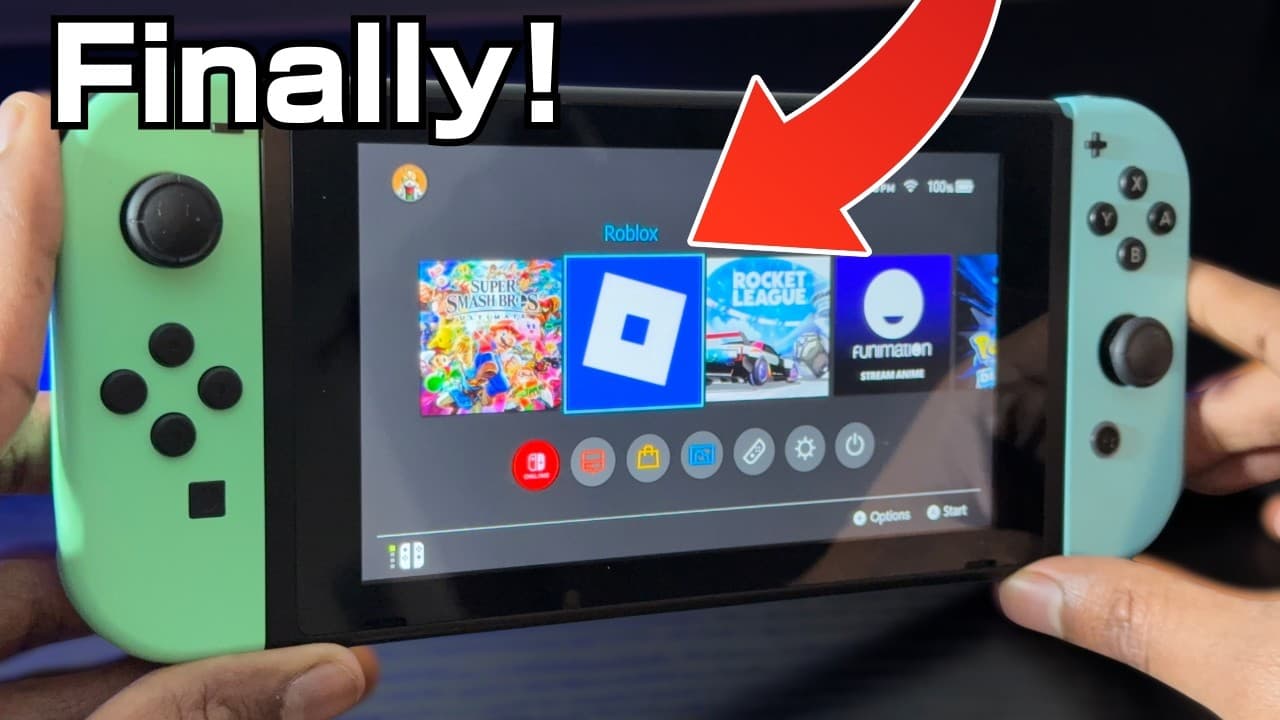
How to Play Roblox on Nintendo Switch (2 Easy Methods!) | Joy-Cons with Roblox Mobile Wondering how to play Roblox on Nintendo Switch in 2025? You’re not alone. Roblox isn’t officially available on the Nintendo eShop, and that’s left a lot of players frustrated. But in this video, I’ll show you two simple and working methods that let you enjoy Roblox using your Nintendo Switch hardware—even without native support. Why Roblox Isn’t on Switch Roblox isn’t available on the Nintendo Switch due to internal issues like microtransactions, content moderation, and online interaction policies. But that doesn’t mean you can’t still enjoy the game with a few workarounds. Method 1 (Covered in a Previous Video) The first method lets you access Roblox through an alternate route (explained fully in my previous video), and it works great for people looking for a more “console-like” experience on their Switch. Method 2: Use Joy-Cons with Roblox on iPhone or iPad This second method is perfect if you want to use your Nintendo Switch Joy-Cons as a controller for Roblox on your phone or tablet. Here’s how: 1. Open Settings — Bluetooth on your phone or iPad. 2. Press and hold the small pairing button on your Joy-Con. 3. When the lights blink, the controller is in pairing mode. 4. Tap the Joy-Con when it appears on your device. 5. Once connected, launch Roblox and start playing with real controller input. This setup works especially well if you have a high refresh rate screen (like 120Hz), and it offers a much better experience than using touch controls alone. Who Should Try This? • Roblox players who own a Nintendo Switch • People searching for “how to play Roblox on Switch” • Mobile players who want to use Joy-Cons with Roblox • Parents helping their kids improve their mobile gaming setup This method gives you console-style controls on Roblox Mobile—without needing to buy a new controller.
About YouTube Real-Time View Count
With SocialCounts.org’s view counter, track your YouTube video’s live view count and YouTube likes count in real time with fast, reliable updates.
Watch every YouTube video live view count rise with our real-time YouTube views tracker—built for accuracy and minimal delay.
Follow YouTube real time views as they happen, using our dedicated view counter for YouTube videos.
Get up-to-date live view count on YouTube and see real-time growth with SocialCounts.org’s smart tracking tools.
Embed Widget
Parameters:
fullscreen=true- Fullscreen countergraph=true- Live graph chartcounter=0/1/2- Select counter (0=likes, 1=views, 2=comments)
URL
Click to copy the embed URL to your clipboard