

2,609
likes
168
comments
daily view 0
monthly view 0
Live Analytics
Comments 0
Blink Doorbell Installation Guide | How to Set Up Blink Video Doorbell Analytics Table
Income Estimates for Blink Doorbell Installation Guide | How to Set Up Blink Video Doorbell
Based on this YouTube video's total view count of 442K views and industry-standard rates, the estimated total earning is $309 - $884 through ad revenue. Historical data is not yet available to calculate daily, weekly, or monthly averages.
About Blink Doorbell Installation Guide | How to Set Up Blink Video Doorbell
Explore Blink Doorbell Installation Guide | How to Set Up Blink Video Doorbell with 442,044 views, 2,609 likes, and 168 comments. Experience the impact of this video content that has captured audience attention.
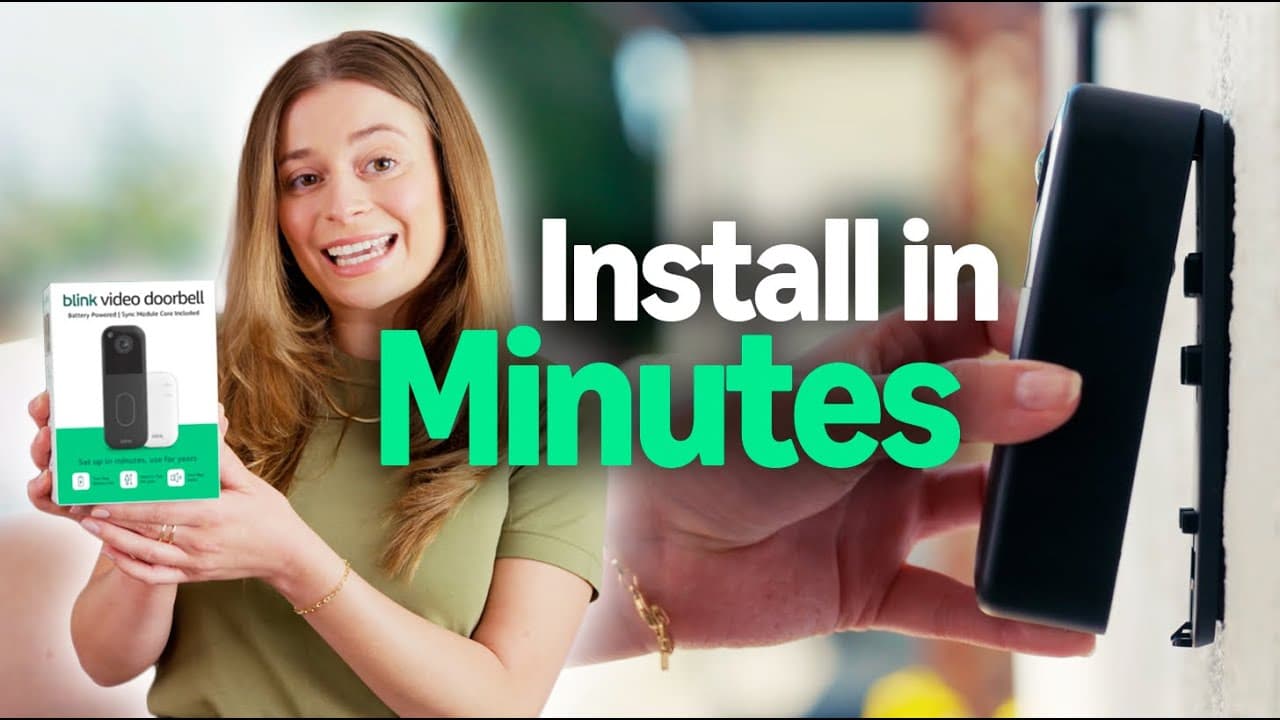
How to Install the Blink Video Doorbell (2025 Guide) Installing your Blink Video Doorbell is fast and easy—no professional help required. This step-by-step guide walks you through everything from unboxing to setup, so you can start monitoring your front door in minutes. ✅ What You’ll Learn: 00:00 – 00:17 - What is the Blink Video Doorbell? 00:17 – 00:29 - What comes in the Blink Video Doorbell box? 00:29 – 00:44 - How to download the Blink app and create an account 00:44 – 01:11- How to name your Blink sync module 01:12 – 01:43 - How to add your Blink Doorbell to the app 01:43 – 02:11 - How to install Blink Doorbell batteries 02:11 – 02:21 - How to connect the Blink Doorbell to Wi-Fi 02:21 – 03:28 - How to mount the Blink Doorbell 03:28 – 03:45 - How to click the doorbell onto the mount 03:45 - How to customize my Blink Video Doorbell 🔧 Works with: Alexa, existing chimes, and other Blink devices 🪫 Power Options: Battery (up to 2 years) or hardwired. 🔍 Video Quality: HD with head-to-toe view 📌 FAQs Q: Can I install the Blink Doorbell without wiring? A: Yes! The Blink Video Doorbell can be installed wire-free using AA lithium batteries. Q: How long does the battery last? A: With normal use, the included batteries can last up to 2 years. Q: Do I need a subscription to use it? A: No, you can use local storage with the Sync Module 2. A Blink Subscription Plan unlocks additional features like video cloud backup. Q: Does it work with Alexa? A: Yes. You can view live video and receive motion alerts on Alexa-enabled devices. Q: What tools do I need to install it? A: A screwdriver and/or drill (for hard surfaces) are typically all you need. 📲 Download the Blink App: iOS: https://apps.apple.com/us/app/blink-home-monitor/id1013961111 Android: https://play.google.com/store/apps/details?id=com.immediasemi.android.blink&hl=en_US&pli=1 📦 Shop the Blink Video Doorbell: https://www.amazon.com/blink-youtube-doorbell #Blink #VideoDoorbell #SmartHome #HomeSecurity #InstallationGuide #DIY #AmazonDevices #BlinkDoorbell #WirelessDoorbell
About YouTube Real-Time View Count
With SocialCounts.org’s view counter, track your YouTube video’s live view count and YouTube likes count in real time with fast, reliable updates.
Watch every YouTube video live view count rise with our real-time YouTube views tracker—built for accuracy and minimal delay.
Follow YouTube real time views as they happen, using our dedicated view counter for YouTube videos.
Get up-to-date live view count on YouTube and see real-time growth with SocialCounts.org’s smart tracking tools.
Embed Widget
Parameters:
fullscreen=true- Fullscreen countergraph=true- Live graph chartcounter=0/1/2- Select counter (0=likes, 1=views, 2=comments)
URL
Click to copy the embed URL to your clipboard