


11
likes
9
comments
daily view 0
monthly view 0
Live Analytics
Comments 0
Where Did Your Deals Go? HubSpot Historical Snapshot Reports Analytics Table
Income Estimates for Where Did Your Deals Go? HubSpot Historical Snapshot Reports
Based on this YouTube video's total view count of 780 views and industry-standard rates, the estimated total earning is $1 - $2 through ad revenue. Historical data is not yet available to calculate daily, weekly, or monthly averages.
About Where Did Your Deals Go? HubSpot Historical Snapshot Reports
Explore Where Did Your Deals Go? HubSpot Historical Snapshot Reports with 780 views, 11 likes, and 9 comments. Experience the impact of this video content that has captured audience attention.
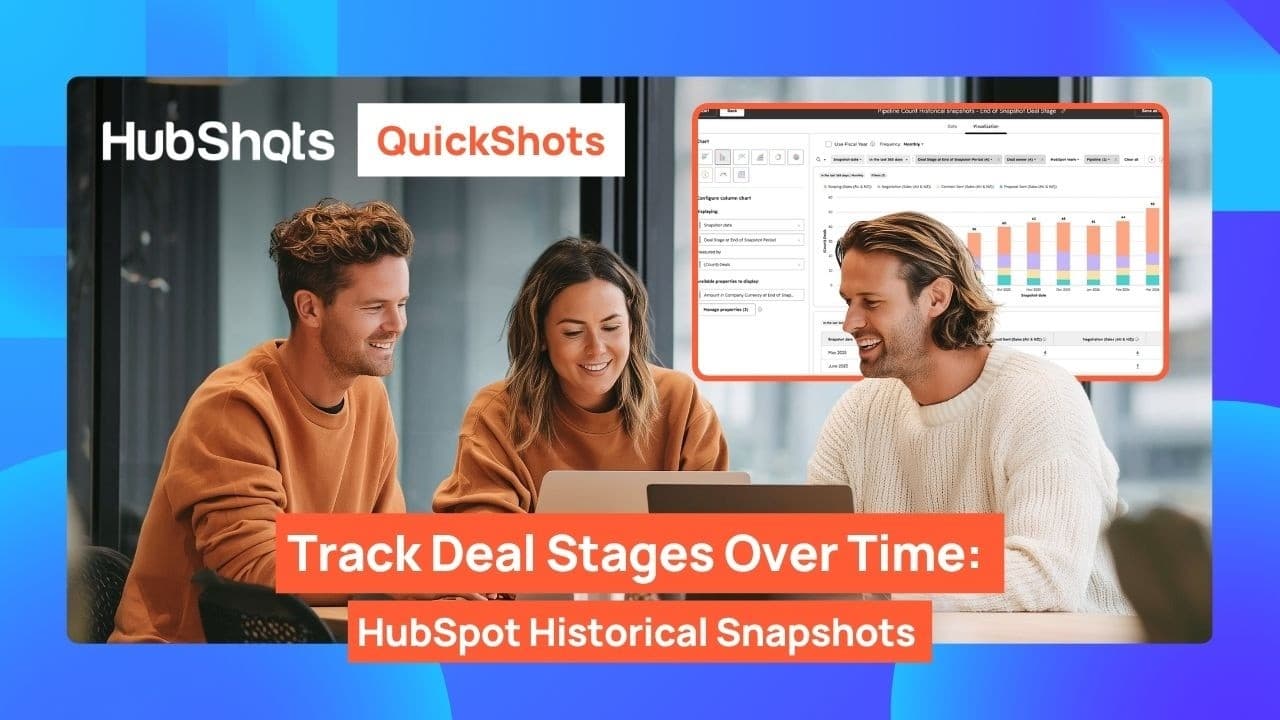
Where Did Your Deals Go? | HubSpot Historical Snapshot Reports Explained | HubShots Show. Are you struggling to track where your deals were last month - or why your HubSpot deals pipeline looks different than it did 90 days ago? In this HubShots Show episode, we break down Historical Snapshot Reports in HubSpot CRM so you can finally see the full picture. 📊 What You'll Learn in This HubSpot Tutorial: ✅ What is HubSpot Historical Snapshot Reports & why it matters ✅ How to use HubSpot Reports & Dashboards to track deal movement ✅ HubSpot Deals Pipeline — where deals go (and why they disappear!) ✅ Step-by-step HubSpot Setup for Historical Reports ✅ Custom Reports using HubSpot Report Builder ✅ HubSpot Analytics & Data Analytics tips for sales managers & business owners ✅ HubSpot Reporting best practices for boards & sales teams ✅ Real-world HubSpot CRM Tutorial - no demo portals, only real portals! Timestamps: 0:00 – HubSpot Report Feature of the Week: Historical Snapshot Reports 0:23 – How HubSpot Deals Progress Over Time & Grouping by Month 0:47 – Real Example: Tracking Where Your Deal Was in Past Months 1:05 – Who Should Use This? Business Owners, Boards & Sales Managers 1:28 – Filter by Sales Rep & Add to HubSpot Dashboard 1:52 – Build with Single Object Reports (NOT Custom Reports!) + Key Property Resources: - HubShots Daily Tip: https://hubs.ly/Q048HS3l0 - HubShots Framework: https://hubs.ly/Q048HJPb0 - HubShots Community: https://hubs.ly/Q048HSXv0 Welcome to HubShots - https://hubs.ly/Q048HHkG0 HubShots = HubSpot in the real world Real world portals. No demo stuff. BE OUR FRIEND: 💌 Sign up to the shownotes - https://hubs.ly/Q048HQTL0 🌍 Our website - https://hubs.ly/Q048HHkG0 📸 Instagram - https://hubs.ly/Q048HQbB0 💙 LinkedIn - https://hubs.ly/Q048HHLQ0 🧵 Threads - https://hubs.ly/Q048HR4L0 🇫 Facebook - https://hubs.ly/Q048HJFS0 🐦 Twitter - https://hubs.ly/Q048HDSB0 WHO WE ARE: We're Ian Jacob and Craig Bailey, your hosts of HubShots. HubShots is the downunder HubSpot focussed show for sales and marketing managers who use HubSpot. ✅Ian is CEO of Search & Be Found: https://hubs.ly/Q048HQpK0 ✅Craig is CEO of XEN: https://hubs.ly/Q048HHH40 🔔 SUBSCRIBE to HubShots Show for real-world HubSpot CRM tutorials every week! 👍 Found this HubSpot Historical Snapshot Reports tutorial helpful? LIKE this video & SHARE it with your sales team! 💬 COMMENT below: 👉 Are you using HubSpot Snapshot Reports in your sales pipeline? 👉 What HubSpot Reports & Dashboard tips do you want next? #HubSpot #HubSpotCRM #HubSpotReports #SnapshotReports #HubSpotTutorial #HubSpotDashboard #HubSpotSales #HubSpotDeals #HubSpotDealsPipeline #HubSpotReporting #HubSpotTraining #HubSpotAnalytics #CustomReports #ReportBuilder #HubSpotSetup #SalesPipeline #DataAnalytics #HubSpotMarketing #HowToUseHubSpot #HubShotsShow
About YouTube Real-Time View Count
With SocialCounts.org’s view counter, track your YouTube video’s live view count and YouTube likes count in real time with fast, reliable updates.
Watch every YouTube video live view count rise with our real-time YouTube views tracker—built for accuracy and minimal delay.
Follow YouTube real time views as they happen, using our dedicated view counter for YouTube videos.
Get up-to-date live view count on YouTube and see real-time growth with SocialCounts.org’s smart tracking tools.
Embed Widget
Parameters:
fullscreen=true- Fullscreen countergraph=true- Live graph chartcounter=0/1/2- Select counter (0=likes, 1=views, 2=comments)
URL
Click to copy the embed URL to your clipboard