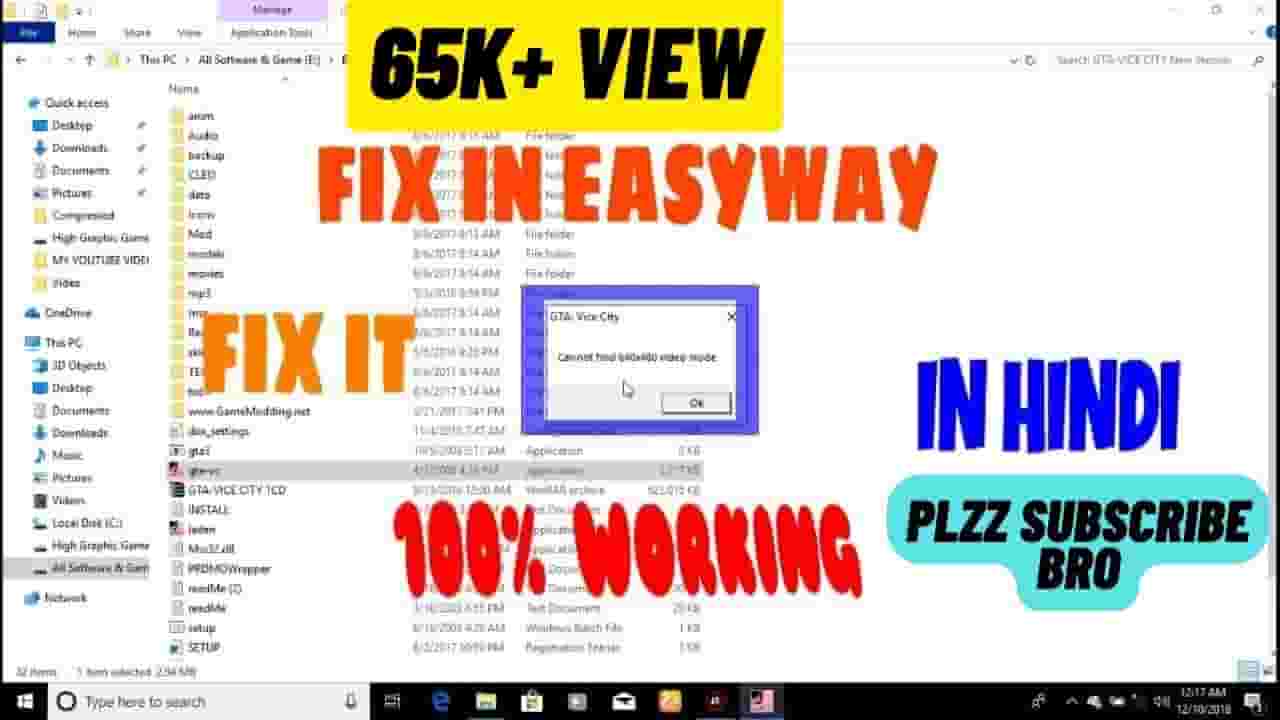
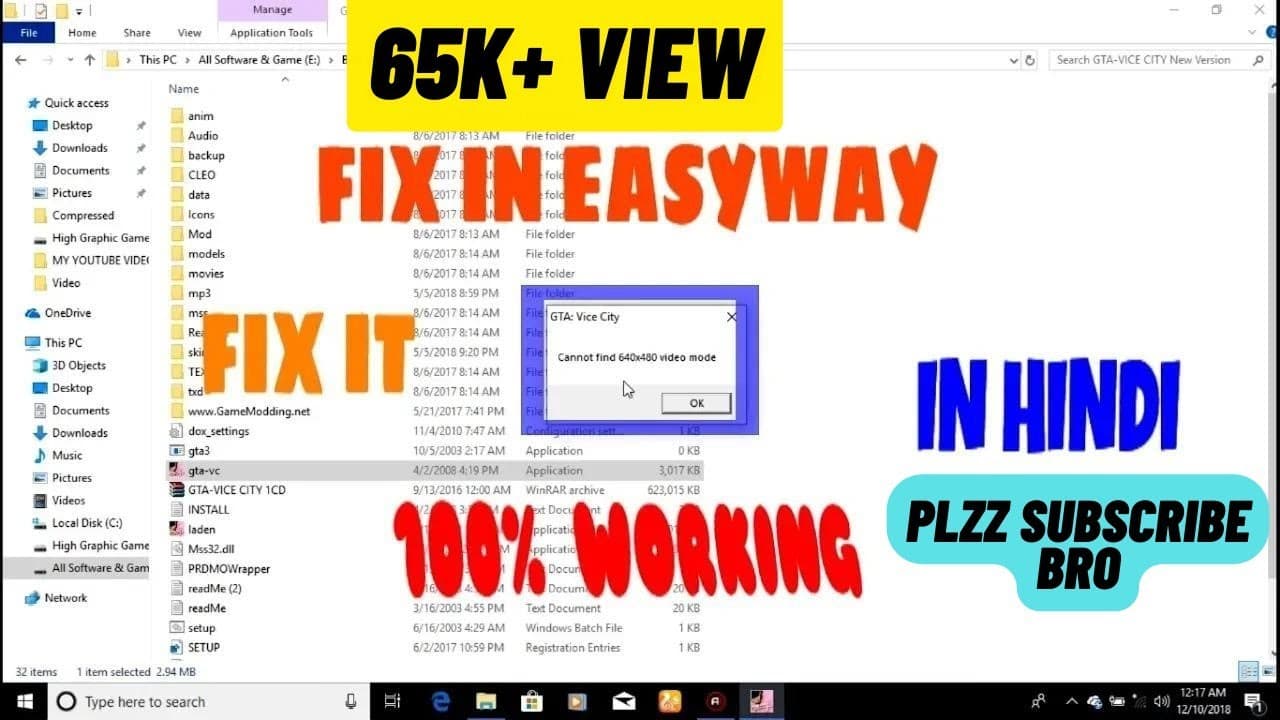


How to fix 'Cannot find 640x480 video mode' in GTA: Vice City 100% working in हिंदी 2022
82,583
Socialcounts.Org
1,036
likes
206
comments
daily view 0
monthly view 0
Live Analytics
Comments 0
How to fix 'Cannot find 640x480 video mode' in GTA: Vice City 100% working in हिंदी 2022 Analytics Table
Income Estimates for How to fix 'Cannot find 640x480 video mode' in GTA: Vice City 100% working in हिंदी 2022
Based on this YouTube video's total view count of 82.5K views and industry-standard rates, the estimated total earning is $58 - $165 through ad revenue. Historical data is not yet available to calculate daily, weekly, or monthly averages.
About How to fix 'Cannot find 640x480 video mode' in GTA: Vice City 100% working in हिंदी 2022
Explore How to fix 'Cannot find 640x480 video mode' in GTA: Vice City 100% working in हिंदी 2022 with 82,583 views, 1,036 likes, and 206 comments. Experience the impact of this video content that has captured audience attention.
Hii I am Gaurav Kumar Welcome to our youtube channel TECH Cure. About THIS Video-Hy Friends ajj mai apko batane ja raha hu ki app kaise GTA Vice City me 640*480 ke is error ko kaise thik kar sakte hai ye jane ke leye pura video dekheye. agar app mere channel me naye hai to is channel ko Subscribe kar dejeye taki aur tech video ki notification app tak sabse pahale paunch sake. dont forget to Like,Share And Subscribe. Thanks For Watching. Any Problem Ask me In comment.
About YouTube Real-Time View Count
With SocialCounts.org’s view counter, track your YouTube video’s live view count and YouTube likes count in real time with fast, reliable updates.
Watch every YouTube video live view count rise with our real-time YouTube views tracker—built for accuracy and minimal delay.
Follow YouTube real time views as they happen, using our dedicated view counter for YouTube videos.
Get up-to-date live view count on YouTube and see real-time growth with SocialCounts.org’s smart tracking tools.
Embed Widget
Parameters:
fullscreen=true- Fullscreen countergraph=true- Live graph chartcounter=0/1/2- Select counter (0=likes, 1=views, 2=comments)
URL
Click to copy the embed URL to your clipboard