

80,432
likes
1,392
comments
daily view 0
monthly view 0
Live Analytics
Comments 0
The Difference Between GOOD And BAD Camera Settings In Rocket League Analytics Table
Income Estimates for The Difference Between GOOD And BAD Camera Settings In Rocket League
Based on this YouTube video's total view count of 2.88M views and industry-standard rates, the estimated total earning is $2.02K - $5.76K through ad revenue. Historical data is not yet available to calculate daily, weekly, or monthly averages.
About The Difference Between GOOD And BAD Camera Settings In Rocket League
Explore The Difference Between GOOD And BAD Camera Settings In Rocket League with 2,884,164 views, 80,432 likes, and 1,392 comments. Experience the impact of this video content that has captured audience attention.
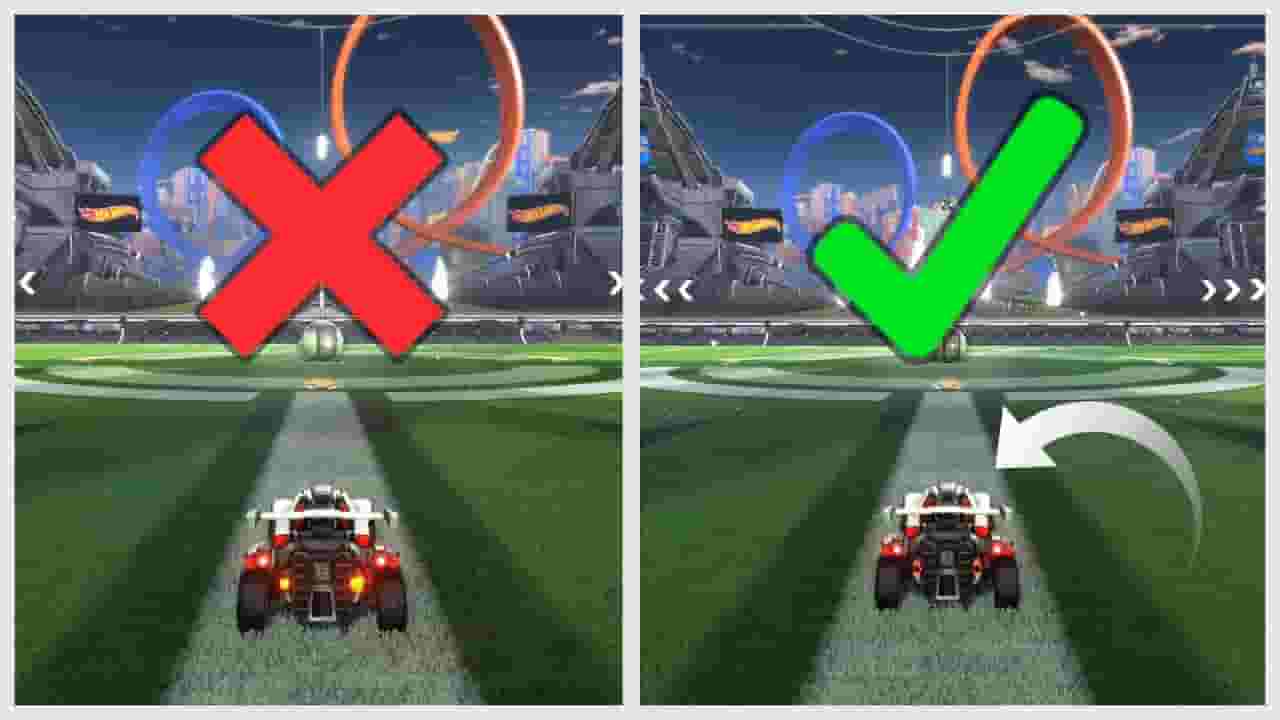
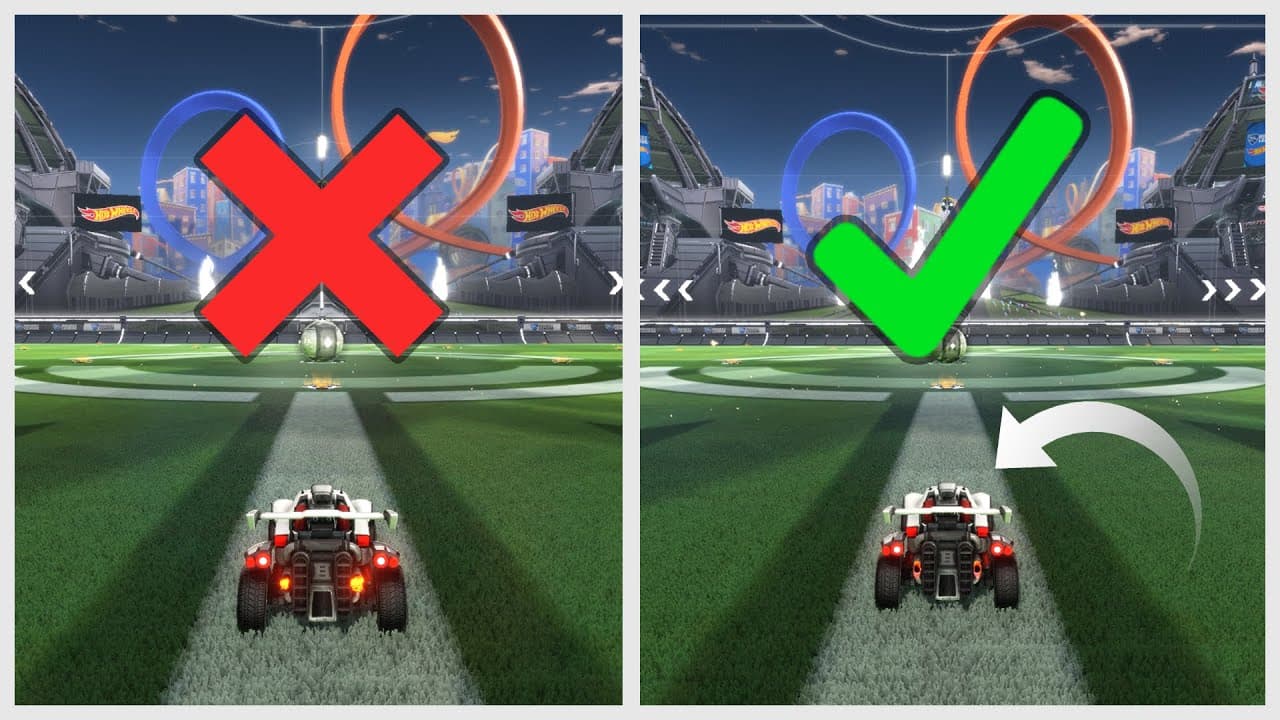
Pro Camera Settings: https://liquipedia.net/rocketleague/List_of_player_camera_settings You Should Also Click These Links: Discord: https://discord.gg/32Yp5zb Twitter: https://twitter.com/WaytonPilkin Twitch: https://www.twitch.tv/wayton CHECK OUT MY ROCKET LEAGUE COURSE: https://www.gamersrdy.com/product/ultimate-guide-to-teamwork-in-rocket-league/r/paytonwilkin/ Camera settings in Rocket League are a very important topic to cover when you decide you want to get good at Rocket League. Many pro players in the RLCS have similar camera settings so there is obviously a common ground between was camera settings are considered good in the Rocket League community. However, you do have some freedom for what you may choose to your liking. Some settings like stiffness, transition speed, and swivel speed give you more of a range to choose from whereas camera settings like field of view (fov), distance, height, and angle you don't have as much of a choice. You have a smaller range to choose from in those categories if you want your settings to be acceptable from a competitive standpoint. With all the widgets and different possible ways to put your camera settings in Rocket League, there are SO MANY wrong ways to adjust your camera settings and only a few right ways. A normal Rocket League player wouldn't know what camera settings would be considered good unless someone had told them or they had done some research about camera settings on their own. When you first begin playing Rocket League, in order to get the best experience possible, the main camera settings you need to change is camera shake. If you leave that on, you can easily get a headache and it'll make you play worse as well. There isn't a single pro player that plays with camera shake on. 99% of Rocket League players (estimated statistic) turn off camera shake by the time they reach gold which is a pretty low rank already. If you want to be anywhere above the top 60% of the player base, you NEED to turn of camera shake in your camera settings in Rocket League. Thank you. If you read this whole thing, I feel bad for you. I wrote this in like 2 minutes just to put some key words in the description. Why tf are you still reading this like wtf are you doing. This is a complete waste of time. Go do something productive like changing you camera settings in Rocket League or going back post or something. Idk. Have fun. Music from epidemicsound.com :)
About YouTube Real-Time View Count
With SocialCounts.org’s view counter, track your YouTube video’s live view count and YouTube likes count in real time with fast, reliable updates.
Watch every YouTube video live view count rise with our real-time YouTube views tracker—built for accuracy and minimal delay.
Follow YouTube real time views as they happen, using our dedicated view counter for YouTube videos.
Get up-to-date live view count on YouTube and see real-time growth with SocialCounts.org’s smart tracking tools.
Embed Widget
Parameters:
fullscreen=true- Fullscreen countergraph=true- Live graph chartcounter=0/1/2- Select counter (0=likes, 1=views, 2=comments)
URL
Click to copy the embed URL to your clipboard