


39
likes
8
comments
daily view 0
monthly view 0
Live Analytics
Comments 0
Wow! Rotate Object in Photoshop Beta! Analytics Table
Income Estimates for Wow! Rotate Object in Photoshop Beta!
Based on this YouTube video's total view count of 4.35K views and industry-standard rates, the estimated total earning is $3 - $9 through ad revenue. Historical data is not yet available to calculate daily, weekly, or monthly averages.
About Wow! Rotate Object in Photoshop Beta!
Explore Wow! Rotate Object in Photoshop Beta! with 4,357 views, 39 likes, and 8 comments. Experience the impact of this video content that has captured audience attention.
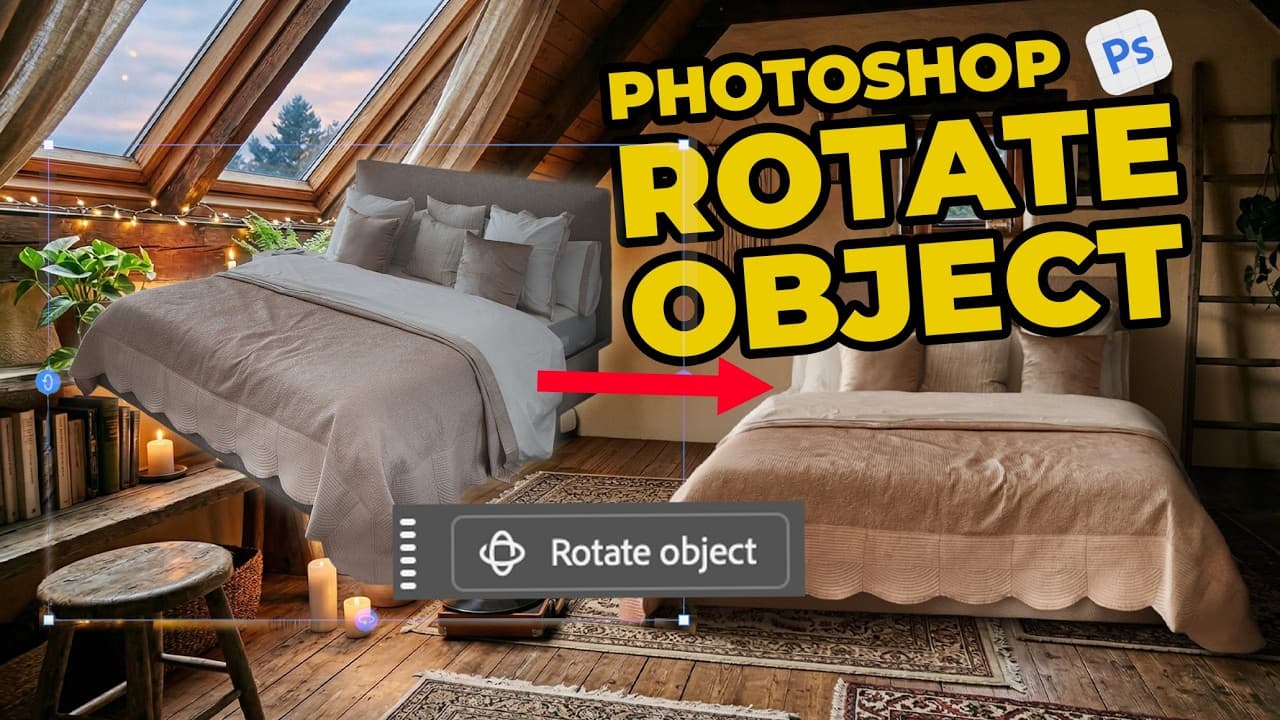
Wow, Rotate Object is now available in Photoshop Beta! In short: you can turn a "flat" 2D layer into a 3D object and change the direction and perspective of your subject. Something that was (almost) impossible before. For me, this feels like yet another puzzle piece that drastically changes the compositing workflow in Adobe Photoshop. A very useful addition that gives you a lot of control over the final result. Here's how it works: → Place a photo in another Photoshop document (or just open a photo) → Remove the background (if you don't, Rotate Object will do it automatically) → Transform the object (Cmd-T on macOS or Ctrl-T on Windows, or click one of the transform handles with the Move tool) → Click Rotate Object in the Contextual Taskbar: Photoshop now creates a low-resolution 3D version from the flat layer (for the nerds: a Gaussian Splat. This 3D model consists of points, which is why the resolution is low, but it's also very fast to manipulate). → You can use the controls in the Contextual Taskbar, the handles on the sides of your 3D object, or (my personal favorite) click and drag with your right mouse button held down. That gives you the most control, in my opinion. Don't forget that you can also rotate the object the regular way to set the angle. → Click "Done" in the Contextual Taskbar. Here's what happens: Photoshop upscales the image by combining the low-resolution 3D model with your original 2D layer. An incredibly powerful method. In the car example, pay attention to the license plate: it rotates along perfectly in 3D space, without getting mirrored. → If you clicked Done and want to edit the rotation again, just transform again and click Edit Rotation. → Cherry on top: if your subject doesn't quite fit the scene yet, just click Harmonize in the Contextual Taskbar. Photoshop will match the lighting and create shadows. I'm a fan! If you want to try this yourself, download the new Photoshop Beta in the Creative Cloud app (available today). Or comment "grumpy cat" below and you can... still go download it yourself (😆). Anyway, lemme know what you think! Have fun!
About YouTube Real-Time View Count
With SocialCounts.org’s view counter, track your YouTube video’s live view count and YouTube likes count in real time with fast, reliable updates.
Watch every YouTube video live view count rise with our real-time YouTube views tracker—built for accuracy and minimal delay.
Follow YouTube real time views as they happen, using our dedicated view counter for YouTube videos.
Get up-to-date live view count on YouTube and see real-time growth with SocialCounts.org’s smart tracking tools.
Embed Widget
Parameters:
fullscreen=true- Fullscreen countergraph=true- Live graph chartcounter=0/1/2- Select counter (0=likes, 1=views, 2=comments)
URL
Click to copy the embed URL to your clipboard