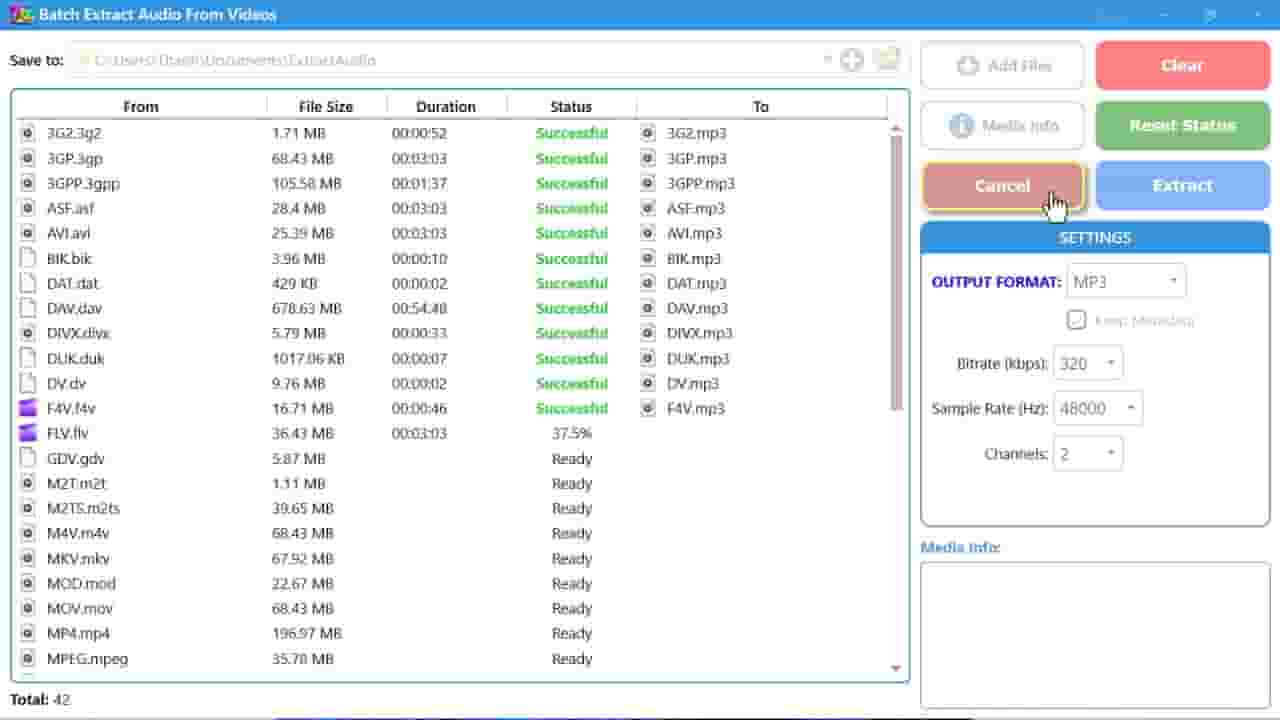
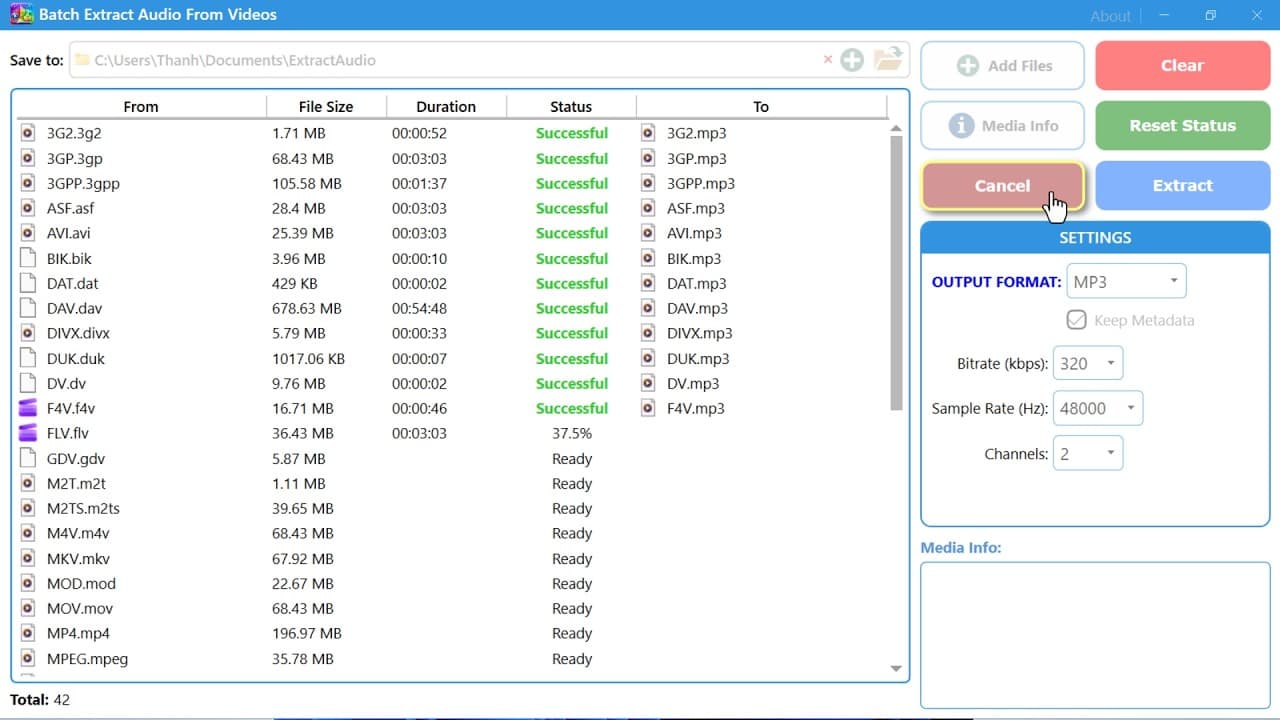


Download Batch Extract Audio From Videos - Fast & High-Quality Audio Extraction
5,757
Socialcounts.Org
184
likes
1
comments
daily view 0
monthly view 0
Live Analytics
Comments 0
Download Batch Extract Audio From Videos - Fast & High-Quality Audio Extraction Analytics Table
Income Estimates for Download Batch Extract Audio From Videos - Fast & High-Quality Audio Extraction
Based on this YouTube video's total view count of 5.75K views and industry-standard rates, the estimated total earning is $4 - $12 through ad revenue. Historical data is not yet available to calculate daily, weekly, or monthly averages.
About Download Batch Extract Audio From Videos - Fast & High-Quality Audio Extraction
Explore Download Batch Extract Audio From Videos - Fast & High-Quality Audio Extraction with 5,757 views, 184 likes, and 1 comments. Experience the impact of this video content that has captured audience attention.
Video content dominates the internet. From tutorials and podcasts to webinars, interviews, movies, livestreams, and music videos, nearly every type of digital media is now delivered in video format. However, many users only need the audio portion from those videos. Whether you want to save music tracks, extract podcast episodes, create audiobooks, archive lectures, or repurpose media for editing projects, a reliable batch extract audio from videos tool can save massive amounts of time. Instead of converting videos one by one, modern batch audio extraction software allows users to process hundreds or even thousands of files simultaneously. This dramatically improves productivity while maintaining high audio quality and compatibility with multiple formats. Batch extract audio from videos refers to software that automatically separates the audio track from multiple video files at once. The extracted audio can then be saved into formats such as MP3, WAV, AAC, FLAC, OGG, or M4A. Instead of manually opening each video and exporting audio individually, batch processing automates the workflow for entire folders of content. This type of software is especially useful for: Music collection management Podcast extraction Lecture archiving YouTube audio downloads Audiobook creation Video editing workflows Social media content repurposing Voiceover extraction Sound effect libraries Training materials Modern extraction tools include advanced features designed for both beginners and professionals. Batch Processing Engine The most important feature is the ability to process multiple files simultaneously. Users can: Add entire folders Drag and drop files Queue unlimited videos Process files automatically Multiple Audio Output Formats Most tools support: MP3 WAV FLAC AAC M4A OGG AIFF This ensures compatibility with all devices and platforms. High-Speed Conversion Advanced tools use: GPU acceleration Multi-thread processing Hardware encoding Optimized decoding These technologies dramatically reduce processing time. Preserve Original Quality Some software can extract audio without re-encoding, preserving: Original bitrate Original sampling rate Original channels This avoids quality loss. Metadata Preservation Professional tools maintain: Artist names Album titles Track information Chapters Embedded artwork Supported Video Formats A quality batch extractor supports nearly all popular video formats. Common Formats MP4 MKV AVI MOV WMV FLV WEBM MPEG MTS TS Professional Formats ProRes MXF AVCHD BRAW RED Mobile Video Formats 3GP M4V Wide compatibility is essential for professional media workflows. Supported Audio Formats Different projects require different audio formats. MP3 Best for: Music playback Smartphones Portable devices Sharing online Advantages: Small size Universal compatibility WAV Best for: Audio editing Studio production Professional workflows Advantages: Lossless quality FLAC Best for: Audiophiles Archiving High-quality storage Advantages: Lossless compression AAC Best for: Apple devices Streaming platforms Advantages: Better efficiency than MP3 OGG Best for: Open-source platforms Web applications Batch extract audio from videos software has become an essential tool for content creators, editors, educators, businesses, podcasters, students, and media professionals. Instead of wasting time processing files individually, batch extraction automates the entire workflow while maintaining excellent audio quality and format compatibility. Whether you need to convert video lectures into audio lessons, extract podcast tracks from webinars, archive music collections, or repurpose online content, a powerful batch audio extraction tool can dramatically improve productivity and efficiency. Modern software supports high-speed conversion, GPU acceleration, lossless extraction, metadata preservation, automation features, and compatibility with virtually every major video and audio format. As media libraries continue growing, batch extraction tools will remain indispensable for efficient digital media management. If you regularly work with videos and need audio-only files, downloading a reliable batch extract audio from videos application is one of the smartest workflow upgrades you can make today.
About YouTube Real-Time View Count
With SocialCounts.org’s view counter, track your YouTube video’s live view count and YouTube likes count in real time with fast, reliable updates.
Watch every YouTube video live view count rise with our real-time YouTube views tracker—built for accuracy and minimal delay.
Follow YouTube real time views as they happen, using our dedicated view counter for YouTube videos.
Get up-to-date live view count on YouTube and see real-time growth with SocialCounts.org’s smart tracking tools.
Embed Widget
Parameters:
fullscreen=true- Fullscreen countergraph=true- Live graph chartcounter=0/1/2- Select counter (0=likes, 1=views, 2=comments)
URL
Click to copy the embed URL to your clipboard