

93,743
likes
1,410
comments
daily view 0
monthly view 0
Live Analytics
Comments 0
Draw fewer tiles - by using a Dual-Grid system! Analytics Table
Income Estimates for Draw fewer tiles - by using a Dual-Grid system!
Based on this YouTube video's total view count of 1.70M views and industry-standard rates, the estimated total earning is $1.19K - $3.41K through ad revenue. Historical data is not yet available to calculate daily, weekly, or monthly averages.
About Draw fewer tiles - by using a Dual-Grid system!
Explore Draw fewer tiles - by using a Dual-Grid system! with 1,708,982 views, 93,743 likes, and 1,410 comments. Experience the impact of this video content that has captured audience attention.
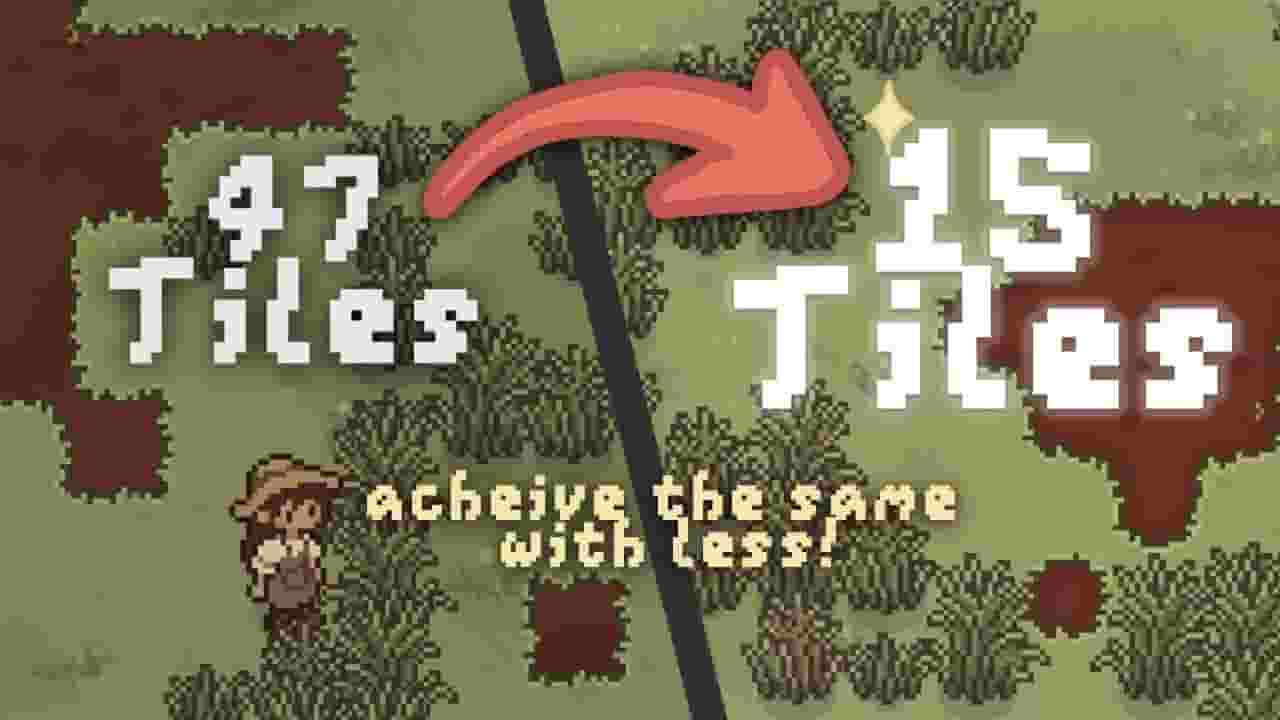
I’ve spent a LOT of time drawing tiles! So when I came across this alternative approach to auto-tiling that requires fewer tiles, I knew I had to give it a go. This video is all about the “Dual-Grid System” (first proposed by Oskar Stalberg), and how I implemented it in Godot. Unlike most other tilesets, it also allows for equally rounded corners! Finally - I can sleep well at night knowing my tiles are all equally rounded. I also go through the 3 more common tilesets that I’ve seen so you have a better understanding of alllll the options. I would honestly love to see the dual-grid system used more widely - so I hope this video at least brings some awareness to it! There was hardly anything online about implementing this in a game engine, so it was a lot of trial and error. I apologise if I made any mistakes and I’m sure there’s many improvements and optimisations (e.g. tile symmetry) that could be made. I’d be keen to hear your thoughts! I tried by best to explain my understanding of this complicated topic, but these guys probably do a better job lol :) - Talk by Oskar Stålberg: https://youtu.be/Uxeo9c-PX-w?si=uXGV6z9LAICe7Pe0&t=308 - Dual-grid explained by ThinMatrix: https://youtu.be/buKQjkad2I0?si=FA_As5fVZVVWyJk8&t=83 Other links: Tile templates adapted from: https://github.com/godotengine/godot-docs/issues/3316 Dual-grid system in Godot demo: https://github.com/jess-hammer/dual-grid-tilemap-system-godot Dual-grid system in Unity demo: https://github.com/jess-hammer/dual-grid-tilemap-system-unity Helpful tool to convert 15-piece sets to 47-piece sets: https://wareya.github.io/webtyler/ Edit: I've had quite a few people ask how I achieved the textured look of the grass tilemaps in this video. I have since uploaded an example shader here: https://godotshaders.com/shader/repeated-texture-overlay-for-tilemaps/ Chapters: 00:00 - Making tiles is hard 00:32 - 3 commonly used tilesets 01:57 - The problem of equally rounded corners 02:26 - What is the dual-grid system? 03:20 - Implementing dual-grid system in Godot 04:06 - Understanding dual-grid coordinates 04:55 - Final remarks & tips 05:32 - Game update :) Music: Undertale - Hotel C418 - Taswell https://pixabay.com/music/beats-untitled-123636/ https://pixabay.com/music/upbeat-space-chillout-14194/ https://pixabay.com/music/bossa-nova-bossa-176627/ https://pixabay.com/music/upbeat-atmospheric-14188/ https://pixabay.com/music/beats-empty-mind-118973/ https://www.youtube.com/@madisonjamessmithmusic3641
About YouTube Real-Time View Count
With SocialCounts.org’s view counter, track your YouTube video’s live view count and YouTube likes count in real time with fast, reliable updates.
Watch every YouTube video live view count rise with our real-time YouTube views tracker—built for accuracy and minimal delay.
Follow YouTube real time views as they happen, using our dedicated view counter for YouTube videos.
Get up-to-date live view count on YouTube and see real-time growth with SocialCounts.org’s smart tracking tools.
Embed Widget
Parameters:
fullscreen=true- Fullscreen countergraph=true- Live graph chartcounter=0/1/2- Select counter (0=likes, 1=views, 2=comments)
URL
Click to copy the embed URL to your clipboard