

48,993
likes
1,491
comments
daily view 0
monthly view 0
Live Analytics
Comments 0
19 Hacks To Clear System Data On iPhone Analytics Table
Income Estimates for 19 Hacks To Clear System Data On iPhone
Based on this YouTube video's total view count of 2.20M views and industry-standard rates, the estimated total earning is $1.54K - $4.41K through ad revenue. Historical data is not yet available to calculate daily, weekly, or monthly averages.
About 19 Hacks To Clear System Data On iPhone
Explore 19 Hacks To Clear System Data On iPhone with 2,209,128 views, 48,993 likes, and 1,491 comments. Experience the impact of this video content that has captured audience attention.
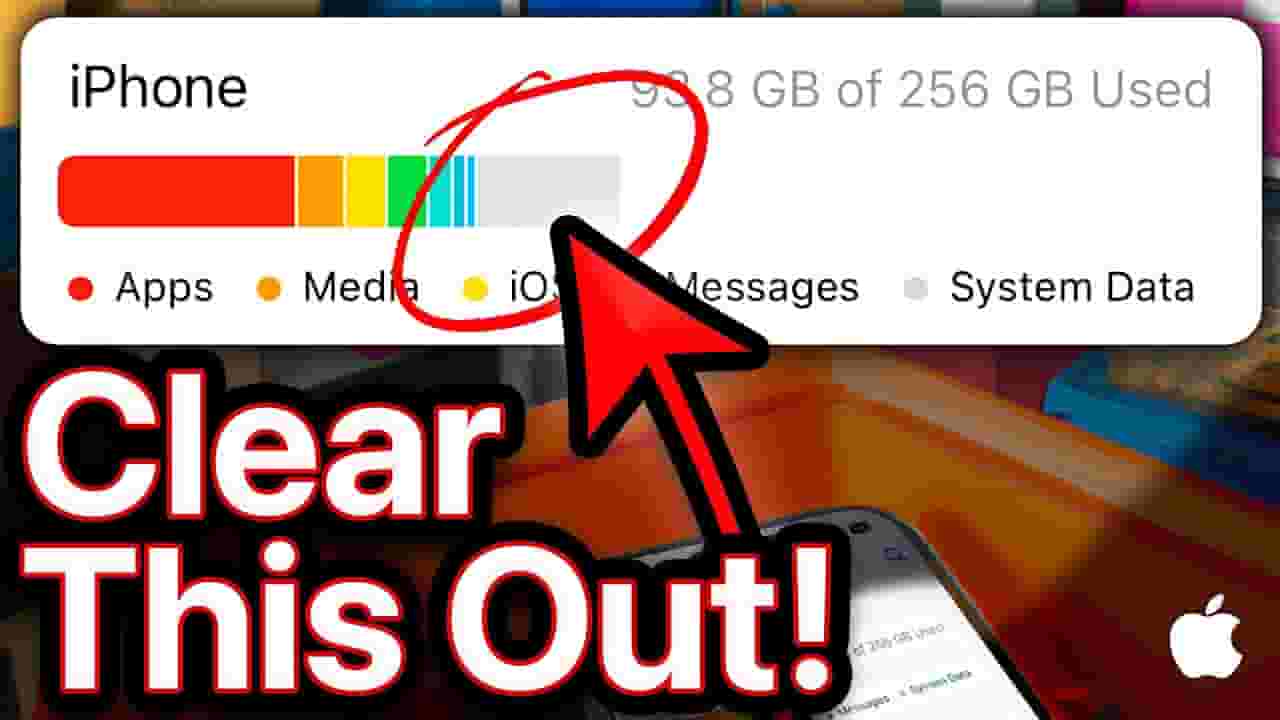
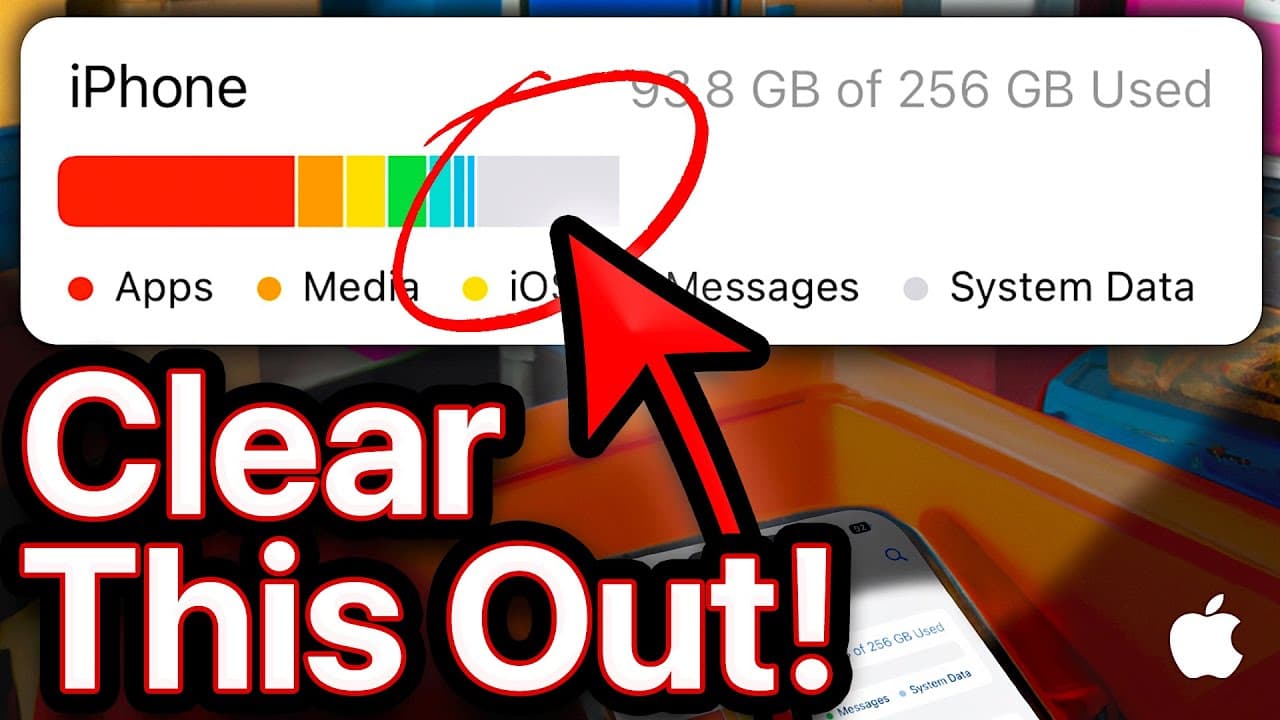
David & David explain how to clear System Data on your iPhone so you can free up storage space. Apple isn't specific about what "System Data" or "Other" actually include, so it can be difficult to know how to get rid of them. We'll tell you the truth about iPhone System Data and show you some tips to clear it up that you won't find anywhere else. 👾 Join our NEW Discord: https://discord.gg/Bp6wdCuZT4 👾 🎁 Join this channel to get access to perks: https://www.youtube.com/channel/UCiIhoHKPMHm0tpga58IBQNQ/join ❗️How to restore your iPhone: https://youtu.be/iIchFgJJXNA 0. Intro [0:00] 1. Clear History & Website Data [0:44] 2. Clear The App Store Cache [1:41] 3. Auto-Delete Message History [2:07] 4. Clear Reading Goals [2:42] 5. Deleting Saved Voices [3:01] 6. Delete Large Mail Attachments [3:54] 7. Turn Off Dictionaries [4:19] 8. Preferred Languages [4:59] 9. Delete Siri & Dictation History [5:14] 10. Delete Extra Fonts [5:30] 11. Turn Off Significant Locations [5:51] 12. Turn Off The App Privacy Report [6:17] 13. Close Out Your Apps [7:04] 14. Update Your iPhone [7:21] 15. Sync To Your Computer [7:41] 16. Restart Your iPhone [8:03] 17. Enable Developer Mode [8:51] 18. Developer Mode Options [9:33] 19. Clear Specific App Caches [10:38] 20. Restore Your iPhone [11:50] iPhone System Data includes "caches, logs, and other resources currently in use by the system." That's why clearing the caches on your iPhone is a good place to start. A cache is a bunch of files apps use to speed things up. For example, cached files in Safari speed up the web browser. Apps like Safari cache files so they don't need to download them over and over again. Many apps, including Snapchat, Twitter, and TikTok have caches that you can clear to free up System Data on your iPhone. Removing unnecessary saved files, like dictionaries, fonts, and Siri voices, will also help clear iPhone System Data. 📱 For awesome iPhone fixes and tips, check out our website, Payette Forward: https://www.payetteforward.com 📱 Compare every cell phone, every plan, and every carrier on UpPhone: https://www.upphone.com/ 👋 Get Social With Payette Forward: On Facebook: https://www.facebook.com/payetteforwardinc On Twitter: https://twitter.com/payetteforward On Instagram: https://www.instagram.com/payetteforward/ #iPhone #SystemData
About YouTube Real-Time View Count
With SocialCounts.org’s view counter, track your YouTube video’s live view count and YouTube likes count in real time with fast, reliable updates.
Watch every YouTube video live view count rise with our real-time YouTube views tracker—built for accuracy and minimal delay.
Follow YouTube real time views as they happen, using our dedicated view counter for YouTube videos.
Get up-to-date live view count on YouTube and see real-time growth with SocialCounts.org’s smart tracking tools.
Embed Widget
Parameters:
fullscreen=true- Fullscreen countergraph=true- Live graph chartcounter=0/1/2- Select counter (0=likes, 1=views, 2=comments)
URL
Click to copy the embed URL to your clipboard