

Free & Easy! Create Consistent AI Characters in Fooocus AI (All Methods Explained!)
137,225
Socialcounts.Org
3,116
likes
170
comments
daily view 0
monthly view 0
Live Analytics
Comments 0
Free & Easy! Create Consistent AI Characters in Fooocus AI (All Methods Explained!) Analytics Table
Income Estimates for Free & Easy! Create Consistent AI Characters in Fooocus AI (All Methods Explained!)
Based on this YouTube video's total view count of 137K views and industry-standard rates, the estimated total earning is $96 - $274 through ad revenue. Historical data is not yet available to calculate daily, weekly, or monthly averages.
About Free & Easy! Create Consistent AI Characters in Fooocus AI (All Methods Explained!)
Explore Free & Easy! Create Consistent AI Characters in Fooocus AI (All Methods Explained!) with 137,225 views, 3,116 likes, and 170 comments. Experience the impact of this video content that has captured audience attention.
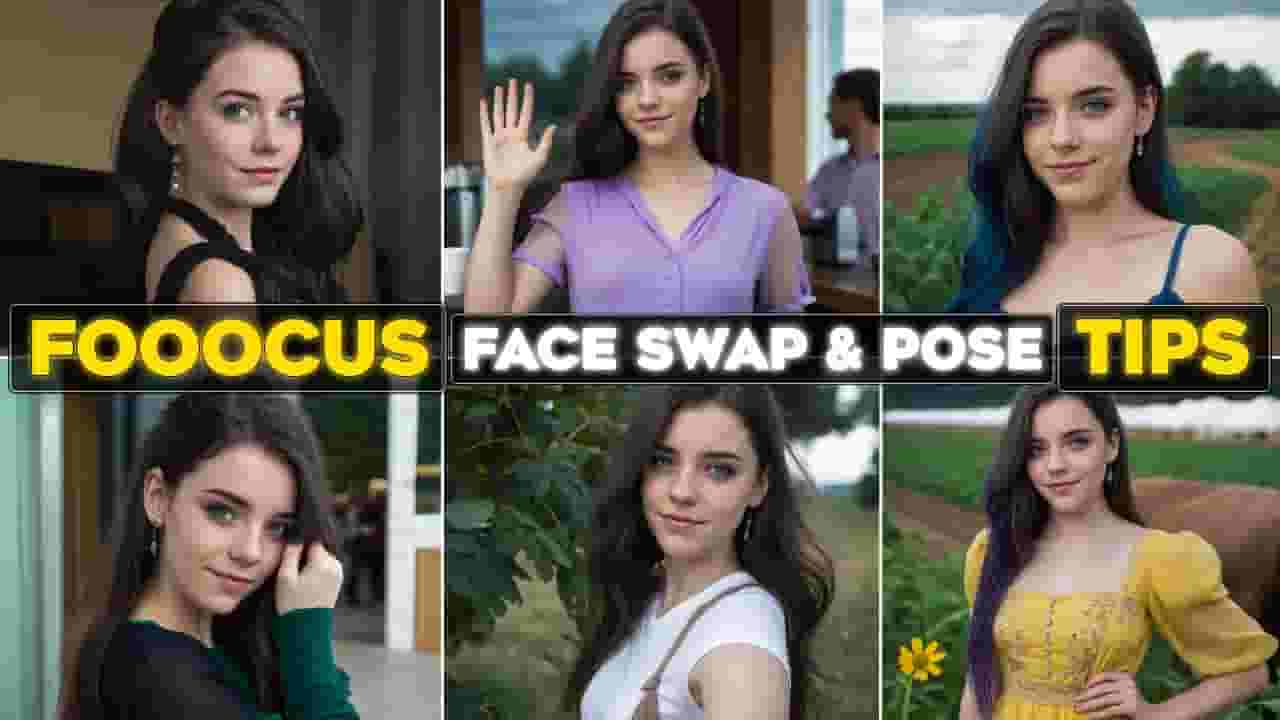
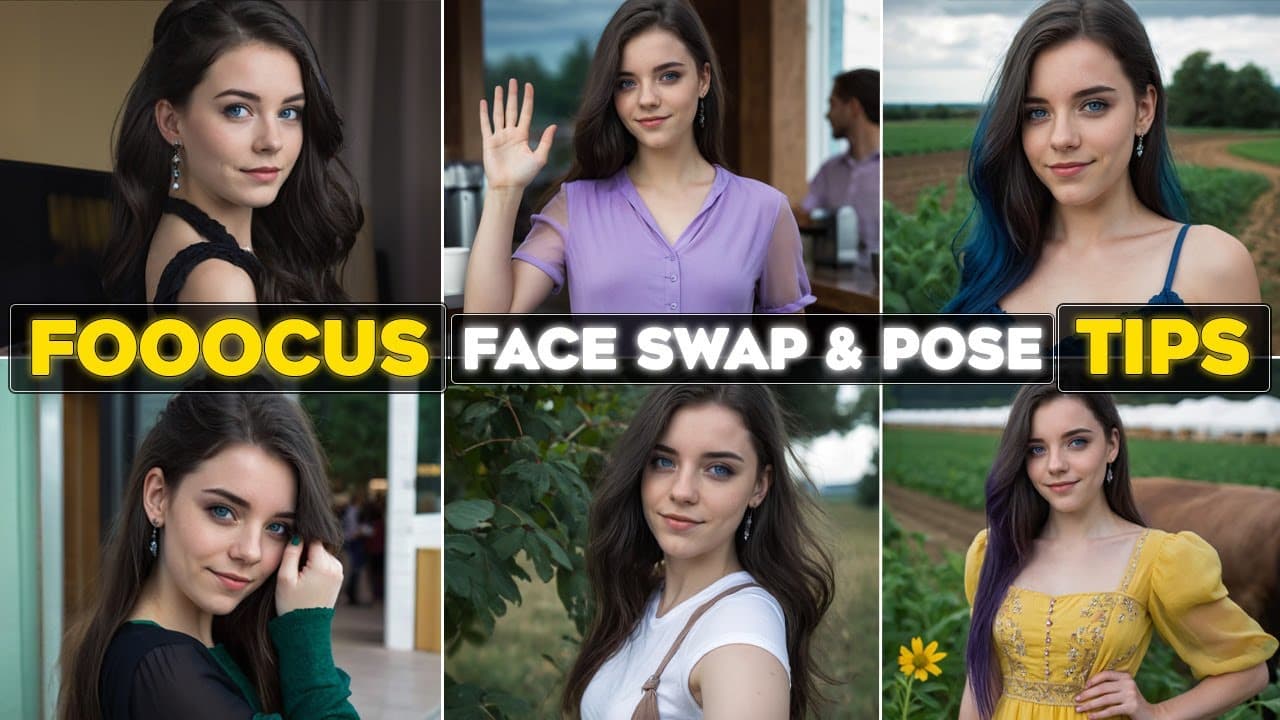
🎭 AI tools for content creation - AI tools 2025: Fooocus AI face swapping step by step AI tutorial for creating Consistent AI Character - Focus AI Free AI Image Generator 2025 - How to use Stable Diffusion Fooocus AI Image Generator to Make AI influencer | AI Image Generator for realistic Face Swap - Fooocus AI Tips and Tricks ➖➖➖➖➖➖➖➖➖➖ ⏲ Timestamps: 0:00 Intro 0:30 FaceSwap with Image Prompt & Fooocus Inpaint 3:03 Fooocus FaceSwap with Image Prompt & Variation 3:57 Fooocus FaceSwap with Image Prompt & Text Prompt 4:59 Fooocus FaceSwap & PyraCanny ➖➖➖➖➖➖➖➖➖➖ ✨ Unleash the full potential of Fooocus AI for face swapping! Learn step by step how to swap faces and poses from images to create stunning visuals for AI influencers, storytelling, or creative projects. This Fooocus AI tutorial explores various techniques, including Image Prompt & Inpaint, Image Prompt & Variation, Image Prompt & Text Prompt, and Image Prompt with PyraCanny, to help you achieve the most realistic and artistic results. 🚀 ✨ Are you ready to dive into the world of AI-powered face swapping with Fooocus AI? 🤖 In this comprehensive AI tutorial, I’ll guide you through multiple ways to create stunning and realistic images using Fooocus AI’s advanced features. Whether you’re an artist, storyteller, or AI enthusiast, this AI tutorial is your gateway to crafting images perfect for AI influencers, storytelling, or any creative project. 🛠️ What You’ll Learn: 1️⃣ Fooocus Image Prompt & Inpaint Swap faces and match poses by combining Image Prompt with Inpaint tools to make AI influencer or any other images you need. 2️⃣ Fooocus Image Prompt & Variation Combine Image Prompt with Upscale and Variation tools in Fooocus AI. Learn to enable/disable settings for optimized outputs. 3️⃣ Fooocus Image Prompt & Text Prompt Style your face-swapped AI images with short, concise text prompts. Experiment with creative styles while maintaining the original face. 4️⃣ Fooocus Image Prompt with PyraCanny Combine a source image, a pose image, and a text prompt to create truly dynamic visuals. Perfect for advanced face swaps with unique poses and stylistic flair. 🎨 Pro Tips & Tricks: 🔹 Use the Fooocus AI inpaint tool for post-editing. Perfect for changing hair color, change clothes, background, and more! 🔹 Choose the right style and model for your project, whether it’s realistic, cinematic, or stylized. 💻 Why Fooocus AI? Fooocus AI is a powerful, free AI tool that makes face swapping accessible to everyone. Its advanced options like Mixing Image Prompt, PyraCanny, and detailed control settings let you create professional-grade AI images effortlessly for AI Influencer or other works. 📢 If you enjoyed this tutorial, don’t forget to like 👍, comment 💬, and subscribe 🔔 for more AI tutorials and making money online. 🌟 Follow this video and previous tutorials about Fooocus AI to master this incredible software, and don't miss the tips. 🧠 This video includes AI-generated voice for narration. All scripts, editing, visuals, and overall production was done by a human. ➖➖➖➖➖➖➖➖➖➖ 👇🏻👇🏻👇🏻 Watch Other AI Tutorials in My Channel: 🎥 Google Flow Tutorial: I Built an AI Movie Agent 🔗 https://youtu.be/_TpID3P5yRo 🎥 Master JSON Prompting in NotebookLM: Character Consistency in Google Flow 🔗 https://youtu.be/RXJb4Rc7s5w 🎥 How to Use ChatGPT Images 2.5 - Everything You Need to Know 🔗 https://youtu.be/D1qYlclcZyw 🎥 Google Flow Full Tutorial for Beginners 🔗 https://youtu.be/oCcU1C8WilI 🎥 FLUX 3 Video Tutorial: What You NEED to Know 🔗 https://youtu.be/RXJb4Rc7s5w 🎥 JSON Workflow for creating AI Consistent Characters with Nano Banana Pro 🔗 https://youtu.be/xYFpT-Cezfo 🎥 Kling O1 AI Video 15 Use Cases (Complete Tutorial) 🔗 https://youtu.be/agg5ViuM8U0 🎥 Create a Realistic AI Influencer (Full Guide) 🔗 https://youtu.be/KgbUo-i9U2g 🎥 The AI You Missed 🔗 https://youtube.com/playlist?list=PL-27xRW427RY4gDu2sDTHN-9ktPG4FNw2&si=aSXVjcpIq9Q0icu9 ➖➖➖➖➖➖➖➖➖➖ 👉🏻 Links & Resources: 👉🏻 Fooocus Project Link: 🔗 https://github.com/lllyasviel/Fooocus?tab=readme-ov-file 🎶 Royalty Free Music from Tunetank.com 👉🏻Track: The World of Fashion by Victor Cooper 🔗 https://tunetank.com/track/1631-the-world-of-fashion/ ➖➖➖➖➖➖➖➖➖➖ AI Edge Mastery: 👉🏻 Join my Youtube channel: 🔗 https://www.youtube.com/@AIEdgeMastery?sub_confirmation=1 👉🏻 Join my Telegram channel: 🔗 https://t.me/aiedgemastery #fooocus #aiimagegeneration #aimodel #faceswapfree #aiinfluencers #faceswapai #aitutorial #aitools
About YouTube Real-Time View Count
With SocialCounts.org’s view counter, track your YouTube video’s live view count and YouTube likes count in real time with fast, reliable updates.
Watch every YouTube video live view count rise with our real-time YouTube views tracker—built for accuracy and minimal delay.
Follow YouTube real time views as they happen, using our dedicated view counter for YouTube videos.
Get up-to-date live view count on YouTube and see real-time growth with SocialCounts.org’s smart tracking tools.
Embed Widget
Parameters:
fullscreen=true- Fullscreen countergraph=true- Live graph chartcounter=0/1/2- Select counter (0=likes, 1=views, 2=comments)
URL
Click to copy the embed URL to your clipboard