


59
likes
0
comments
daily view 0
monthly view 0
Live Analytics
Comments 0
Outlook Productivity Hacks to Save Hours Every Week Analytics Table
Income Estimates for Outlook Productivity Hacks to Save Hours Every Week
Based on this YouTube video's total view count of 1.11K views and industry-standard rates, the estimated total earning is $1 - $2 through ad revenue. Historical data is not yet available to calculate daily, weekly, or monthly averages.
About Outlook Productivity Hacks to Save Hours Every Week
Explore Outlook Productivity Hacks to Save Hours Every Week with 1,110 views, 59 likes, and 0 comments. Experience the impact of this video content that has captured audience attention.
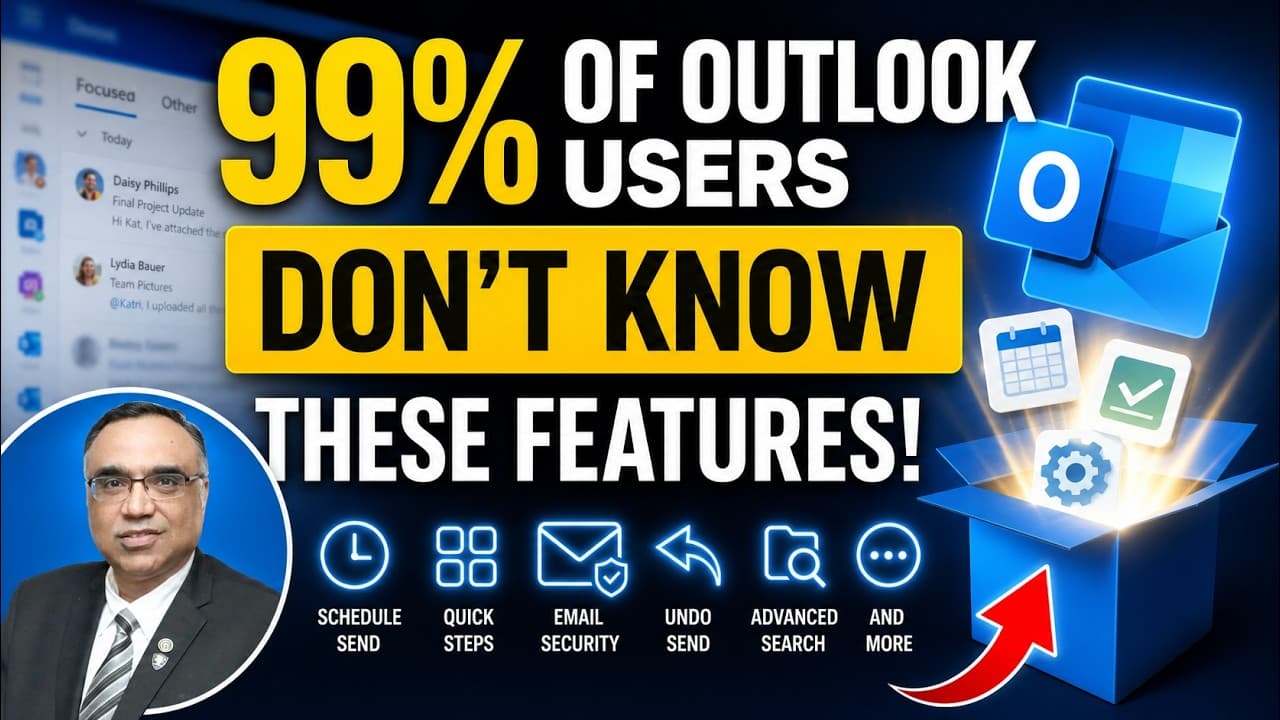
✅ Outlook Productivity Hacks to Save Hours Every Week #microsoftoutlook #emailproductivity #outlooktutorial ☑️ Struggling to manage your digital life and drowning in emails? This comprehensive tutorial is your ultimate guide to mastering Microsoft Outlook from the ground up. Designed for beginners and those looking to polish their productivity, this video breaks down the complex interface of Outlook into simple, actionable sections. You will learn how to set up your account, navigate the ribbon and navigation panes, compose professional emails, handle attachments, and organize your inbox with folders and quick steps. We also dive into essential best practices, such as effective subject lines, formatting techniques, and email etiquette to ensure your messages get the attention they deserve. By the end of this session, you will move from feeling overwhelmed by your inbox to having full command over your digital communication. Plus, we include a hands-on final assignment to help you put your new skills into practice immediately. Whether you are using Outlook for work or personal organization, this guide is the perfect starting point to reclaiming your time and streamlining your workflow. ➡️ What You'll Learn in This Video:* - Initial account setup and navigation - Drafting and formatting professional emails - Handling attachments and file management - Organizing folders for inbox zero - Using quick steps to automate tasks - Effective email etiquette and proofreading ✔️ Video Chapters:* 0:00 - Introduction and Outlook Basics 1:15 - Initial Account Setup 1:55 - Understanding the Outlook Interface 3:03 - Composing and Formatting Emails 4:37 - Reading, Replying, and Attachments 6:05 - Inbox Organization and Folders 6:58 - Using Quick Steps 7:29 - Final Practical Assignment --- Found this guide helpful? Make sure to hit the like button and subscribe for more productivity tutorials. Leave a comment below with your favorite Outlook feature!
About YouTube Real-Time View Count
With SocialCounts.org’s view counter, track your YouTube video’s live view count and YouTube likes count in real time with fast, reliable updates.
Watch every YouTube video live view count rise with our real-time YouTube views tracker—built for accuracy and minimal delay.
Follow YouTube real time views as they happen, using our dedicated view counter for YouTube videos.
Get up-to-date live view count on YouTube and see real-time growth with SocialCounts.org’s smart tracking tools.
Embed Widget
Parameters:
fullscreen=true- Fullscreen countergraph=true- Live graph chartcounter=0/1/2- Select counter (0=likes, 1=views, 2=comments)
URL
Click to copy the embed URL to your clipboard