

682
likes
0
comments
daily view 0
monthly view 0
Live Analytics
Comments 0
Hyper3D Rodin Gen-2.5 Review: Image to 3D AI Models Tested Analytics Table
Income Estimates for Hyper3D Rodin Gen-2.5 Review: Image to 3D AI Models Tested
Based on this YouTube video's total view count of 14.4K views and industry-standard rates, the estimated total earning is $10 - $29 through ad revenue. Historical data is not yet available to calculate daily, weekly, or monthly averages.
About Hyper3D Rodin Gen-2.5 Review: Image to 3D AI Models Tested
Explore Hyper3D Rodin Gen-2.5 Review: Image to 3D AI Models Tested with 14,416 views, 682 likes, and 0 comments. Experience the impact of this video content that has captured audience attention.
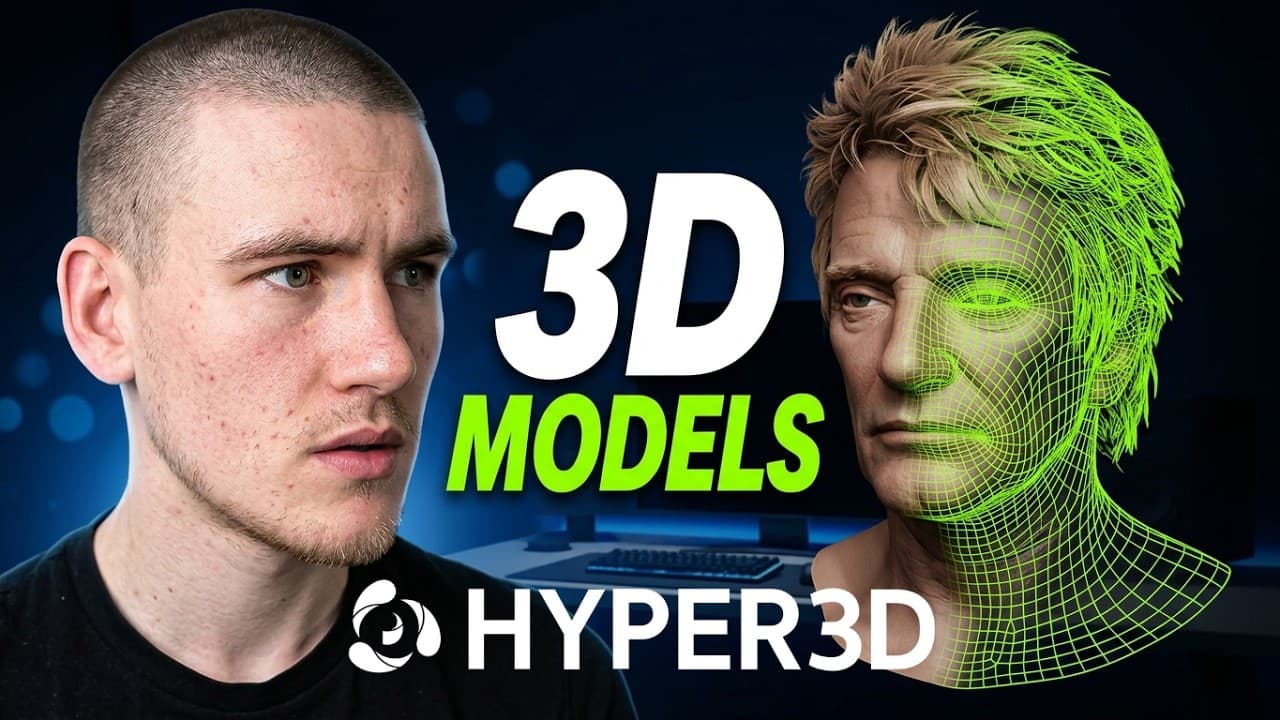
🔗 Try Hyper3D Rodin Gen-2.5 here: 👉 https://hyper3d.ai/?utm_source=YouTube&utm_medium=video&utm_campaign=RodinGen25&utm_id=AiZen_Tools 🎁 14-day Free Trial code: AZRodinGen25 📢 Get updates @DeemosTech: 👉 https://linktr.ee/DeemosTech 📩 Business collaborations: [email protected] In this video, I test Hyper3D Rodin Gen-2.5 to see how much the generation mode actually changes the final 3D model. I use the same reference image across different generation settings, from fast draft modes to high-detail 3D output, and compare how the final asset changes in geometry, surface detail, texture quality, and real workflow usability. Rodin Gen-2.5 is not just about generating one quick 3D preview. It gives you different creation modes depending on what you need: fast ideation, balanced production assets, or high-detail hero models for close-up use. What is Hyper3D Rodin Gen-2.5? Hyper3D Rodin Gen-2.5 is an AI 3D model generator that helps turn reference images into usable 3D assets. You can generate quick drafts, create higher-detail models, inspect textures, export into 3D software like Blender, split models into editable sections, and optimize assets depending on your project. What you will see in this video: ✅ Testing one reference image across multiple Rodin Gen-2.5 modes ✅ Comparing Extreme-Low, Medium, and Extreme-High generation ✅ How fast drafts help with quick 3D ideation ✅ How high-detail generation improves surface definition ✅ How Rodin Gen-2.5 handles texture quality from different angles ✅ How 3D-Native texture workflow helps create more complete assets ✅ How to export the model into Blender ✅ How Bang-to-Parts can split a model into editable sections ✅ How Smart Low-Poly can create a lighter version for practical workflows Best for: ✅ 3D artists ✅ Game developers ✅ AI creators ✅ Product designers ✅ 3D printing creators ✅ Concept artists ✅ Blender users ✅ Collectible and character designers ✅ Anyone testing AI 3D modeling workflows What I like most about Rodin Gen-2.5 is that it gives you control over the level of effort. If you need quick ideas, you can generate fast drafts in seconds. If you need a more detailed asset, the higher modes give you stronger geometry, better texture fidelity, and more room to refine the model later. It also becomes more useful when you move beyond the preview window. You can inspect the asset in Blender, check the wireframe, refine individual parts with Bang-to-Parts, and use Smart Low-Poly when you need something lighter for game engines or faster scenes. What would you create first with Rodin Gen-2.5: a game prop, collectible figure, product model, character concept, or something for 3D printing? Let me know in the comments. #3dmodeling #ai3d #RodinAI #Rodin #hyper3d #3dediting #3dnative #RodinGen25 #AITools #AI3DGenerator #AiZenTools
About YouTube Real-Time View Count
With SocialCounts.org’s view counter, track your YouTube video’s live view count and YouTube likes count in real time with fast, reliable updates.
Watch every YouTube video live view count rise with our real-time YouTube views tracker—built for accuracy and minimal delay.
Follow YouTube real time views as they happen, using our dedicated view counter for YouTube videos.
Get up-to-date live view count on YouTube and see real-time growth with SocialCounts.org’s smart tracking tools.
Embed Widget
Parameters:
fullscreen=true- Fullscreen countergraph=true- Live graph chartcounter=0/1/2- Select counter (0=likes, 1=views, 2=comments)
URL
Click to copy the embed URL to your clipboard