

299
likes
79
comments
daily view 0
monthly view 0
Live Analytics
Comments 0
WOW!!!! Quest 2 Controller Glove & Stock Analytics Table
Income Estimates for WOW!!!! Quest 2 Controller Glove & Stock
Based on this YouTube video's total view count of 6.28K views and industry-standard rates, the estimated total earning is $4 - $13 through ad revenue. Historical data is not yet available to calculate daily, weekly, or monthly averages.
About WOW!!!! Quest 2 Controller Glove & Stock
Explore WOW!!!! Quest 2 Controller Glove & Stock with 6,283 views, 299 likes, and 79 comments. Experience the impact of this video content that has captured audience attention.
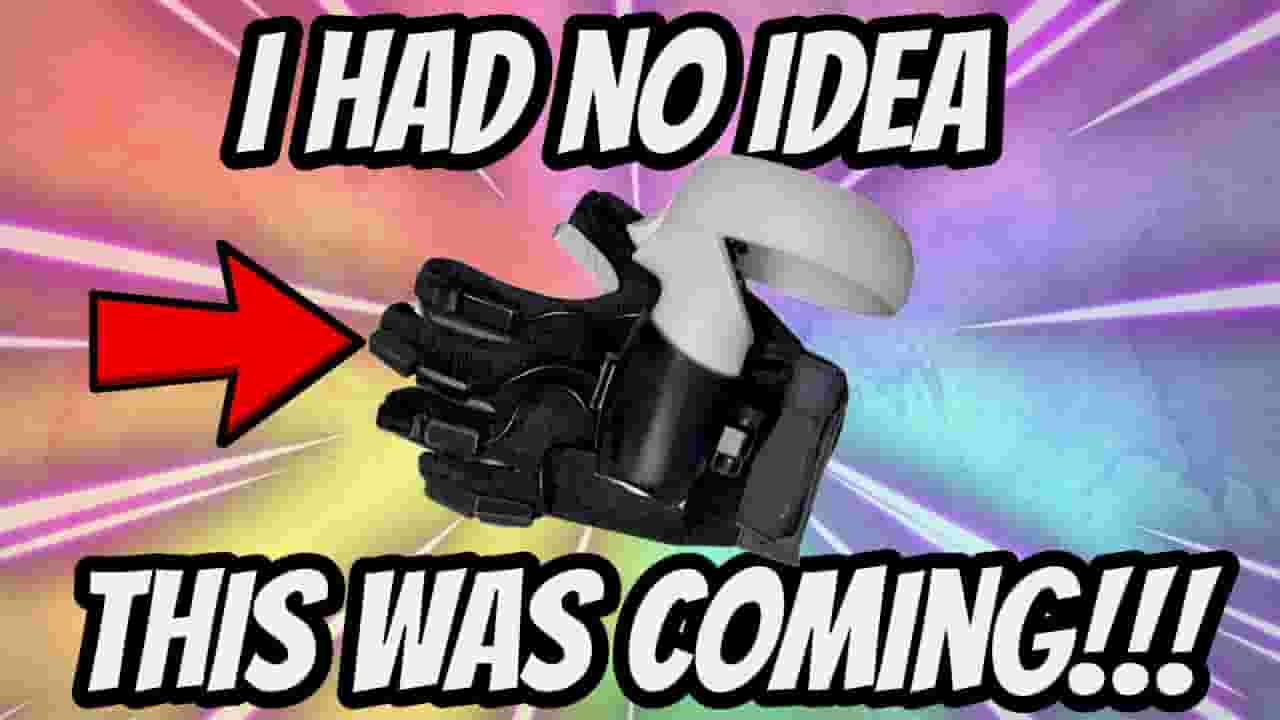
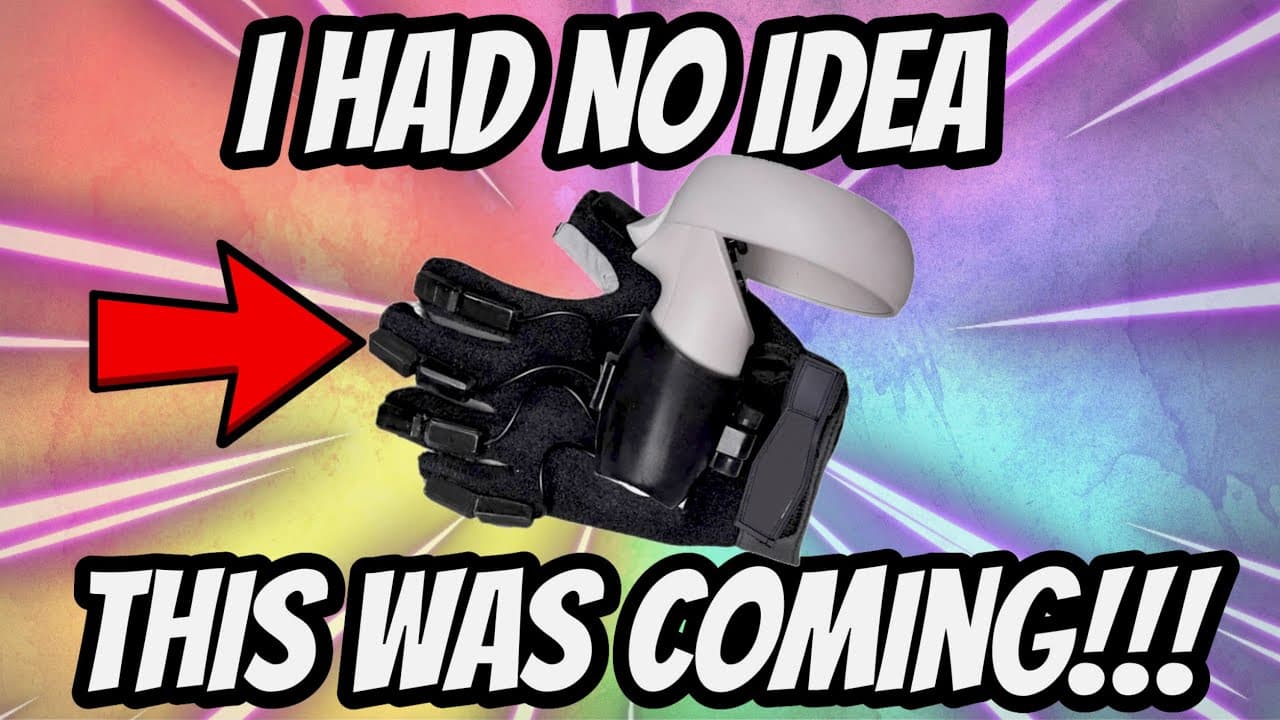
Quest 2 Accessories: This VR Data Glove and Controller Stock are A KILLER COMBO!!! Is this a Haptic Glove and Haptic Stock for Quest 2? EyesOnVR's FULL REVIEW VIDEO: https://www.youtube.com/watch?v=_U5kNxVfJUw&t=104s LEARN MORE: https://www.higvr.com/ Quest 2 HIGVR Data Glove CLAIMS FROM THE COMPANY: HIGVR Glove is a data glove which uses Hall sensor and magnet to work. It can capture motions of fingers and use hall and magnetic sensors to precisely locate the motion and position of the hand in three-dimensional space. When users blend their fingers, the distance between Hall Sensor and magnet will change. Through the software, changes of distance convert to data. When starting design our own VR Glove, we were aimed at making it the HIG-M4 accessory. And this time, we make a special kit that including a HIG-M4, a left-hand glove and two fixtures for Kickstarter. When using HIGVR Glove, users need to place their left controller over our glove. We have designed different fixtures modeled by controllers, such as Meta Quest, HTC VIVE, Valve Index, HP Reverb G2 and so on. Controller Stock CLAIMS FROM THE COMPANY: Grip: The HIG-M4 comes with a VR handle at the body, with the basic buttons of a universal handle: controller button A, controller button B, the rocker, the side button, and the trigger button. This is the perfect solution to the lack of buttons on the right hand that caused multiple games to misfit. It more realistically restores the shooting experience of pulling the trigger, changing the magazine, switching the bolt assist mechanism and other shooting experiences. Hand Holder: The hand holder provides support and fixed placement for the left hand of the player, which solves the problem that there is no place to place the left hand when holding it with both hands. The position of the hand holder can be adjusted according to the need, suitable for people of different sizes. It not only stabilizes the left hand, but also in turn allows it to be supported by the left hand, increasing the stability of the shot and the comfort of changing the clip. Fixture: The fixture can be adapted to a variety of VR handles, and it is easy to replace and remove the handles by pressing the button. After calculation, fixture is a certain distance from the Helmet-Mounted Display. Insideout's helmet-mounted display allows the handle to hold the in-game no longer so close to the helmet that it is always in view of the head display, thus avoiding positioning drift. Battery Cartridge: The HIG-M4 is equipped with a 5V, 6600mA battery with a 5-hour battery life that fits neatly integrated into in the form of a cartridge. The power button is located on the side of the battery. Wide application: Hig M4 supports a variety of VR games. It can perfectly restore the authenticity of shooting in the FPS games such as Pavlov, Contractors, Onward, Standout, The Last Player: VR battle royale, Arizona sunshine, The Last Hope, etc. Useful Software: HIGVR is a software that connects M4 and Steam. Players simply open the VR device, attach the controller to the fixture, and connect the VR to HIGVR to enjoy the game. HIGVR has set the right hand gamepad on the back offset distance, players can use the M4 gamepad and trigger to enjoy the game. 0:00 Quest 2 HIG-M4 VR Controller Stock 0:15 Intro 0:27 Unboxing the Mystery Glove 0:49 Ohhhhh Kay.... 1:06 1 MONTH AGO - Flashback 1:47 The GLOVE! 2:10 Back To NOW 2:48 The REVEAL 3:07 BUILDING It 4:20 BUILT 5:02 Hyper Realistic! 5:45 We'll Be Doing A LOT of Testing 6:15 Haptics in Glove? 6:33 The Weight 7:09 SHOUT OUT to EyesOnVR 7:24 Outro PSVR 2, Oculus or Meta Quest 2, and major PC VR headsets. SUPPORT THE CHANNEL (Thank you so much those of you that do!!!): -Give MONTHLY: Click JOIN Below Any Video -ONE TIME Donations: Click THANKS Below Any Video My CURRENT QUEST 2 Setup: 256 GB Meta Quest 2: https://amzn.to/3EIA5nY 128 GB Meta Quest 2: https://amzn.to/3dPkJGk BoboVR M2 Plus Head Strap: https://amzn.to/3Qkqnyx BoboVR F2 Upgrade Interface: https://amzn.to/3Qw9AZc Cooling Foam (Unnecessary): https://amzn.to/3AfYqCC Kiwi Top Vers Controller Grips: https://amzn.to/3Pmy46f PrettyGood3D Off Ear Speakers: UNAVAILABLE :( BoboVR Twin Battery Charger: https://amzn.to/3QH7MfS BoboVR B2 Spare Batteries: https://amzn.to/3w311xg RX Lenses: JAYBRATT for 5% off:https://www.reloptix.com/?aff=Jaybratt MrTass3D-Ears,Club: https://www.etsy.com/shop/MrTass3DPrintShop VRwithJasmine's Store-Eyes: https://vrwithjasmine.com/store/ Rechargeable Controllers: https://amzn.to/3zQ0v6N + https://amzn.to/3ducFuE *Any above Amazon links are Amazon Affiliate Links, if you purchase here the channel will receive about 1%, thank you! Hang With Me on Social Media: https://discord.gg/aA624JGA63 https://instagram.com/jaybrattvr https://twitter.com/jaybrattvr https://tiktok.com/@jaybrattvr JayBratt channel: Quest 2 - VR - PSVR - PCVR #vr #quest2 #explorewithquest
About YouTube Real-Time View Count
With SocialCounts.org’s view counter, track your YouTube video’s live view count and YouTube likes count in real time with fast, reliable updates.
Watch every YouTube video live view count rise with our real-time YouTube views tracker—built for accuracy and minimal delay.
Follow YouTube real time views as they happen, using our dedicated view counter for YouTube videos.
Get up-to-date live view count on YouTube and see real-time growth with SocialCounts.org’s smart tracking tools.
Embed Widget
Parameters:
fullscreen=true- Fullscreen countergraph=true- Live graph chartcounter=0/1/2- Select counter (0=likes, 1=views, 2=comments)
URL
Click to copy the embed URL to your clipboard