

98
likes
21
comments
daily view 0
monthly view 0
Live Analytics
Comments 0
How to Create UNLIMITED Image Ads with Claude Analytics Table
Income Estimates for How to Create UNLIMITED Image Ads with Claude
Based on this YouTube video's total view count of 2.41K views and industry-standard rates, the estimated total earning is $2 - $5 through ad revenue. Historical data is not yet available to calculate daily, weekly, or monthly averages.
About How to Create UNLIMITED Image Ads with Claude
Explore How to Create UNLIMITED Image Ads with Claude with 2,414 views, 98 likes, and 21 comments. Experience the impact of this video content that has captured audience attention.
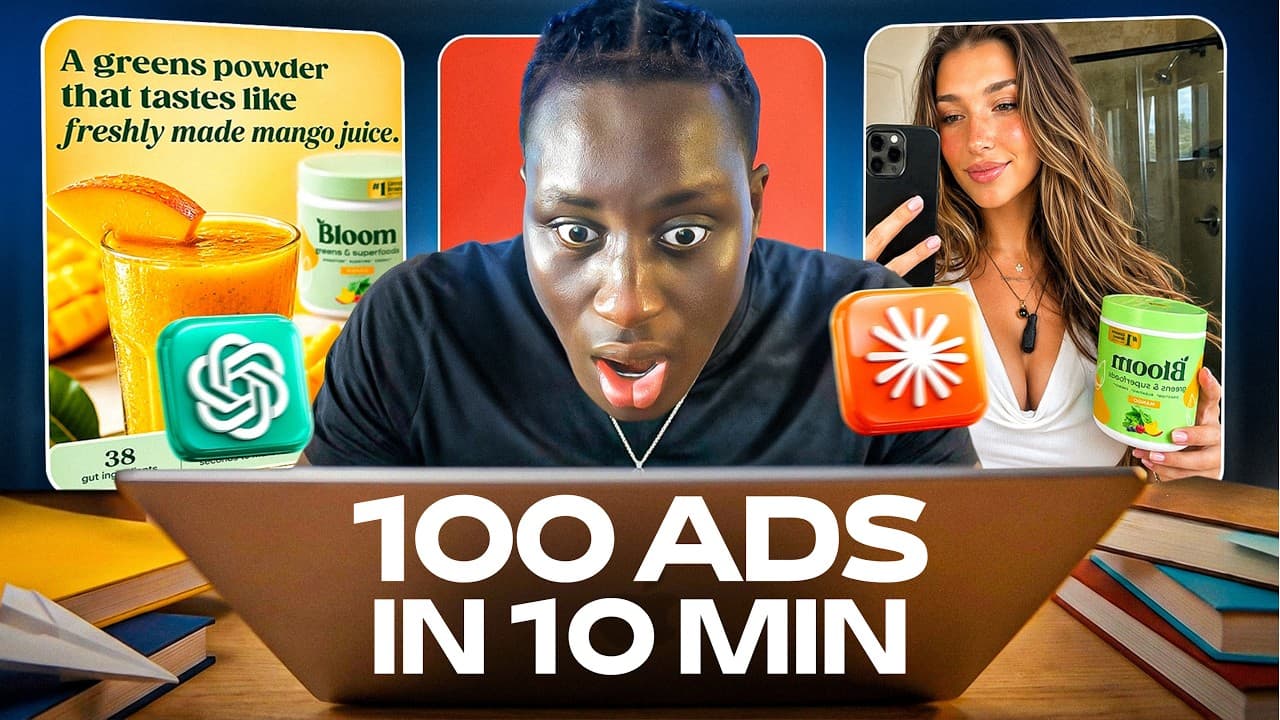
In this video, I’ll show you how to create unlimited high-converting image ads with Claude, ChatGPT, and AI image generation tools,without using Photoshop, Canva, or spending hours coming up with ad angles from scratch. You’ll learn the full Claude AI ads workflow I use for ecommerce, dropshipping, Facebook ads, TikTok ads, and static ad creatives, from product research to final AI-generated ad creatives. 👉 Join my our community on discord: https://discord.gg/8ebFVrQhnv 👉 Link to luxury tools: https://whop.com/checkout/plan_exUpCH0fDHDBT?a=mamadikabba10 🛍️ $1/mo Shopify: https://shopify.pxf.io/5GKJd ------------------------------------------ https://www.instagram.com/mamadi.sngl/ If you run an ecommerce brand, dropshipping store, or you’re trying to create better Facebook ads, TikTok ads, or static ad creatives, this full AI workflow will show you how to turn one product page into dozens of scroll-stopping image ads in minutes. I break down the exact step-by-step process I use to: Research a product and its target customer with ChatGPT Turn a competitor product page into a full market research document Train Claude to act like a world-class ecommerce ad strategist Create a complete brand identity and ad strategy Generate 100 unique image ad concepts Filter the best concepts based on buyer intent and testing potential Turn those concepts into ready-to-use AI image prompts Generate realistic product ads using ChatGPT, Gemini, or Higgsfield In this tutorial, I use Bloom as an example product and show how AI can help create professional-looking supplement ads, review-style creatives, native-looking UGC-style image ads, and high-end branded ecommerce creatives. This method is especially useful if you want to create more ad creatives faster, test more angles, improve your Facebook ad testing process, or scale your dropshipping brand with better creative output. The full prompt document is available for free inside my Discord. Tools mentioned in the video: ChatGPT Claude Fireshot Higgsfield Gemini Luxury Tools If you’re serious about ecommerce, dropshipping, product research, ad creatives, and AI-powered marketing, this workflow can save you a lot of time and help you create more winning creatives without needing a full design team. Watch the full video to learn how to create unlimited AI image ads with Claude step by step. === Timestamps === 0:00 - Intro 1:03 - GPT Prompts 4:09 - Claude Prompts 8:44 - Generating the images 10:00 - Final Results 12:07 - Outro #ClaudeAI #ChatGPT #AIAds #Dropshipping #Ecommerce
About YouTube Real-Time View Count
With SocialCounts.org’s view counter, track your YouTube video’s live view count and YouTube likes count in real time with fast, reliable updates.
Watch every YouTube video live view count rise with our real-time YouTube views tracker—built for accuracy and minimal delay.
Follow YouTube real time views as they happen, using our dedicated view counter for YouTube videos.
Get up-to-date live view count on YouTube and see real-time growth with SocialCounts.org’s smart tracking tools.
Embed Widget
Parameters:
fullscreen=true- Fullscreen countergraph=true- Live graph chartcounter=0/1/2- Select counter (0=likes, 1=views, 2=comments)
URL
Click to copy the embed URL to your clipboard