

0
likes
1
comments
daily view 0
monthly view 0
Live Analytics
Comments 0
Webcam Live Streamer - Stream to Multiple Platforms Simultaneously Analytics Table
Income Estimates for Webcam Live Streamer - Stream to Multiple Platforms Simultaneously
Based on this YouTube video's total view count of 1.55K views and industry-standard rates, the estimated total earning is $1 - $3 through ad revenue. Historical data is not yet available to calculate daily, weekly, or monthly averages.
About Webcam Live Streamer - Stream to Multiple Platforms Simultaneously
Explore Webcam Live Streamer - Stream to Multiple Platforms Simultaneously with 1,551 views, 0 likes, and 1 comments. Experience the impact of this video content that has captured audience attention.
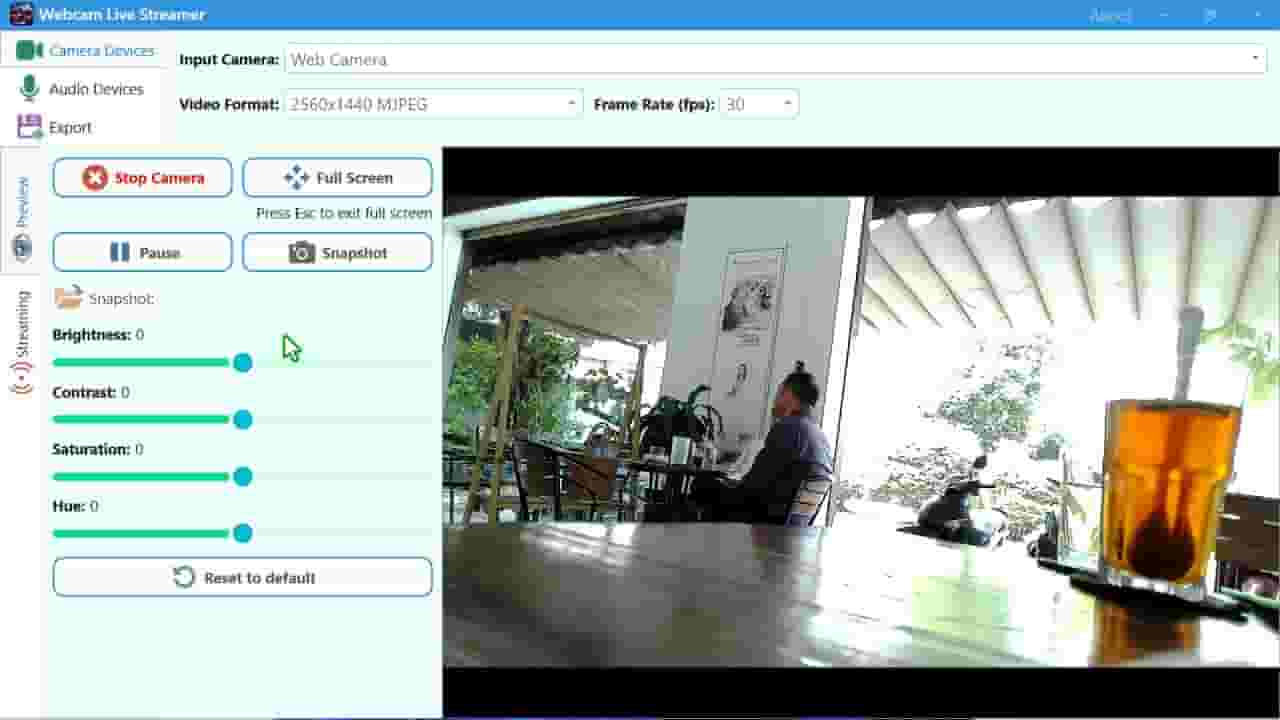
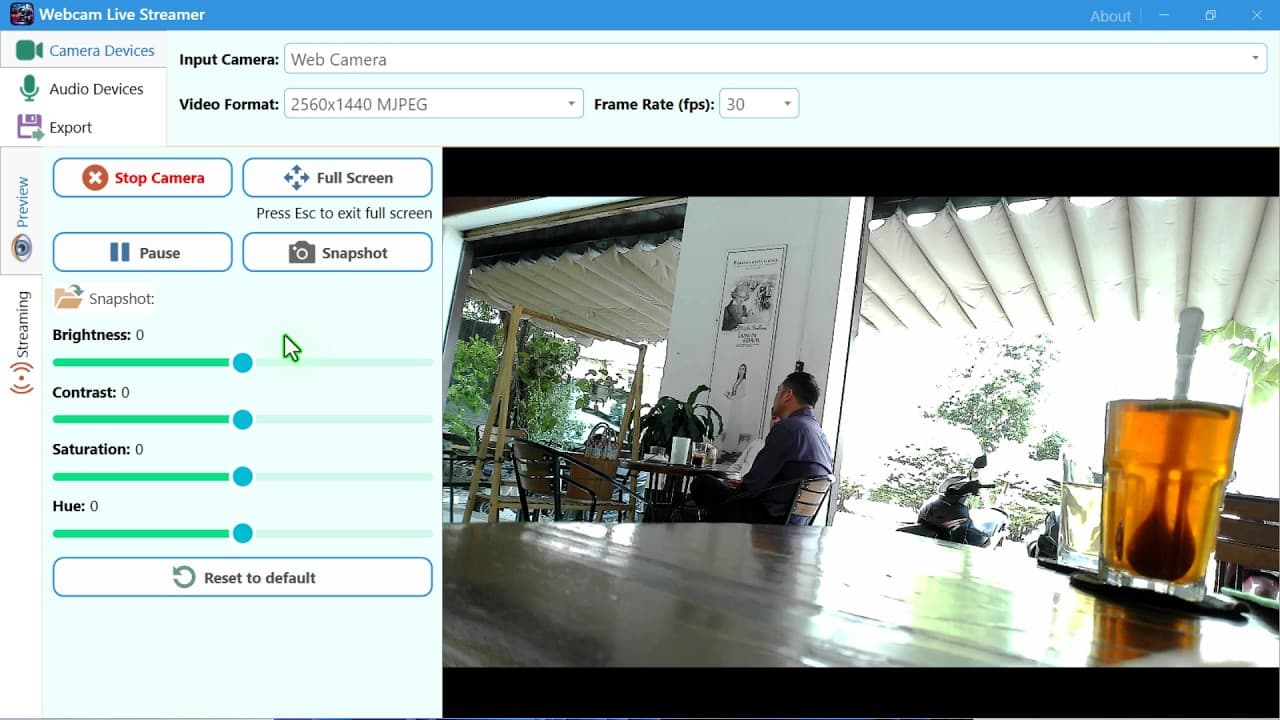
Live streaming has become one of the most effective ways to connect with an audience in real time. Whether you are a content creator, online educator, business owner, gamer, presenter, or professional broadcaster, reaching viewers where they already spend their time is essential. Instead of limiting your live video to a single platform, Webcam Live Streamer makes it easier to broadcast your webcam content to multiple streaming platforms simultaneously. With support for multiple streaming destinations, Webcam Live Streamer helps you expand your reach while keeping your live production workflow simple. You can configure your streaming services, enter the required stream information, and send your live webcam video to several platforms at the same time. Every streaming platform has its own audience. Some viewers may prefer YouTube, while others follow creators on Facebook or another RTMP-compatible service. Streaming to only one platform can mean missing potential viewers. Webcam Live Streamer solves this problem with multi-platform streaming. Instead of choosing one destination, you can configure multiple streaming services and broadcast your webcam feed to them simultaneously. This is especially useful for creators who want to grow their audience across several communities. A single live session can reach viewers on different platforms without requiring you to run separate broadcasts. For businesses, this can also be an efficient way to reach customers across multiple channels. A product announcement, webinar, training session, presentation, or promotional event can be distributed to several online destinations at once. Save and Manage Your Streaming Services When you regularly stream to multiple platforms, repeatedly entering server addresses and stream keys can become inconvenient. Webcam Live Streamer can make the process more organized by allowing streaming services to be configured and managed for future broadcasts. Instead of treating every stream as a completely new setup, you can prepare your streaming destinations in advance. This can save time when starting recurring broadcasts, weekly programs, online classes, product demonstrations, or live events. A well-organized streaming configuration also reduces the possibility of entering incorrect information when you are preparing for an important broadcast. Perfect for Creators and Businesses Multi-platform streaming can benefit many different types of users. Content creators can reach audiences across several communities from a single live session. This can help increase visibility and give viewers more flexibility in how they watch. Businesses can broadcast announcements, product launches, demonstrations, interviews, and presentations to multiple audiences. Educators and trainers can distribute online lessons or training sessions across different streaming destinations. Event organizers can provide broader access to live events without requiring viewers to move to a single platform. Influencers and marketers can use simultaneous streaming to promote products, services, campaigns, or special events. No matter what type of live content you produce, multiple-platform broadcasting can help maximize the value of every stream. High-Quality Live Video Audience expectations for live video continue to increase. Clear and professional-looking video can make your broadcasts more engaging. Webcam Live Streamer supports high-resolution webcam workflows, including Ultra HD capabilities where supported by your hardware and streaming configuration. You can also adjust video characteristics such as brightness, contrast, saturation, and hue to improve the appearance of your camera feed. These controls are useful when lighting conditions change or when you want your video to have a particular visual style. GPU Acceleration for Efficient Streaming Live video processing can require significant system resources, particularly when working with high-resolution video or multiple streaming destinations. Webcam Live Streamer can take advantage of GPU acceleration where supported by the system and configured video processing pipeline. Compatible Intel, NVIDIA, and AMD graphics hardware can help improve processing efficiency depending on the supported codecs and capabilities of the GPU. This can be especially valuable for users who want to stream high-quality webcam video while continuing to use their computer for other tasks. Keep in mind that GPU capabilities vary between hardware models. Supported codecs, resolutions, encoding features, and performance can depend on the specific graphics processor and driver configuration. Streaming to multiple platforms does not have to mean managing a complicated collection of applications and hardware. Webcam Live Streamer brings webcam capture, audio configuration, video controls, and multi-platform streaming together in one convenient workflow.
About YouTube Real-Time View Count
With SocialCounts.org’s view counter, track your YouTube video’s live view count and YouTube likes count in real time with fast, reliable updates.
Watch every YouTube video live view count rise with our real-time YouTube views tracker—built for accuracy and minimal delay.
Follow YouTube real time views as they happen, using our dedicated view counter for YouTube videos.
Get up-to-date live view count on YouTube and see real-time growth with SocialCounts.org’s smart tracking tools.
Embed Widget
Parameters:
fullscreen=true- Fullscreen countergraph=true- Live graph chartcounter=0/1/2- Select counter (0=likes, 1=views, 2=comments)
URL
Click to copy the embed URL to your clipboard