

33,840
likes
807
comments
daily view 0
monthly view 0
Live Analytics
Comments 0
How I EDIT YouTube videos | animations, VHS effects, color grading, etc. 🖥️ Analytics Table
Income Estimates for How I EDIT YouTube videos | animations, VHS effects, color grading, etc. 🖥️
Based on this YouTube video's total view count of 556K views and industry-standard rates, the estimated total earning is $390 - $1.11K through ad revenue. Historical data is not yet available to calculate daily, weekly, or monthly averages.
About How I EDIT YouTube videos | animations, VHS effects, color grading, etc. 🖥️
Explore How I EDIT YouTube videos | animations, VHS effects, color grading, etc. 🖥️ with 556,460 views, 33,840 likes, and 807 comments. Experience the impact of this video content that has captured audience attention.
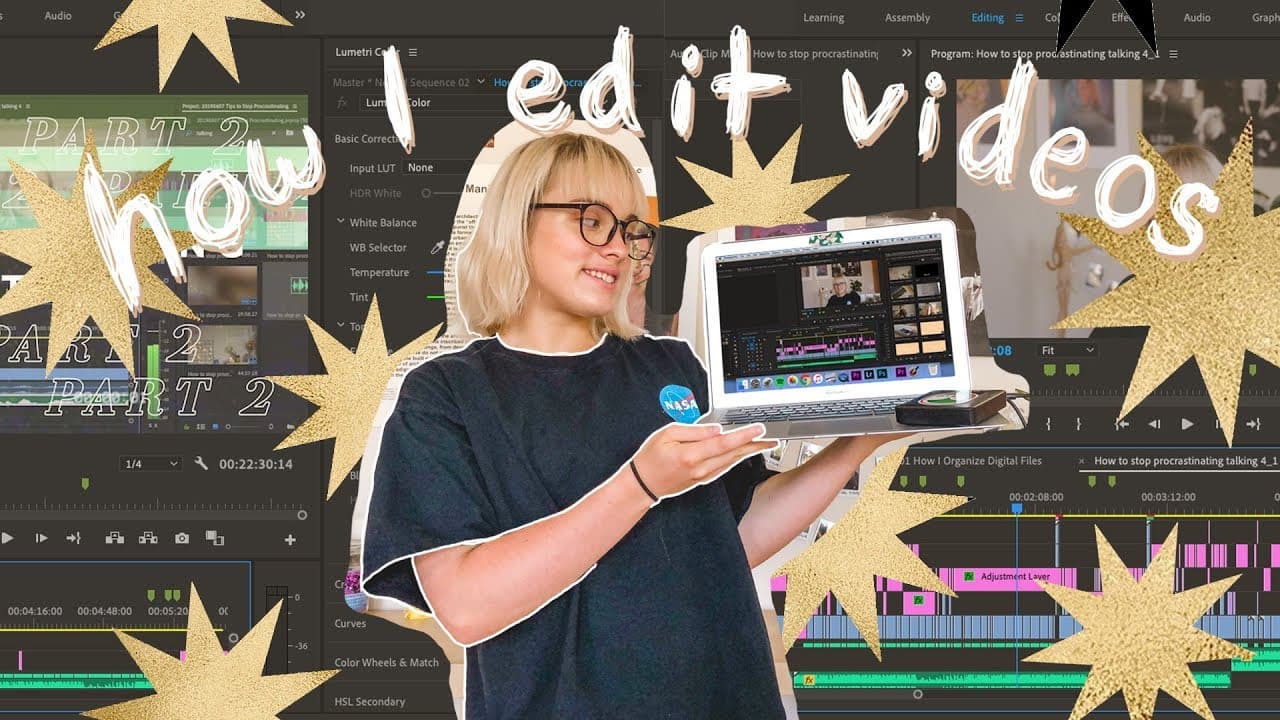
My ultimate guide to editing YouTube videos 🌟 I'm going over everything from what equipment I use and how I manage files to how I create my titles and color grade my footage. I know, I know, it's 18 whole minutes long BUT it's jam-packed with information I promise you will find helpful 🙏 In this video I kind of assume that you have some basic editing skills down and are somewhat familiar with Adobe Premiere, but you should also find these tips helpful if you work with Final Cut Pro. And if you have zero video editing knowledge whatsoever - hey, now is a good time to start! I hope you enjoy the video, and please let me know if you have any other questions about video editing! 🌟 check out the updated version of this video for Final Cut Pro! https://www.youtube.com/watch?v=FJV3Hjs2OaU 🌟 📒 BUY MY BOOK! https://www.theblissbean.com/book 🌟 get a motivational weekly newsletter | https://www.theblissbean.com/newsletter - ✨ t a b l e o f c o n t e n t s ✨ - 0:18 - Quick questions (what software/equipment do I use, how long does editing take me, what fonts do I use) 2:19 - Managing files 3:03 - Editing talking footage 5:34 - Editing B-roll 6:35 - Doodle animations 9:16 - Creating titles 10:08 - VHS effect overlays 11:35 - Music 13:46 - Color grading 15:42 - Intro and ending sequences 16:31 - Productivity tips for editing - ✨ f i n d m e e l s e w h e r e ✨ - 🌵 Read my blog - https://www.theblissbean.com/ 📨 Get a weekly dose of bliss in your inbox - https://www.theblissbean.com/newsletter 🌟 Join the Vibely community - https://app.vibely.io/blissbean 🥑 Check out my Instagram - https://www.instagram.com/theblissbean/ 🐦 Let's talk on Twitter - https://twitter.com/theblissbean 📌 Get inspired on Pinterest - https://www.pinterest.com/blissbeanblog/ - ✨ m y e q u i p m e n t ✨ - *as an Amazon Associate I earn from qualifying purchases. that means I earn a small percentage from purchases you make using links marked with an (*). I appreciate it, thank you! *Nikon D5200 | https://amzn.to/33X2FBe *Canon G7 X Mark II | https://amzn.to/2UPKAAR *Nikon AF-S FX NIKKOR 50mm f/1.8G Lens | https://amzn.to/39wudyx - ✨ r e s o u r c e s ✨ - Audio Library copyright free music channel | https://bit.ly/1QVln0q Wave warp glitch effect tutorial from Austin Newman | VHS overlay effect | https://bit.ly/2SPIeA6 4K video downloader program | https://bit.ly/1EWCk2j Adobe Premiere | https://www.adobe.com/products/premiere.html Final Cut Pro X | https://www.apple.com/final-cut-pro/ Lightroom to LUT plugin | http://www.johnrellis.com/lightroom/exportlut.htm - ✨ m u s i c ✨ - chill. by sakura Hz https://soundcloud.com/sakurahertz Creative Commons — Attribution 3.0 Unported — CC BY 3.0 Free Download / Stream: http://bit.ly/chill-sakuraHz Music promoted by Audio Library https://youtu.be/pF2tXC1pXNo - ✨ a b o u t m e ✨ - My name is Beatrice. I blog about simple productivity habits to help high-achievers like you find balance and happiness in their life. I hope to inspire you to live your best life with actionable tips and inspiration. I’m so happy you’re here! - ✨ r e a c h o u t ✨ - Mailing address | The Bliss Bean 733 Struck St, PO Box 45744 Madison, WI 53744 E-mail | [email protected]
About YouTube Real-Time View Count
With SocialCounts.org’s view counter, track your YouTube video’s live view count and YouTube likes count in real time with fast, reliable updates.
Watch every YouTube video live view count rise with our real-time YouTube views tracker—built for accuracy and minimal delay.
Follow YouTube real time views as they happen, using our dedicated view counter for YouTube videos.
Get up-to-date live view count on YouTube and see real-time growth with SocialCounts.org’s smart tracking tools.
Embed Widget
Parameters:
fullscreen=true- Fullscreen countergraph=true- Live graph chartcounter=0/1/2- Select counter (0=likes, 1=views, 2=comments)
URL
Click to copy the embed URL to your clipboard