

540,971
likes
1,044
comments
daily view 0
monthly view 0
Live Analytics
Comments 0
The FASTEST Way to Connect 2 Edges in Blender Analytics Table
Income Estimates for The FASTEST Way to Connect 2 Edges in Blender
Based on this YouTube video's total view count of 13.3M views and industry-standard rates, the estimated total earning is $9.36K - $26.7K through ad revenue. Historical data is not yet available to calculate daily, weekly, or monthly averages.
About The FASTEST Way to Connect 2 Edges in Blender
Explore The FASTEST Way to Connect 2 Edges in Blender with 13,376,338 views, 540,971 likes, and 1,044 comments. Experience the impact of this video content that has captured audience attention.
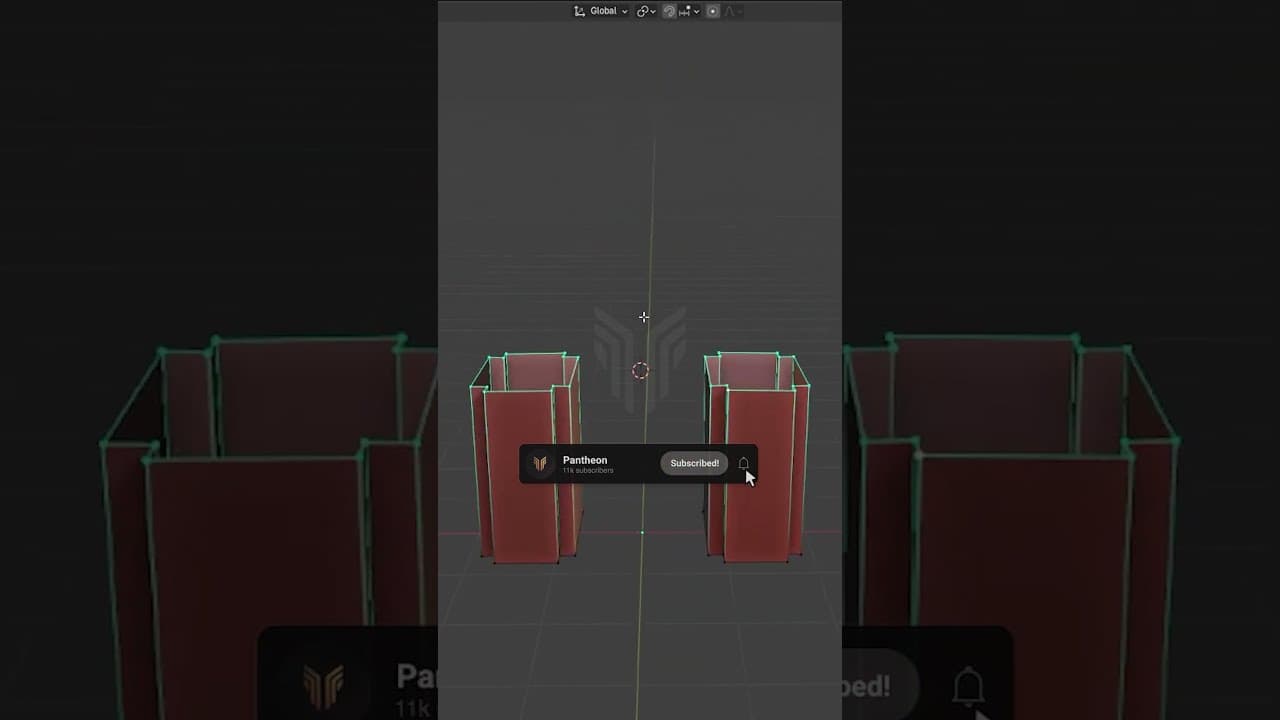
i made this color palette generator as a free alternative to coolors, check it out: https://ccolorpalette.com/ my website for detailed blender tutorials: https://blenderforge.com/ . Learn the FASTEST way to connect 2 edges in Blender by creating a precise, curved arch using the Spin tool! This super quick and easy Blender modeling tip shows you an efficient method to link parts of your mesh, perfect for speeding up your 3D modeling workflow. Whether you're a Blender beginner or looking for a modeling hack, this technique will save you time and give you great results. Here's the technique shown in this video: Set Your Pivot: Select the two edges you intend to connect. Use Shift + S and choose "Cursor to Selected". This places the 3D Cursor perfectly at the midpoint, which will serve as the center for your spin operation. Prepare for Spin: Reselect the single edge you want to extrude and spin from. Execute Spin: Press Alt + E to open the Extrude menu and select "Spin". Fine-Tune Your Arch: In the operator panel (usually appears at the bottom-left): Adjust the "Angle" (e.g., 180 degrees for a semicircle). Set the "Steps" to control the smoothness/segmentation of your arch. Crucially, adjust the "Axis X, Y, Z" values to orient the spin correctly, ensuring it lines up perfectly with your target edge. This video demonstrates how to align it even if the target isn't directly across one axis. This method is fantastic for creating arches, curved pipes, handles, or any feature where you need a controlled, radial extrusion between two points. It offers more precision for curved connections than attempting to manually model them or using other tools not designed for this specific type of radial generation. Master this Blender modeling trick to enhance your models and workflow! #BlenderTips #BlenderTutorial #SpinTool #3DModeling #BlenderBeginner #BlenderWorkflow #ArchModeling read a detailed explanation here: read a detailed explanation here:
About YouTube Real-Time View Count
With SocialCounts.org’s view counter, track your YouTube video’s live view count and YouTube likes count in real time with fast, reliable updates.
Watch every YouTube video live view count rise with our real-time YouTube views tracker—built for accuracy and minimal delay.
Follow YouTube real time views as they happen, using our dedicated view counter for YouTube videos.
Get up-to-date live view count on YouTube and see real-time growth with SocialCounts.org’s smart tracking tools.
Embed Widget
Parameters:
fullscreen=true- Fullscreen countergraph=true- Live graph chartcounter=0/1/2- Select counter (0=likes, 1=views, 2=comments)
URL
Click to copy the embed URL to your clipboard