


0
likes
3
comments
daily view 0
monthly view 0
Live Analytics
Comments 0
Stranger Things Finale: Post-Credits Scene Explained Analytics Table
Income Estimates for Stranger Things Finale: Post-Credits Scene Explained
Based on this YouTube video's total view count of 8.28K views and industry-standard rates, the estimated total earning is $6 - $17 through ad revenue. Historical data is not yet available to calculate daily, weekly, or monthly averages.
About Stranger Things Finale: Post-Credits Scene Explained
Explore Stranger Things Finale: Post-Credits Scene Explained with 8,285 views, 0 likes, and 3 comments. Experience the impact of this video content that has captured audience attention.
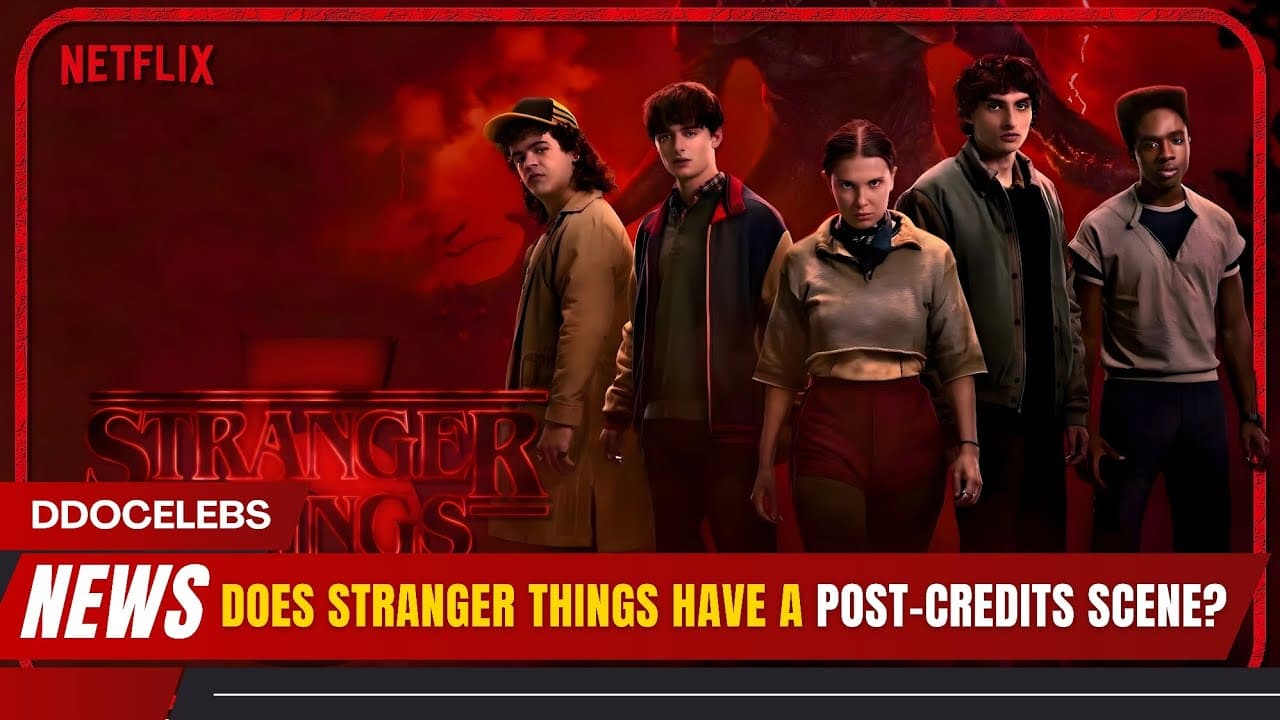
Netflix’s Stranger Things finale didn’t tease another monster — it delivered something far more powerful. With no post-credits scene and no last-minute cliffhanger, the series closed its chapter by jumping 18 months into the future, showing a healed Hawkins and one final, emotional D&D game. As Vecna is defeated and the Upside Down collapses, the focus shifts from horror to hope. The quiet moment where a new generation walks downstairs feels less like a setup and more like a symbolic passing of the torch. The Duffer Brothers have confirmed spinoffs are coming — but this story? It’s finished. And that’s exactly why the ending hits so hard. Did it satisfy you, or were you expecting more? Hashtags: #StrangerThingsFinale #StrangerThingsEnding #NetflixSeriesFinale #StrangerThingsSeason5 #ddocelebs
About YouTube Real-Time View Count
With SocialCounts.org’s view counter, track your YouTube video’s live view count and YouTube likes count in real time with fast, reliable updates.
Watch every YouTube video live view count rise with our real-time YouTube views tracker—built for accuracy and minimal delay.
Follow YouTube real time views as they happen, using our dedicated view counter for YouTube videos.
Get up-to-date live view count on YouTube and see real-time growth with SocialCounts.org’s smart tracking tools.
Embed Widget
Parameters:
fullscreen=true- Fullscreen countergraph=true- Live graph chartcounter=0/1/2- Select counter (0=likes, 1=views, 2=comments)
URL
Click to copy the embed URL to your clipboard