

810
likes
39
comments
daily view 0
monthly view 0
Live Analytics
Comments 0
Uptime Kuma Open Source Uptime Monitor for HomeLab Server monitoring Analytics Table
Income Estimates for Uptime Kuma Open Source Uptime Monitor for HomeLab Server monitoring
Based on this YouTube video's total view count of 50.2K views and industry-standard rates, the estimated total earning is $35 - $100 through ad revenue. Historical data is not yet available to calculate daily, weekly, or monthly averages.
About Uptime Kuma Open Source Uptime Monitor for HomeLab Server monitoring
Explore Uptime Kuma Open Source Uptime Monitor for HomeLab Server monitoring with 50,220 views, 810 likes, and 39 comments. Experience the impact of this video content that has captured audience attention.
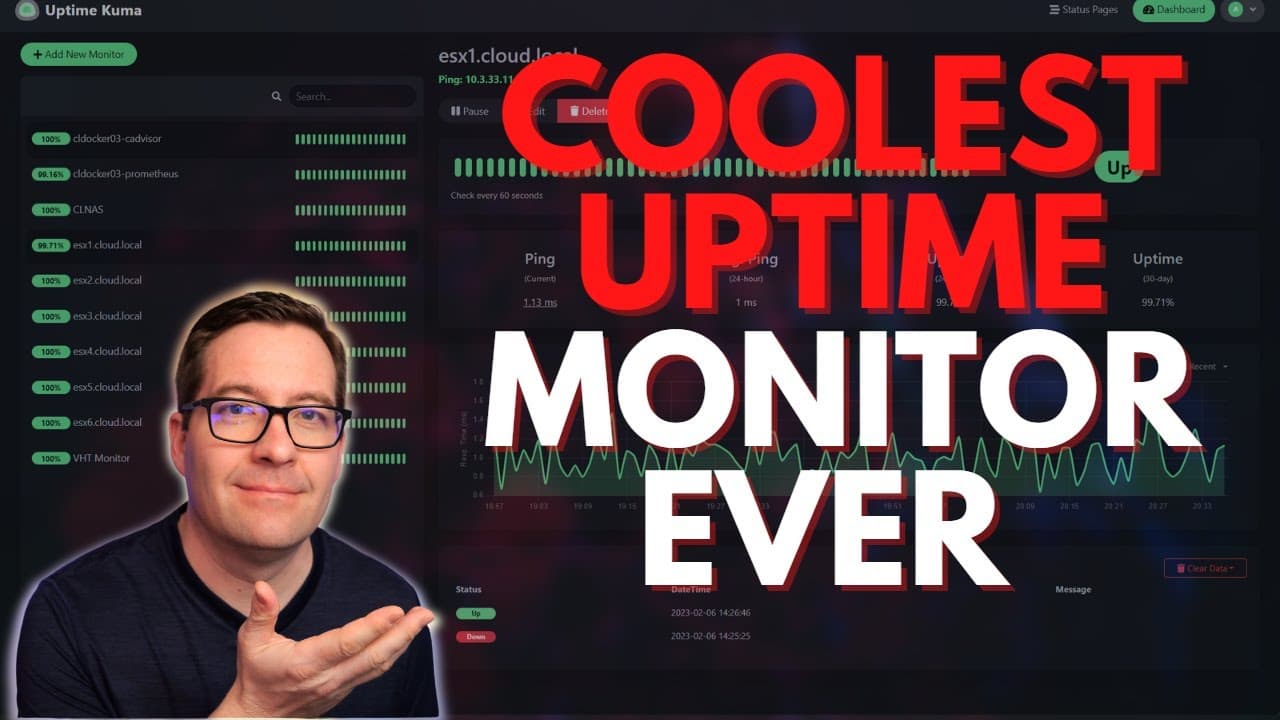
In my quest to test many different open-source monitoring solutions in the home lab this year, I want to take you guys through a new solution I am working with - Uptime Kuma. It is a self-described fancy uptime monitor with beautiful dashboards to display reachability and uptime of critical services. You can create easy status pages for groups of services and style these as you need. With Uptime Kuma you can monitor services, applications, hosts, databases, and many other types of connections. Subscribe to the channel: https://www.youtube.com/channel/UCrxcWtpd1IGHG9RbD_9380A?sub_confirmation=1 My blog: https://www.virtualizationhowto.com _____________________________________________________ Social Media: https://twitter.com/vspinmaster LinkedIn: https://www.linkedin.com/in/brandon-lee-vht/ Github: https://github.com/brandonleegit Introduction - 0:00 Monitoring solutions and the introduction to Uptime Kuma - 0:50 Looking at Uptime Kuma cloning it down and installing the Docker container - 1:16 Discussing the install process using a Docker container - 2:04 Deploying Uptime Kuma using Docker - 2:34 Detailing the different components of the Docker run command - 3:04 Executing Docker run command for Uptime Kuma - 3:40 Browwsing out to Uptime Kuma - 4:00 Creating a default username for Uptime Kuma - 4:10 Describing the process to configure monitoring and alerting - 4:35 Looking at the simple and intutive Uptime Kuma interface - 5:10 Looking at the easy way to create a new monitor with Uptime Kuma - 5:35 Looking at the monitor types with Uptime Kuma - 6:00 Best Use case for Uptime Kuma - 6:42 Date service monitoring with Uptime Kuma - 7:04 Looking at monitoring options with a new monitor - 7:50 Changing the view of the monitoring informatio - 8:52 Looking at the notifications for monitoring - 9:10 The available notifications with Uptime Kuma, over 90+ notifications - 9:43 Notification testing - 10:50 Monitoring Docker containers - 10:57 Making a couple of changes for remote Docker container monitoring - 11:52 Creating a folder for the override.conf file Adding a Docker container host and setting up a monitor to a specific container - 13:08 Successful connection - 13:55 Simulating a failure with the Docker container - 14:29 Starting the Docker container and Uptime Kuma notes the container is up and running - 14:52 Talking about status dashboards for monitoring groups of services - 15:19 Status pages and configuring a new status page - 16:05 Adding monitors we want to add to the status page - 16:42 Creating an incident to post to the status page - 17:10 Wrapping up thoughts on Uptime Kuma - 17:38 Written blog post covering Uptime Kuma: https://www.virtualizationhowto.com/2023/02/uptime-kuma-self-hosted-application-and-server-monitoring/ Web monitoring software for small business environments: https://www.virtualizationhowto.com/2022/02/web-monitoring-software-for-small-business-environments/ Monitor Docker containers with 6 free tools: https://www.virtualizationhowto.com/2022/12/monitor-docker-containers-with-6-free-tools/
About YouTube Real-Time View Count
With SocialCounts.org’s view counter, track your YouTube video’s live view count and YouTube likes count in real time with fast, reliable updates.
Watch every YouTube video live view count rise with our real-time YouTube views tracker—built for accuracy and minimal delay.
Follow YouTube real time views as they happen, using our dedicated view counter for YouTube videos.
Get up-to-date live view count on YouTube and see real-time growth with SocialCounts.org’s smart tracking tools.
Embed Widget
Parameters:
fullscreen=true- Fullscreen countergraph=true- Live graph chartcounter=0/1/2- Select counter (0=likes, 1=views, 2=comments)
URL
Click to copy the embed URL to your clipboard