

364
likes
26
comments
daily view 0
monthly view 0
Live Analytics
Comments 0
How to Build an Automated Arduino-Controlled Ouija Board Analytics Table
Income Estimates for How to Build an Automated Arduino-Controlled Ouija Board
Based on this YouTube video's total view count of 16.9K views and industry-standard rates, the estimated total earning is $12 - $34 through ad revenue. Historical data is not yet available to calculate daily, weekly, or monthly averages.
About How to Build an Automated Arduino-Controlled Ouija Board
Explore How to Build an Automated Arduino-Controlled Ouija Board with 16,963 views, 364 likes, and 26 comments. Experience the impact of this video content that has captured audience attention.
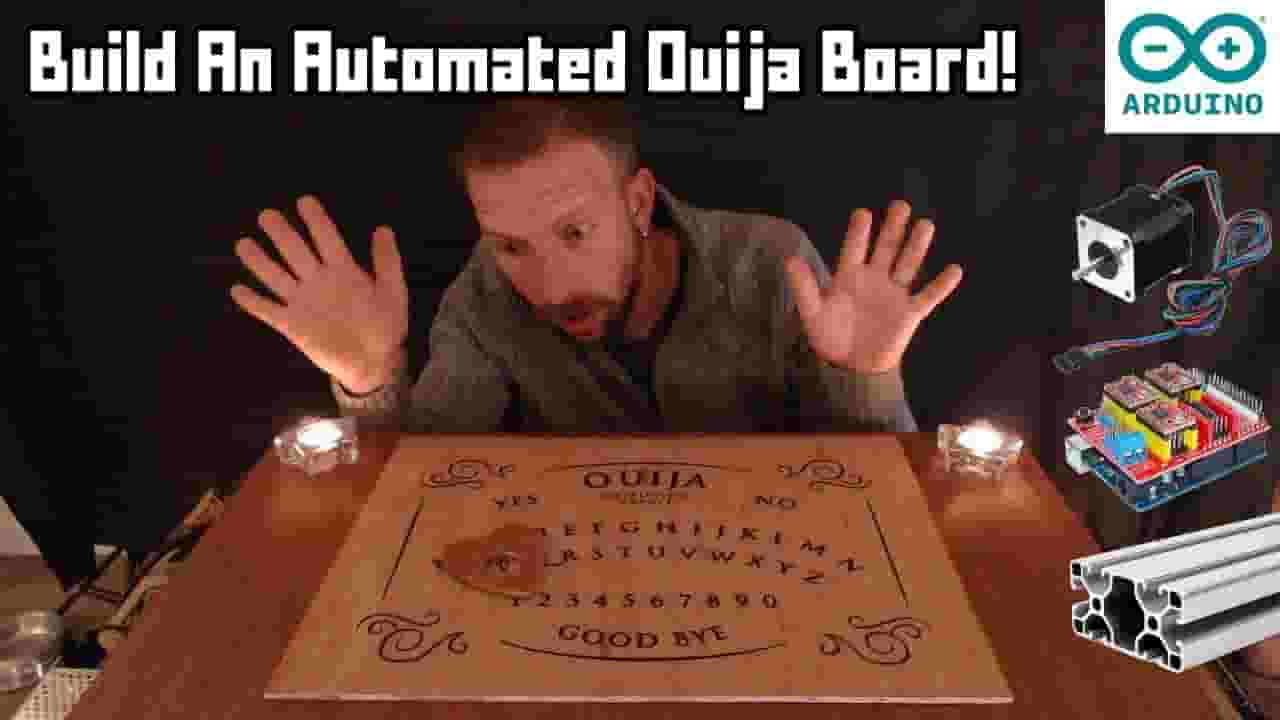
In this tutorial, I'll show you how you can create a spooky Ouija board or chess board on which the pieces move by themselves - great for an Escape Room prop! It uses an Arduino to send G-Code messages to a CNC controller running GRBL software, which moves a magnetic head controlled by stepper motors on an aluminium frame. You can build the mechanics yourself using the following hardware, which allows to choose the exact dimensions of the frame (e.g. to be installed under an existing table): 2040 Aluminium Extrusion https://uk.banggood.com/custlink/KKDyVJ8555 GT2 Timing Pulley / Belt https://uk.banggood.com/custlink/vKvRVrIFH8 NEMA17 Stepper Motors https://uk.banggood.com/custlink/mvKYtWIHHn CNC Shield https://uk.banggood.com/custlink/K3vYtJZ5Ih Or, you may find it simpler to just buy a complete ready-to-assemble kit containing all the above + necessary screws etc: Eleksmaker A3 Machine https://www.banggood.com/custlink/mv3EVCrS8T The board on the CNC controller itself runs "GRBL" software. It probably already come pre-installed with your CNC shield, but if not you can download from https://github.com/gnea/grbl and follow the comprehensive instructions at https://github.com/gnea/grbl/wiki/Compiling-Grbl to install it. Note that you might have to change the baud rate on line 42 of config.h to match the baudrate defined by the AltSoftSerial connection in CNCController.ino, e.g.: #define BAUD_RATE 9600 You can view a full list of commands at https://github.com/gnea/grbl/wiki/Grbl-v1.1-Commands The most important ones to note are: - G90 (Use absolute coordinate values) - G91 (Use relative/incremental coordinate values) - $J= (Issue a "jog" command) - G01 X... Y... F... (Linear movement to specified X/Y coordinates at specified F rate) - G04 P... ("Dwell" - i.e. pause for specified number of seconds) Timings --- 00:00-02:58 Introduction and Demonstration 02:59-05:04 Behind-the-Scenes 05:05-09:24 Wiring and Components 09:25-38:24 Arduino Code 38:25-42:56 Wrapup Code & Wiring Downloads --- If you'd like to download the code and other resources used in this project, and support me to make more video tutorials explaining how to use tech in escape rooms and other playful settings, please check out my Patreon at https://www.patreon.com/playfultech, where you can also find code downloads, wiring diagrams, and additional resources for all my other tech projects.
About YouTube Real-Time View Count
With SocialCounts.org’s view counter, track your YouTube video’s live view count and YouTube likes count in real time with fast, reliable updates.
Watch every YouTube video live view count rise with our real-time YouTube views tracker—built for accuracy and minimal delay.
Follow YouTube real time views as they happen, using our dedicated view counter for YouTube videos.
Get up-to-date live view count on YouTube and see real-time growth with SocialCounts.org’s smart tracking tools.
Embed Widget
Parameters:
fullscreen=true- Fullscreen countergraph=true- Live graph chartcounter=0/1/2- Select counter (0=likes, 1=views, 2=comments)
URL
Click to copy the embed URL to your clipboard