


12,296
likes
1,029
comments
daily view 0
monthly view 0
Live Analytics
Comments 0
✨ Introduction to the Silhouette Cameo 4 for Beginners Analytics Table
Income Estimates for ✨ Introduction to the Silhouette Cameo 4 for Beginners
Based on this YouTube video's total view count of 781K views and industry-standard rates, the estimated total earning is $547 - $1.56K through ad revenue. Historical data is not yet available to calculate daily, weekly, or monthly averages.
About ✨ Introduction to the Silhouette Cameo 4 for Beginners
Explore ✨ Introduction to the Silhouette Cameo 4 for Beginners with 781,875 views, 12,296 likes, and 1,029 comments. Experience the impact of this video content that has captured audience attention.
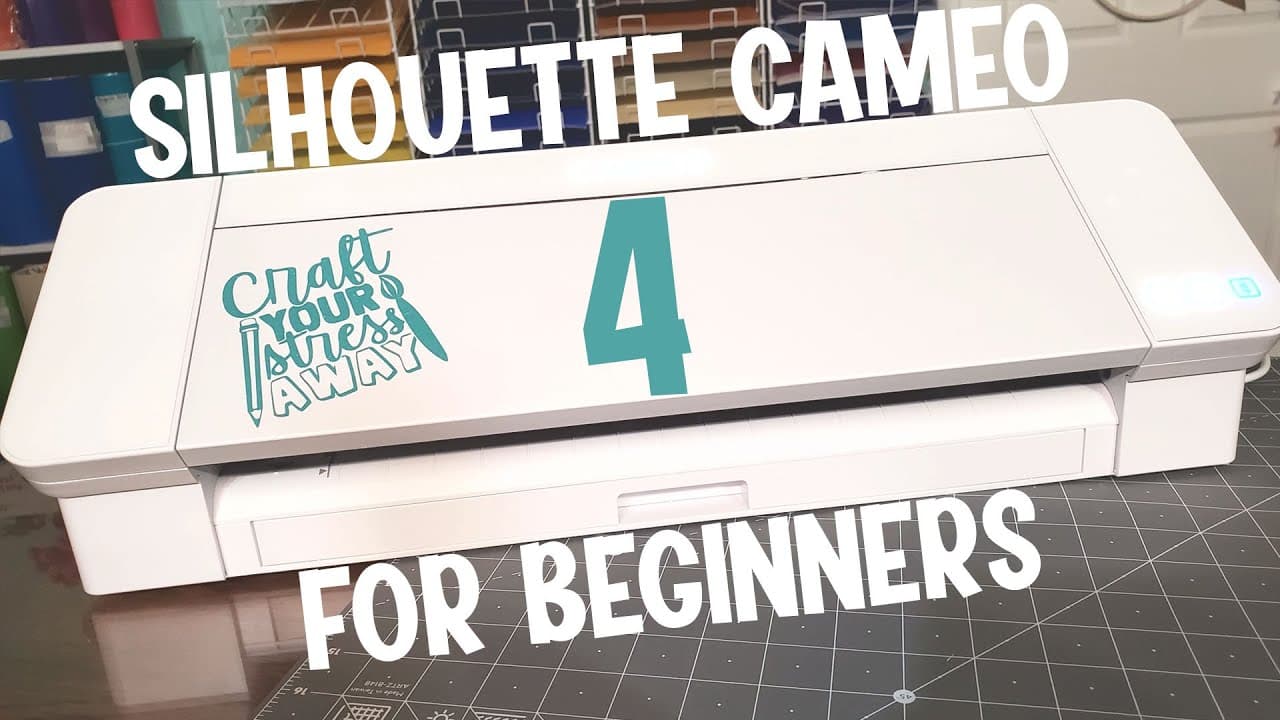
🙌 Introduction to the Silhouette Cameo 4 for Beginners - Join us as we unbox our brand new Silhouette Cameo 4 Die Cutting Machine, discuss included items and features available and some Crafting Tips to help you get ready. We wrap it all up by cutting and applying a vinyl decal to our Silhouette Machine! More info below 👇 BEFORE YOU SCROLL ANY FURTHER, DON’T FORGET YOU CAN GET THOUSANDS OF SVG FILES, SUBLIMATION FILES, GRAPHICS, FONTS AND MORE FOR FREE HERE 👉https://go.designbundles.net/freebies_yt Supplies Needed 😎👇 Disclosure: Some of the links are affiliate links, meaning, at no additional cost to you, we will earn a commission if you click through and purchase. ✅ Cricut Transfer tape regular - https://amzn.to/3yU2ohh ✅ Adhesive Vinyl Squeege - https://amzn.to/35oeP7K ✅ Silhouette Cameo 4 Bundle - https://amzn.to/35oeKkw Design Used 👇 https://designbundles.net/mintymarshmallows/559012-love-crafting-svg-bundle-crafty-girl-svg-cut-files 00:00 - Intro 01:34 - Unboxing Silhouette Cameo 07:37 - Parts of Silhouette Cameo 4 13:18 - Creating Decal for Silhouette Machine 14:25 - Setting up Design for Cutting 16:21 - First Cut 19:20 - Weeding the Design 21:40 - Transferring the Design 24:00 - Roundup Watch Next 😎👇 🤗 How to Make Print and Cut Stickers with Silhouette Cameo https://www.youtube.com/watch?v=gUcXsRBoiyc 🤓 How to Cut Without a Mat and Use Crosscutter for Silhouette Cameo 4 https://www.youtube.com/watch?v=fr1MXkRZj9M ❤️ How to Etch Metal with the Silhouette Cameo https://www.youtube.com/watch?v=G-TWrCGh7hI Design Bundles is one of the world’s largest Craft and Design Marketplaces 🎨 We love providing quality designs at affordable prices. Our designs work almost all die cutting and laser cutting machines and each purchase comes with a Premium License, allowing you to sell end products made from our Designs Please Subscribe Below 👇 it really helps our channel and helps us to bring you new videos https://www.youtube.com/c/designbundles?sub_confirmation=1 HEY! 👋 Become a Super Sub Today and enjoy lots of benefits: https://www.youtube.com/channel/UCC-RMEXNNbgWUZJohvTjNBg/join Join our Facebook Group for questions and more tutorials https://www.facebook.com/groups/192859435768879 Instagram - https://www.instagram.com/designbundles Facebook - https://www.facebook.com/designbundles Pinterest - https://www.pinterest.co.uk/designbundles/ Twitter - https://twitter.com/designbundles #silhouettecameo4 #silhouettecameo #silhouette #silhouettebeginners #diecutting #silhouetteamerica #crafter #craftingtutorial #diecuttingmachine #cameo4
About YouTube Real-Time View Count
With SocialCounts.org’s view counter, track your YouTube video’s live view count and YouTube likes count in real time with fast, reliable updates.
Watch every YouTube video live view count rise with our real-time YouTube views tracker—built for accuracy and minimal delay.
Follow YouTube real time views as they happen, using our dedicated view counter for YouTube videos.
Get up-to-date live view count on YouTube and see real-time growth with SocialCounts.org’s smart tracking tools.
Embed Widget
Parameters:
fullscreen=true- Fullscreen countergraph=true- Live graph chartcounter=0/1/2- Select counter (0=likes, 1=views, 2=comments)
URL
Click to copy the embed URL to your clipboard