


Live Analytics
Comments 0
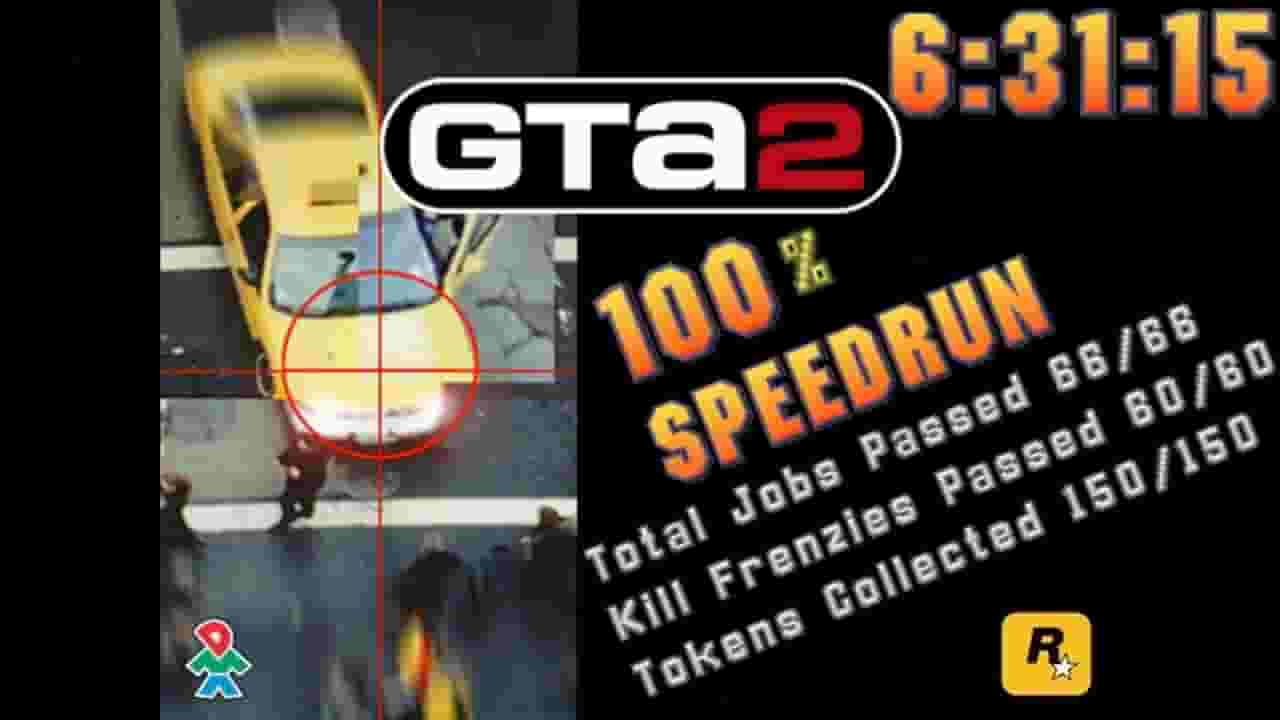
GTA 2 - 100% Speedrun (6:31:15) Analytics Table
Income Estimates for GTA 2 - 100% Speedrun (6:31:15)
Based on this YouTube video's total view count of 73.3K views and industry-standard rates, the estimated total earning is $51 - $147 through ad revenue. Historical data is not yet available to calculate daily, weekly, or monthly averages.
About GTA 2 - 100% Speedrun (6:31:15)
Explore GTA 2 - 100% Speedrun (6:31:15) with 73,375 views, 934 likes, and 146 comments. Experience the impact of this video content that has captured audience attention.
Update: This run is now Obsolete, new run is here: https://youtu.be/7XqwE-y8XPg Randomly decided to try and get run, where I keep going if I do massive mistakes.... And huh, turned out to be first finished run in a year! I was giving full-game category a shot couple of months ago, but couldn't get past residential. Didn't practice any of industrial (outside of missions) and it went accordingly - some dumb mistakes that costed a lot of time, but ending of this run was pretty damn crazy. Overall biggest timeloss was ~ 10 minutes into residential, where I didn't notice flamethrower guy and had to redo the very beginning. I think that I won't attempt new fullgame runs, until I've gotten everything that I want out of residential and industrial. With everything sorted, this should be around 5:40 or lower, then it will be really good run, so far it is just decent, while I'm still amased on how this went. Previous PB/WR with full-run commentary: https://youtu.be/A5SdekfPp9c Individual district WRs as of time writting this: Downtown - https://www.youtube.com/watch?v=97YYrajqC_A Residential - https://www.youtube.com/watch?v=n9VLx6KLOfM Industrial - https://www.youtube.com/watch?v=ltOh7TuAmG4 F.A.Q. Q: What version of a game you use and why? A: I use 9.6 (not 9.6f, which was on steam and free-downloadable r* website), this is actually german retain version, and has unpatched fly-glitch. Overall it is the least stable version, but it has all glitches that make this run somewhat doable/bearable. Q: How do you fly? A: In this version, just tapping attack while holding molotovs/granades puts you in a fly state, which allows you to, well, fly. On later versions, this glitch works differently and requires you to run out of ammo of weapons before throwable, to enter that state. Q: What do you do with cars in residential? Why don't they despawn? A: Residential run uses Wang Car Glitch a lot. Reason - bad testing at rockstar. Some frenzies, especially cop car ones, are really brutal in terms of what time they give you, and electrogun one is on-par impossible without setup. Wang Car Glitch is getting Wang Car Bonus after collecting same car again, or getting over 8 Wang Cars. Those cars don't despawn as they considered fixed spawns and GTA 2 doesn't despawn those. Q: Why you can't do car KFs earlier? A: If I do that - I can't save, as loading that save will 100% of time crash the game. Community version 11.44 does fix that, but it also fixes a lot of other stuff, that is very useful in a run. (and it is also an unofficial patch on top of that, so we don't use it for runs) Q: Why are you invulnerable during the second district? A: During the Valdez Alert mission at Z, the game gives invulnerability while staying near the generators, so as not to die from explosions. If you manage to get out of there without hitting this trigger, then invulnerability will remain until the area is restarted (or until you die in the car / water) Q: What are the numbers at the bottom of screen? A: Game cycles. Used to verify your framerate, that you are not using demo playback and is used for timing in shorter categories. -------------- Watch live at http://www.twitch.tv/tezur0 #gta2 #speedrun Donate at https://www.donationalerts.com/r/tezur0
About YouTube Real-Time View Count
With SocialCounts.org’s view counter, track your YouTube video’s live view count and YouTube likes count in real time with fast, reliable updates.
Watch every YouTube video live view count rise with our real-time YouTube views tracker—built for accuracy and minimal delay.
Follow YouTube real time views as they happen, using our dedicated view counter for YouTube videos.
Get up-to-date live view count on YouTube and see real-time growth with SocialCounts.org’s smart tracking tools.
Embed Widget
Parameters:
fullscreen=true- Fullscreen countergraph=true- Live graph chartcounter=0/1/2- Select counter (0=likes, 1=views, 2=comments)
URL
Click to copy the embed URL to your clipboard