

329
likes
50
comments
daily view 0
monthly view 0
Live Analytics
Comments 0
GoPro MISSION 1 PRO — Unboxing and Complete First Setup Tutorial Analytics Table
Income Estimates for GoPro MISSION 1 PRO — Unboxing and Complete First Setup Tutorial
Based on this YouTube video's total view count of 52.3K views and industry-standard rates, the estimated total earning is $37 - $105 through ad revenue. Historical data is not yet available to calculate daily, weekly, or monthly averages.
About GoPro MISSION 1 PRO — Unboxing and Complete First Setup Tutorial
Explore GoPro MISSION 1 PRO — Unboxing and Complete First Setup Tutorial with 52,302 views, 329 likes, and 50 comments. Experience the impact of this video content that has captured audience attention.
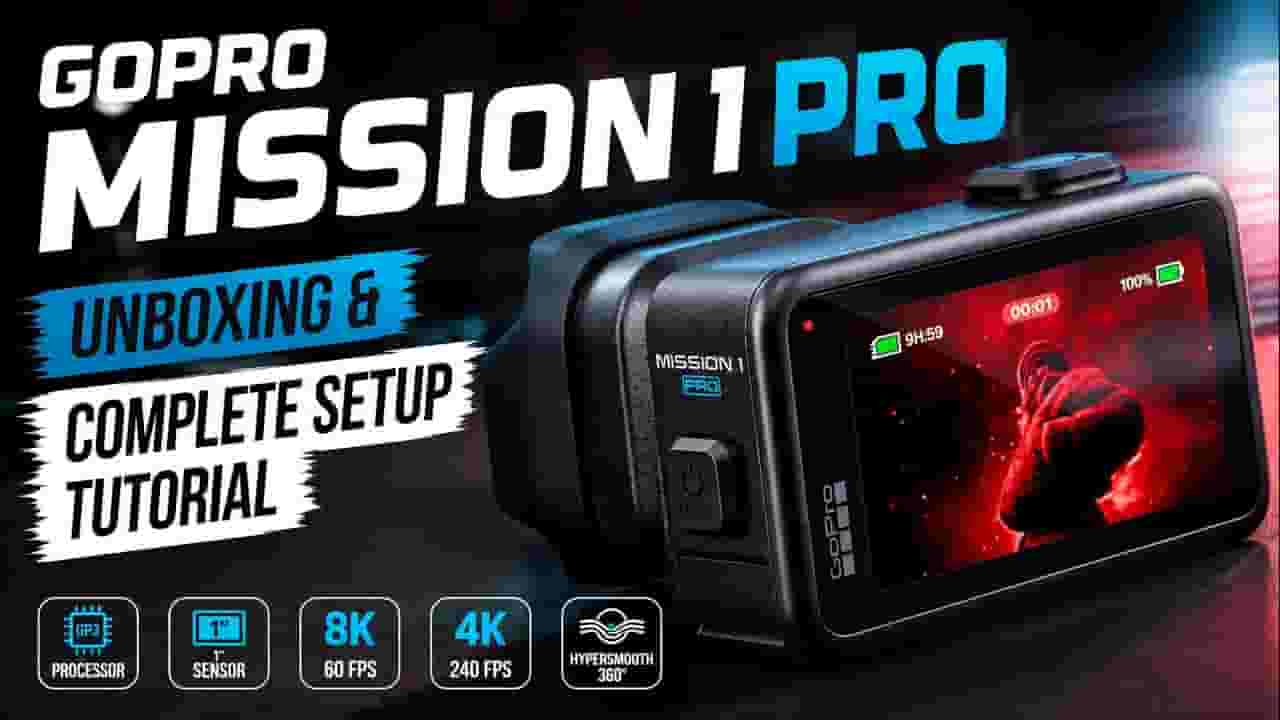
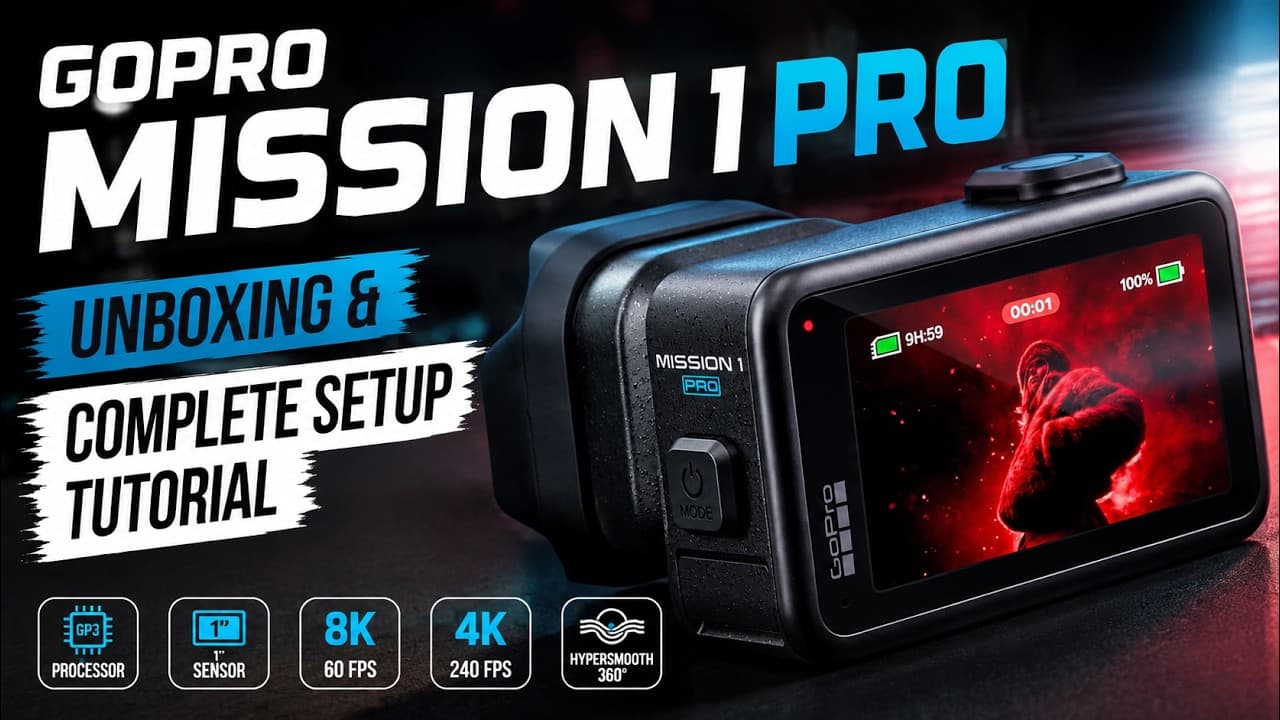
GoPro MISSION 1 PRO — Unboxing and Complete First Setup Tutorial takes you through the entire process of getting the new GoPro MISSION 1 PRO ready for its first shoot. In this detailed GoPro MISSION 1 PRO setup guide, I unbox the camera, show everything included in the package, install the battery and microSD card, complete the first startup, connect the camera to the GoPro Quik app, install the latest firmware update, and explore the most important camera settings. If you have just bought the GoPro MISSION 1 PRO and want to know how to set it up correctly, this video is designed as a complete step-by-step tutorial from unboxing to a fully configured camera. @GoPro The MISSION 1 PRO is GoPro’s flagship compact cinema camera, featuring a 50MP one-inch sensor, the new GP3 processor, and professional recording capabilities including 8K at 60fps, 4K at 240fps, 1080p at 960fps, 8K30 Open Gate and 4K120 Open Gate recording. With such a huge range of resolutions, frame rates and advanced video controls, spending some time understanding the menus and configuration options is definitely worthwhile before the first real shoot. In this video, I start with a complete GoPro MISSION 1 PRO unboxing, taking a close look at the retail packaging, included accessories, rechargeable battery, USB cable, mounting hardware and the camera itself. I then install a compatible high-speed microSD card and power up the MISSION 1 PRO for the first time. After the initial setup is complete, we go directly into the GoPro MISSION 1 PRO settings and menus. I explore the main control dashboard, Preferences, wireless and regional settings, video presets, resolution and frame-rate options, image tuning, HyperSmooth stabilization, bitrate settings, shutter speed, white balance, ISO, exposure controls, aspect ratios and Digital Lens options. If you are searching for a GoPro MISSION 1 PRO tutorial, GoPro MISSION 1 PRO setup guide, MISSION 1 PRO unboxing, GoPro Quik setup, GoPro firmware update tutorial, GoPro camera settings guide, MISSION 1 PRO video settings, 8K GoPro setup, HyperSmooth settings, GoPro Open Gate recording, or first-time GoPro setup, this video covers the complete process from opening the box to being ready to record. Chapters 00:00 GoPro MISSION 1 PRO Unboxing & Setup 00:25 Retail Packaging and Specifications 00:52 Opening the Box 01:20 What’s Included 01:47 Accessories 02:15 Removing Protective Films 02:48 GoPro MISSION 1 PRO Camera Body 03:18 Installing the Battery 03:48 Installing the microSD Card 04:18 First Power-On 04:43 GoPro Quik App Setup 05:12 Pairing MISSION 1 PRO 05:42 Completing Initial Setup 06:15 Firmware Update 07:20 Control Dashboard 07:50 Preferences and Connections 08:20 Regional Settings 08:50 Video Presets 09:18 Resolution and Frame Rate 09:48 Choosing Recording Settings 10:18 Image Tuning 10:47 HyperSmooth Stabilization 11:18 Bitrate and Advanced Recording 11:48 Shutter Settings 12:20 White Balance, ISO and Exposure 12:52 Aspect Ratio 13:20 Digital Lens Settings 13:52 Main Shooting Screen 14:20 Camera Body and Mounting 14:48 GoPro Mounting Accessories 15:18 Final Thoughts The GoPro MISSION 1 PRO offers a level of video control that makes it much more than a traditional action camera. In future videos I’ll be testing its real-world image quality, stabilization, high-resolution recording modes, slow motion, low-light performance and cinematic capabilities. If this GoPro MISSION 1 PRO complete setup tutorial helped you, please give the video a like, subscribe to the channel, and check the description for more information about the camera. #GoPro #GoProMISSION1PRO #GoProTutorial #ActionCamera #Filmmaking #ScanVerdict
About YouTube Real-Time View Count
With SocialCounts.org’s view counter, track your YouTube video’s live view count and YouTube likes count in real time with fast, reliable updates.
Watch every YouTube video live view count rise with our real-time YouTube views tracker—built for accuracy and minimal delay.
Follow YouTube real time views as they happen, using our dedicated view counter for YouTube videos.
Get up-to-date live view count on YouTube and see real-time growth with SocialCounts.org’s smart tracking tools.
Embed Widget
Parameters:
fullscreen=true- Fullscreen countergraph=true- Live graph chartcounter=0/1/2- Select counter (0=likes, 1=views, 2=comments)
URL
Click to copy the embed URL to your clipboard