


6
likes
2
comments
daily view 0
monthly view 0
Live Analytics
Comments 0
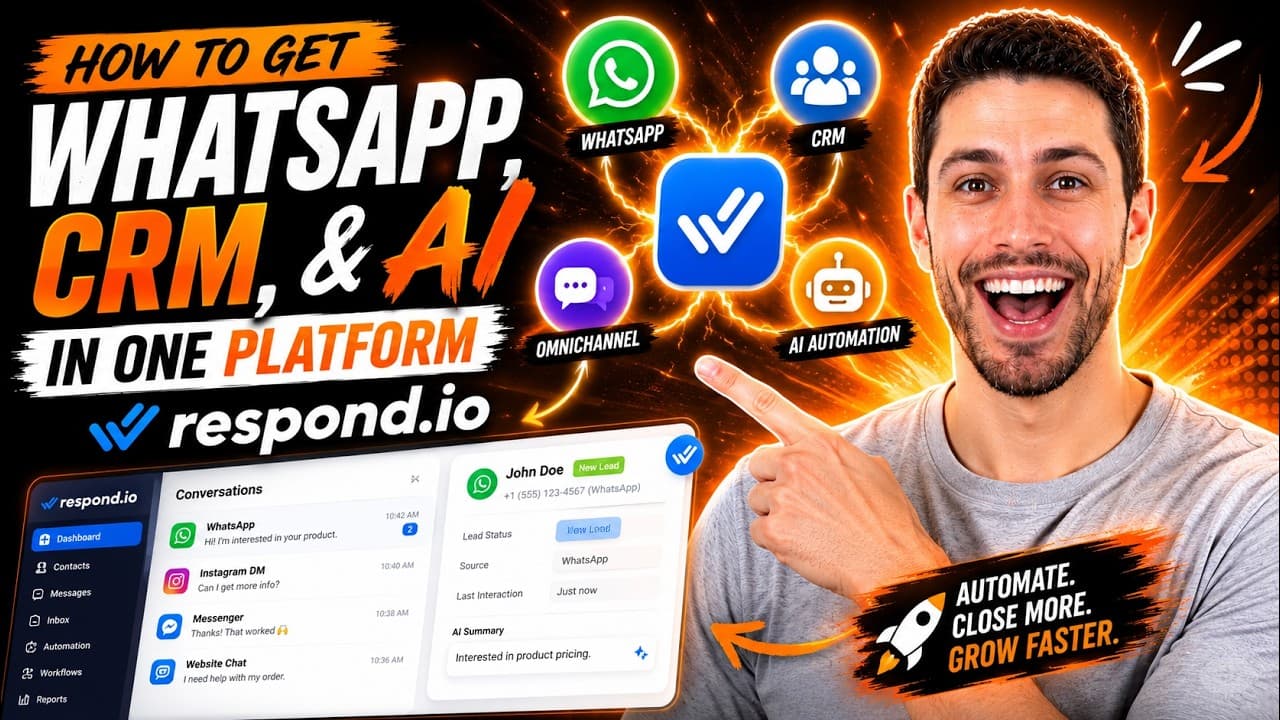
How To Get WhatsApp, CRM, & AI In One Platform (Respond.io) Analytics Table
Income Estimates for How To Get WhatsApp, CRM, & AI In One Platform (Respond.io)
Based on this YouTube video's total view count of 3.11K views and industry-standard rates, the estimated total earning is $2 - $6 through ad revenue. Historical data is not yet available to calculate daily, weekly, or monthly averages.
About How To Get WhatsApp, CRM, & AI In One Platform (Respond.io)
Explore How To Get WhatsApp, CRM, & AI In One Platform (Respond.io) with 3,111 views, 6 likes, and 2 comments. Experience the impact of this video content that has captured audience attention.
Most B2C businesses are running three separate tools: a CRM to track customers, WhatsApp to talk to them, and a chatbot to handle the volume. None of them talk to each other properly and every time a conversation moves between them, context gets lost and leads fall through. This video shows you how to replace that disconnected setup with a single platform, so your team sees every conversation, your CRM updates automatically, and AI handles the volume without dropping the ball. If you're managing WhatsApp, Instagram, or TikTok conversations at scale and your stack is getting too complex to manage, this is the setup to look at. ─────────────────────────────────── 📌 WHAT YOU'LL LEARN ─────────────────────────────────── Why combining a WhatsApp CRM and a chatbot still leaves gaps and what to use instead How a customer conversation management platform connects your channels, CRM, and AI in one place How to set up a Unified Inbox that handles WhatsApp, Instagram, TikTok, and Messenger from a single interface How to build AI Agents that qualify leads, update customer records, and route conversations automatically, without rule-based bots How to connect Respond.io to your CRM (HubSpot, Salesforce, or custom) so customer data syncs without manual updates How to set up smart routing rules that send high-intent conversations to the right rep every time ─────────────────────────────────── 🛠️ THE PLATFORM I USE ─────────────────────────────────── Respond.io is a customer conversation management platform that connects WhatsApp, Instagram, TikTok, Messenger, and other channels into one inbox, with AI Agents, CRM integrations, lead routing, and automation Workflows built in. Try it here: https://get.respond.io/6t76gfhk0ajz ─────────────────────────────────── 👤 WHO THIS IS FOR ─────────────────────────────────── B2C business owners juggling WhatsApp, a CRM, and a separate automation tool Ecommerce and service businesses where customer conversations are spread across multiple channels Teams that have outgrown basic WhatsApp tools and need one platform to manage everything ─────────────────────────────────── ⏱️ TIMESTAMPS ─────────────────────────────────── [00:00] Why disconnected WhatsApp, CRM and AI tools cost you deals [01:29] The problem with searching for a "WhatsApp CRM" [04:03] How a tool like Respond.io solves this problem [04:20] Setting up your Unified Inbox in Respond.io [05:45] Building AI Agents that qualify leads and route conversations [05:19] Connecting your CRM so customer data updates automatically [06:07] Smart routing rules: sending conversations to the right team
About YouTube Real-Time View Count
With SocialCounts.org’s view counter, track your YouTube video’s live view count and YouTube likes count in real time with fast, reliable updates.
Watch every YouTube video live view count rise with our real-time YouTube views tracker—built for accuracy and minimal delay.
Follow YouTube real time views as they happen, using our dedicated view counter for YouTube videos.
Get up-to-date live view count on YouTube and see real-time growth with SocialCounts.org’s smart tracking tools.
Embed Widget
Parameters:
fullscreen=true- Fullscreen countergraph=true- Live graph chartcounter=0/1/2- Select counter (0=likes, 1=views, 2=comments)
URL
Click to copy the embed URL to your clipboard