

19
likes
6
comments
daily view 0
monthly view 0
Live Analytics
Comments 0
Windows Form Kütüphane Otomasyon Uygulaması-9 Kullanıcı Güncelle Sil Analytics Table
Income Estimates for Windows Form Kütüphane Otomasyon Uygulaması-9 Kullanıcı Güncelle Sil
Based on this YouTube video's total view count of 2.10K views and industry-standard rates, the estimated total earning is $1 - $4 through ad revenue. Historical data is not yet available to calculate daily, weekly, or monthly averages.
About Windows Form Kütüphane Otomasyon Uygulaması-9 Kullanıcı Güncelle Sil
Explore Windows Form Kütüphane Otomasyon Uygulaması-9 Kullanıcı Güncelle Sil with 2,100 views, 19 likes, and 6 comments. Experience the impact of this video content that has captured audience attention.
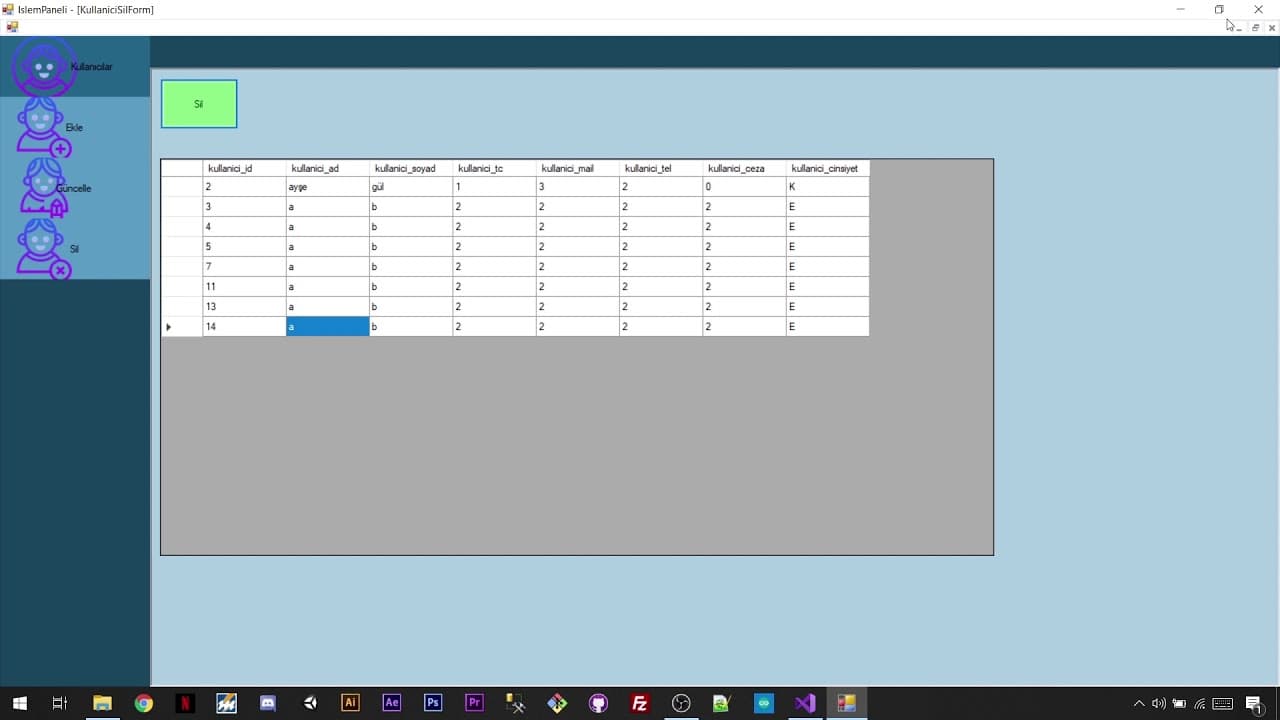
Oynatma Listesi : https://www.youtube.com/watch?v=HRoGuQDjOfI&list=PLnpJoMKQiLEo0i6aYcS4dVTY-LEzvXuqd Bu video serisinde kütüphane otomasyon uygulaması yapıyoruz. Uygulamayı Windows Form'da C# aracılığıyla geliştiriyoruz. Veritabanı olarak SQL Server 2014 kullanıyoruz. Veritabanı ile bağlantımızı Entity Framework ile gerçekleştiriyoruz. Projemize dahil ettiğimiz veritabanı modeli ile ekle-güncelle-sil işlemlerimizi yapıyoruz. Bütün bunları yaparken projemizi Github'a aktarıp, yaptığımız her işlemi depomuza yolluyoruz. Bu video serisinde amaç yapıları teorik olarak tek tek anlatmak yerine bir yandan uygulama geliştirirken bir yandan da yapılar hakkında bilgi sahibi olmaktır.
About YouTube Real-Time View Count
With SocialCounts.org’s view counter, track your YouTube video’s live view count and YouTube likes count in real time with fast, reliable updates.
Watch every YouTube video live view count rise with our real-time YouTube views tracker—built for accuracy and minimal delay.
Follow YouTube real time views as they happen, using our dedicated view counter for YouTube videos.
Get up-to-date live view count on YouTube and see real-time growth with SocialCounts.org’s smart tracking tools.
Embed Widget
Parameters:
fullscreen=true- Fullscreen countergraph=true- Live graph chartcounter=0/1/2- Select counter (0=likes, 1=views, 2=comments)
URL
Click to copy the embed URL to your clipboard