

70,278
likes
0
comments
daily view 0
monthly view 0
Live Analytics
Comments 0
Live Earthquake Monitoring | GlobalQuake Analytics Table
Income Estimates for Live Earthquake Monitoring | GlobalQuake
Based on this YouTube video's total view count of 20.1M views and industry-standard rates, the estimated total earning is $14.1K - $40.3K through ad revenue. Historical data is not yet available to calculate daily, weekly, or monthly averages.
About Live Earthquake Monitoring | GlobalQuake
Explore Live Earthquake Monitoring | GlobalQuake with 20,162,154 views, 70,278 likes, and 0 comments. Experience the impact of this video content that has captured audience attention.
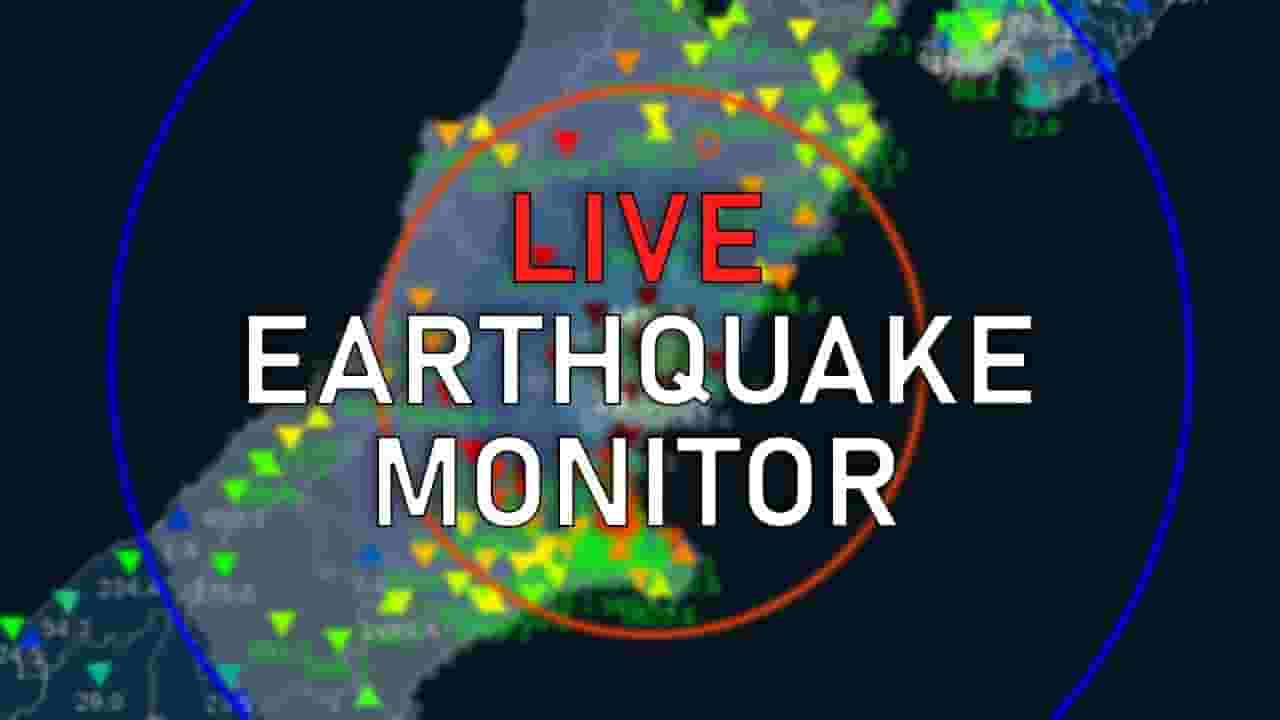
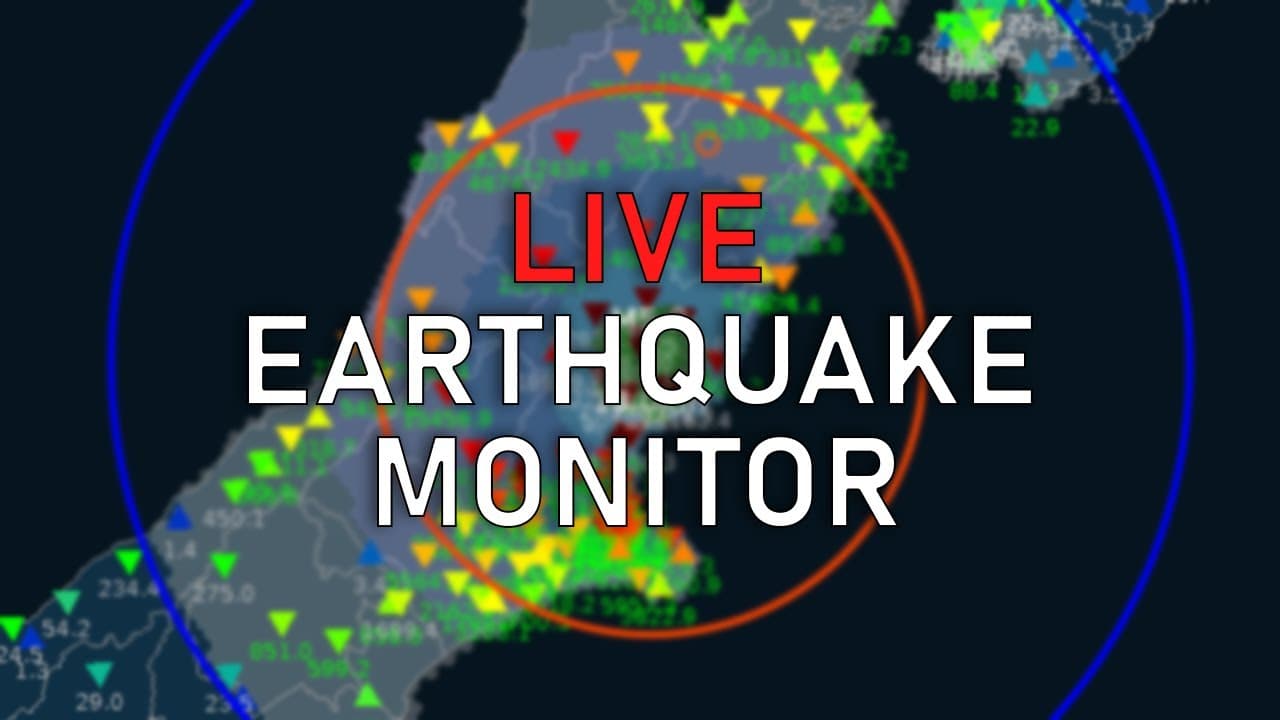
24/7 Real-time earthquake monitoring, automatic location detection, depth, and magnitude estimation of earthquakes using the GlobalQuake application. The displayed information is preliminary and is subject to errors - automated calculations are not as accurate as manual ones. Explanation about everything you see and hear: https://youtu.be/_0pAv0HAsnw Permanent stream link: https://www.youtube.com/channel/UCZmcd4cQ2H_ELWAuUdOMgRQ/live Realistic Earthquake Simulations: https://www.youtube.com/@EarthquakeSim **NOT FOR REBROADCAST** 🎉 Exclusive Offer for the GlobalQuake Community: Get 20% off your very own personal seismograph from Raspberry Shake! 👉 Visit: https://shop.raspberryshake.org/?ref=GlobalQuake 💸 Use code: GLOBALQUAKE at checkout to secure your discount! 📡 Already Own a Raspberry Shake? You can now integrate your Shake’s real-time seismic data into the GlobalQuake system. It’s easy! 1️⃣ Go to: https://shop.raspberryshake.org/contactus/ 2️⃣ Fill out the form. 3️⃣ Use the subject: "Add my Shake data to Global Quake" 4️⃣ Include your Shake ID (e.g., R1234). ==== What are the triangles? ==== Triangles represent seismic stations that constantly monitor ground movements at a certain location. At default, they have blue color and if any movement is detected, their color changes accordingly to the shaking intensity from green, yellow to red and they also flash to catch attention. ==== When will the next earthquake hit? ==== Earthquakes are unpredictable events that can occur without prior notice. It is important to understand that current scientific knowledge does not allow for precise prediction of earthquake occurrences. Individuals claiming to predict earthquakes should be approached with caution. ==== What is displayed when an earthquake is detected? ==== Detected Earthquakes are shown as a cross with 2 colored circles spreading evenly from the epicenter. Blue represents the predicted location of so-called P-waves, which are weaker but much faster than S-waves. S-waves are displayed as orange or red circles. You can read more about seismic waves here for example: https://www.sciencelearn.org.nz/resources/340-seismic-waves If the program is not sure about the earthquake information, then a "?" mark will be showed instead of cross in the epicenter. Old earthquakes are displayed as smaller circles with their radius proportional to the estimated magnitude, and their color depends on their depth, magnitude, or age, depending on the current settings. If the earthquake is estimated to be strong enough to be felt at some location, a colored hexagonal overlay will be shown according to the estimated intensity in the MMI scale. https://en.wikipedia.org/wiki/Modified_Mercalli_intensity_scale ==== More FAQ ====== ★ How do I install GlobalQuake? → Download GlobalQuake from https://globalquake.net/download ★ What is the quality (S, A, B, C, D) ? → The quality expresses how confident GlobalQuake is about the earthquake it has detected. If the quality is high (S, A), the earthquake is very likely detected at the correct location with the right depth and reasonably close magnitude. A quality rating of C or D likely means the detection is less accurate, and the actual earthquake might be in a completely different location than what GlobalQuake shows. ★ What magnitude type is used? → GlobalQuake uses its own magnitude formulas that were manually "crafted" to best fit official readings. Therefore, the magnitude is neither mB, Mw, or anything like that. We simply call it "GlobalQuake magnitude" or Mgq. ★What would happen if a magnitude 9+ earthquake struck? → This has, of course, never happened in GlobalQuake's history, but based on my own knowledge and guess, it would be underestimated by at least 1 order of magnitude since the current version only assumes a single point of origin and cannot work with complex ruptures. Keep in mind that our program is in the very early stages of development, and it has many years of improvements ahead :) ★ To be continued... ==== DISCLAIMER ==== Do not use GlobalQuake as Your primary way of receiving Earthquake Early Warnings!! There is no guarantee that the application will display the appropriate warning in case of a severe earthquake in your area! Please remember that we are not seismologists nor scientists, and everything is made out of pure enthusiasm and based on long-term experience with observing earthquakes. ==== Join us ===== We also have a Discord server, where we discuss all GlobalQuake-related stuff, so if you have a specific question, feel free to join :) https://discord.gg/globalquake ==== Donations ==== https://www.buymeacoffee.com/jakubspangl https://paypal.me/globalquake ==== Data Attribution ==== https://globalquake.net/attribution ================= For more information about the software, please visit the webpage https://globalquake.net #earthquake #globalquake #地震ライブ #Σεισμός #sismo
About YouTube Real-Time View Count
With SocialCounts.org’s view counter, track your YouTube video’s live view count and YouTube likes count in real time with fast, reliable updates.
Watch every YouTube video live view count rise with our real-time YouTube views tracker—built for accuracy and minimal delay.
Follow YouTube real time views as they happen, using our dedicated view counter for YouTube videos.
Get up-to-date live view count on YouTube and see real-time growth with SocialCounts.org’s smart tracking tools.
Embed Widget
Parameters:
fullscreen=true- Fullscreen countergraph=true- Live graph chartcounter=0/1/2- Select counter (0=likes, 1=views, 2=comments)
URL
Click to copy the embed URL to your clipboard