

No RGB Needed | Noctua’s First AIO + RTX 5080 in the Antec FLUX PRO | Ryzen 9 9950X3D2
77,046
Socialcounts.Org
2,769
likes
334
comments
daily view 0
monthly view 0
Live Analytics
Comments 0
No RGB Needed | Noctua’s First AIO + RTX 5080 in the Antec FLUX PRO | Ryzen 9 9950X3D2 Analytics Table
Income Estimates for No RGB Needed | Noctua’s First AIO + RTX 5080 in the Antec FLUX PRO | Ryzen 9 9950X3D2
Based on this YouTube video's total view count of 77.0K views and industry-standard rates, the estimated total earning is $54 - $154 through ad revenue. Historical data is not yet available to calculate daily, weekly, or monthly averages.
About No RGB Needed | Noctua’s First AIO + RTX 5080 in the Antec FLUX PRO | Ryzen 9 9950X3D2
Explore No RGB Needed | Noctua’s First AIO + RTX 5080 in the Antec FLUX PRO | Ryzen 9 9950X3D2 with 77,046 views, 2,769 likes, and 334 comments. Experience the impact of this video content that has captured audience attention.
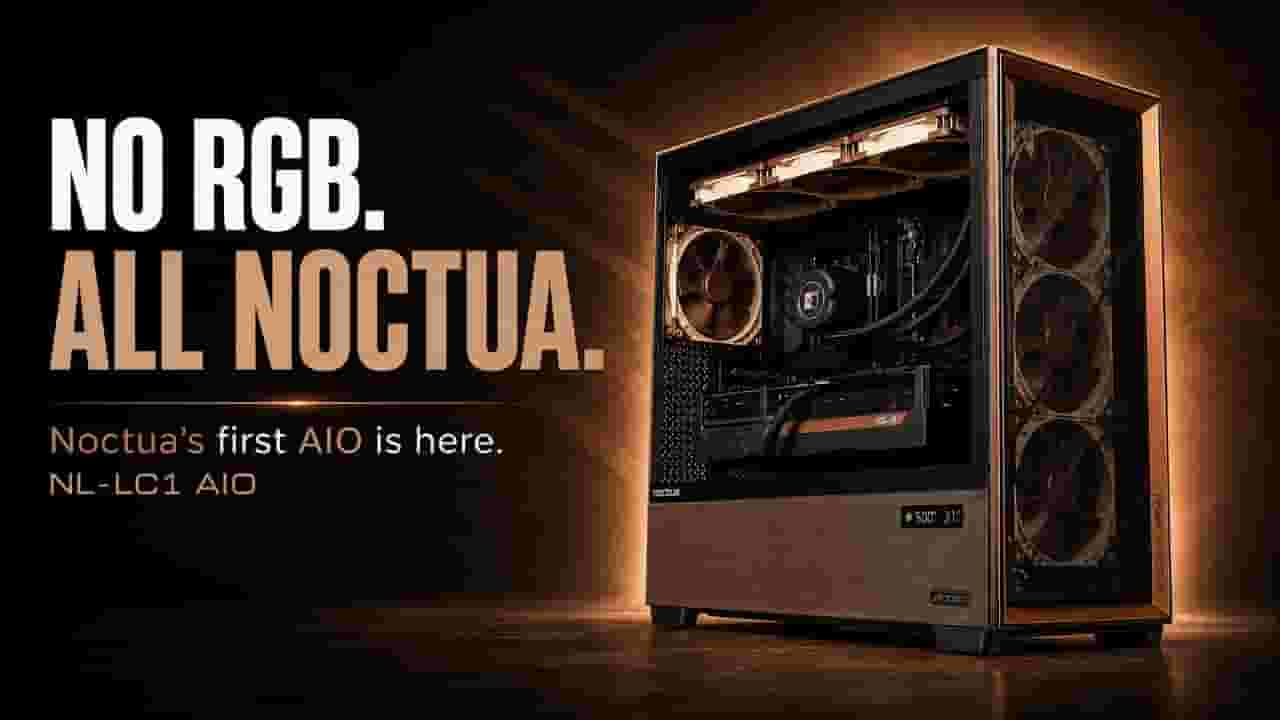
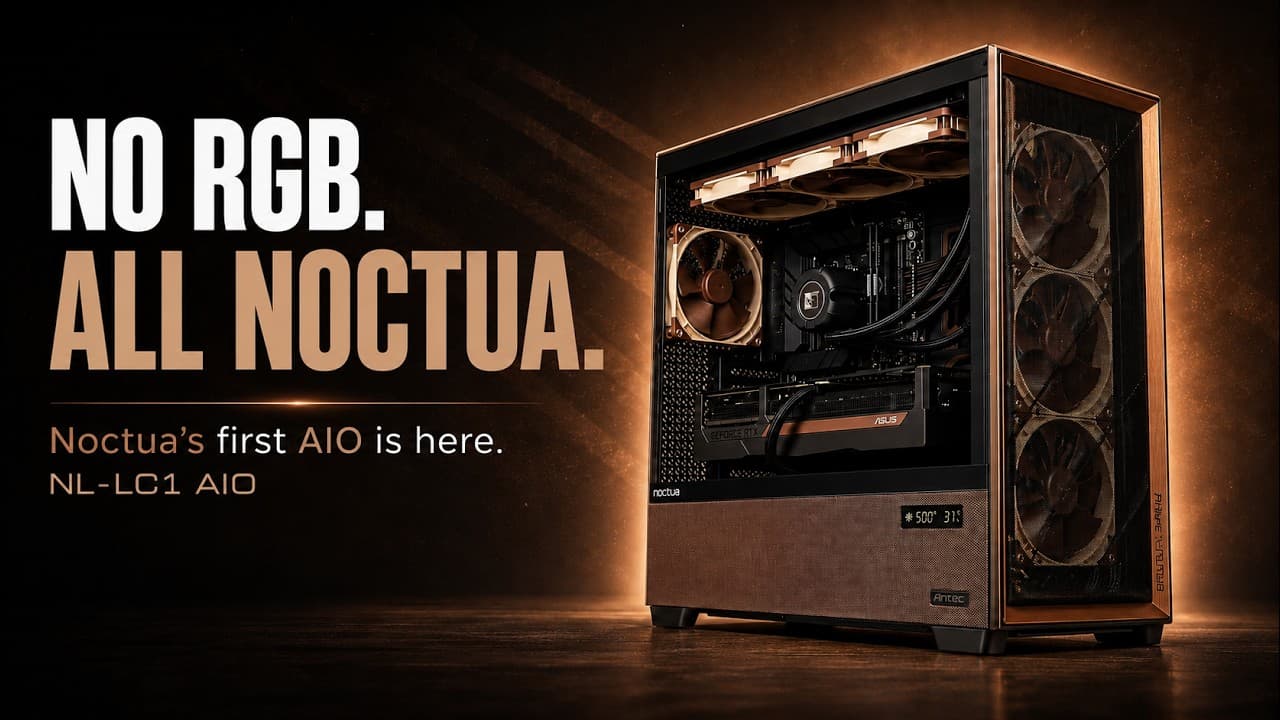
No RGB this time. We used Noctua’s first AIO—the 420mm NL-LC1-42—inside the Antec FLUX PRO Noctua Edition with the ASUS GeForce RTX 5080 Noctua Edition and Seasonic PRIME TX-1600 Noctua Edition. Behind it sits an AMD Ryzen 9 9950X3D2 on the ASUS ROG Crosshair X870E APEX, with T-FORCE VULCAN DDR5-6000 and a T-FORCE GC PRO 2TB Gen5 SSD. — 𝐓𝐡𝐚𝐧𝐤𝐬 𝐭𝐨 𝐨𝐮𝐫 𝐬𝐩𝐨𝐧𝐬𝐨𝐫𝐬 — 🤝 A big thank you to @NoctuaVideos and @watchAntecTV for sponsoring this build and making the project possible. Thanks as well to TEAMGROUP / T-FORCE for supporting the build with the VULCAN DDR5 memory and GC PRO Gen5 SSD. — 𝐂𝐚𝐬𝐞 & 𝐚𝐢𝐫𝐟𝐥𝐨𝐰 — 🌀 Official case used here: Antec FLUX PRO Noctua Edition Stock fan layout: 3x front Noctua NF-A14x25 G2 intake, 2x Noctua NF-A12x25 G2 intake above the PSU shroud, 1x rear Noctua NF-A14x25 G2 exhaust Cooling layout in this build: Noctua NL-LC1-42 420mm AIO mounted at the top with 3x NF-A14x25 G2 fans as exhaust Overall: five intake fans feed the CPU and GPU area, while the rear fan and top-mounted 420mm radiator exhaust heat from the case — 𝐍𝐨𝐜𝐭𝐮𝐚’𝐬 𝐟𝐢𝐫𝐬𝐭 𝐀𝐈𝐎 — ❄️ The NL-LC1-42 combines a 420mm radiator with three NF-A14x25 G2 fans, Asetek’s Emma V2 platform and Noctua’s pump-noise absorber. Its Quiet, Balanced and Manual pump modes let you choose between minimal pump noise, extra performance headroom or full RPM control. — 𝐍𝐨𝐜𝐭𝐮𝐚 𝐡𝐚𝐫𝐝𝐰𝐚𝐫𝐞 — 🦉 The ASUS RTX 5080 Noctua Edition uses three NF-A12x25 G2 fans and a custom vapor-chamber cooler. The Seasonic PRIME TX-1600 Noctua Edition adds a Noctua fan and acoustically optimized grille to the PSU. — 𝐓-𝐅𝐎𝐑𝐂𝐄 𝐦𝐞𝐦𝐨𝐫𝐲 & 𝐆𝐞𝐧𝟓 𝐬𝐭𝐨𝐫𝐚𝐠𝐞 — ⚡ The T-FORCE VULCAN DDR5 32GB kit runs at 6000 MHz and keeps the no-RGB direction intact with a low-profile heatspreader design. It also uses onboard PMIC power management and on-die ECC to support stable power delivery and system operation. Storage comes from the T-FORCE GC PRO 2TB, using PCIe Gen5 x4, DRAM cache and a patented graphene heatsink. It is rated for up to 12,500 MB/s read and 11,000 MB/s write. — 𝐏𝐫𝐨𝐝𝐮𝐜𝐭 𝐥𝐢𝐧𝐤𝐬 — 🔗 Case: Link: https://amzn.to/4pvglNL CPU Cooler: AIO 360mm Link: https://amzn.to/4gpCVok AIO 240mm https://amzn.to/4ycVzGu GPU: Link: https://amzn.to/3TpdKso PSU: Link: https://amzn.to/3SIqjyW Motherboard: Link: https://amzn.to/4eT802E CPU: Link: https://amzn.to/4eXbekc RAM: Link: https://amzn.to/3SNptAY SSD: Link: https://amzn.to/4vTJO63 — 𝐒𝐨𝐜𝐢𝐚𝐥𝐬 & 𝐩𝐥𝐚𝐲𝐥𝐢𝐬𝐭 — 🎧 Web: Link: https://www.tektherapy.net Instagram: Link: https://www.instagram.com/tektherapy Spotify – TekTherapy "Binary" EP: Link: https://open.spotify.com/album/0w5hK0Cg5LXy3A9Mc246Fe — 𝐏𝐚𝐫𝐭𝐬 & 𝐬𝐩𝐞𝐜𝐬 — 🛠 Case: Antec FLUX PRO Noctua Edition Cooler: Noctua NL-LC1-42 420mm AIO PSU: Seasonic PRIME TX-1600 Noctua Edition Fans: 4x Noctua NF-A14x25 G2 / 2x Noctua NF-A12x25 G2 RAM: T-FORCE VULCAN DDR5 32GB (2x16GB) @6000 MHz SSD: T-FORCE GC PRO 2TB PCIe Gen5 NVMe SSD CPU: AMD Ryzen 9 9950X3D2, 16 cores / 32 threads GPU: ASUS GeForce RTX 5080 Noctua Edition 16GB GDDR7 Motherboard: ASUS ROG Crosshair X870E APEX — 𝐂𝐨𝐬𝐭 𝐞𝐬𝐭𝐢𝐦𝐚𝐭𝐞 — 💸 Approx. US retail total at the time of writing: $5433.86 Antec FLUX PRO Noctua Edition — $399.95 Noctua NL-LC1-42 420mm AIO — $279.95 Seasonic PRIME TX-1600 Noctua Edition — $654.00 ASUS ROG Crosshair X870E APEX — $740.99 AMD Ryzen 9 9950X3D2 — $899.00 ASUS GeForce RTX 5080 Noctua Edition — $1699.99 T-FORCE VULCAN DDR5 32GB — $399.99 T-FORCE GC PRO 2TB — $359.99 Approx. EU retail total at the time of writing: €5053.91 Antec FLUX PRO Noctua Edition — €399.89 Noctua NL-LC1-42 420mm AIO — €279.90 Seasonic PRIME TX-1600 Noctua Edition — €498.99 ASUS ROG Crosshair X870E APEX — €519.99 AMD Ryzen 9 9950X3D2 — €878.00 ASUS GeForce RTX 5080 Noctua Edition — €1632.00 T-FORCE VULCAN DDR5 32GB (2x16GB) @6000 MHz — €416.14 T-FORCE GC PRO 2TB PCIe Gen5 NVMe SSD — €429.00 Prices change over time and vary by retailer and availability. — 𝐂𝐡𝐚𝐩𝐭𝐞𝐫𝐬 — ⏱ 0:00 Intro 0:08 Antec FLUX PRO Noctua Edition case reveal 0:36 ASUS ROG Crosshair X870E APEX peels 0:47 AMD Ryzen 9 9950X3D2 install 1:00 T-FORCE GC PRO 2TB SSD install 1:09 T-FORCE VULCAN DDR5 install 1:23 ASUS ROG Crosshair X870E APEX install 1:34 Noctua NF-A12 / A14 G2 fans install 2:29 Noctua NL-LC1-42 420mm AIO install 3:09 Seasonic PRIME TX-1600 Noctua Edition install 3:34 ASUS GeForce RTX 5080 Noctua Edition install 3:53 Cable clicks + Case re-assembly 4:04 Glas Peel 4:12 Cinematic b-roll 5:35 Gaming benchmarks 6:45 CPU load / temperatures & benchmarks 7:09 SSD benchmark 7:23 Outtakes — 𝐂𝐫𝐞𝐝𝐢𝐭𝐬 — 🎬 Camera/Color Grade: Ronald Bodinger Edit: Nicole Jeitler Mediatherapy LLC Productions
About YouTube Real-Time View Count
With SocialCounts.org’s view counter, track your YouTube video’s live view count and YouTube likes count in real time with fast, reliable updates.
Watch every YouTube video live view count rise with our real-time YouTube views tracker—built for accuracy and minimal delay.
Follow YouTube real time views as they happen, using our dedicated view counter for YouTube videos.
Get up-to-date live view count on YouTube and see real-time growth with SocialCounts.org’s smart tracking tools.
Embed Widget
Parameters:
fullscreen=true- Fullscreen countergraph=true- Live graph chartcounter=0/1/2- Select counter (0=likes, 1=views, 2=comments)
URL
Click to copy the embed URL to your clipboard