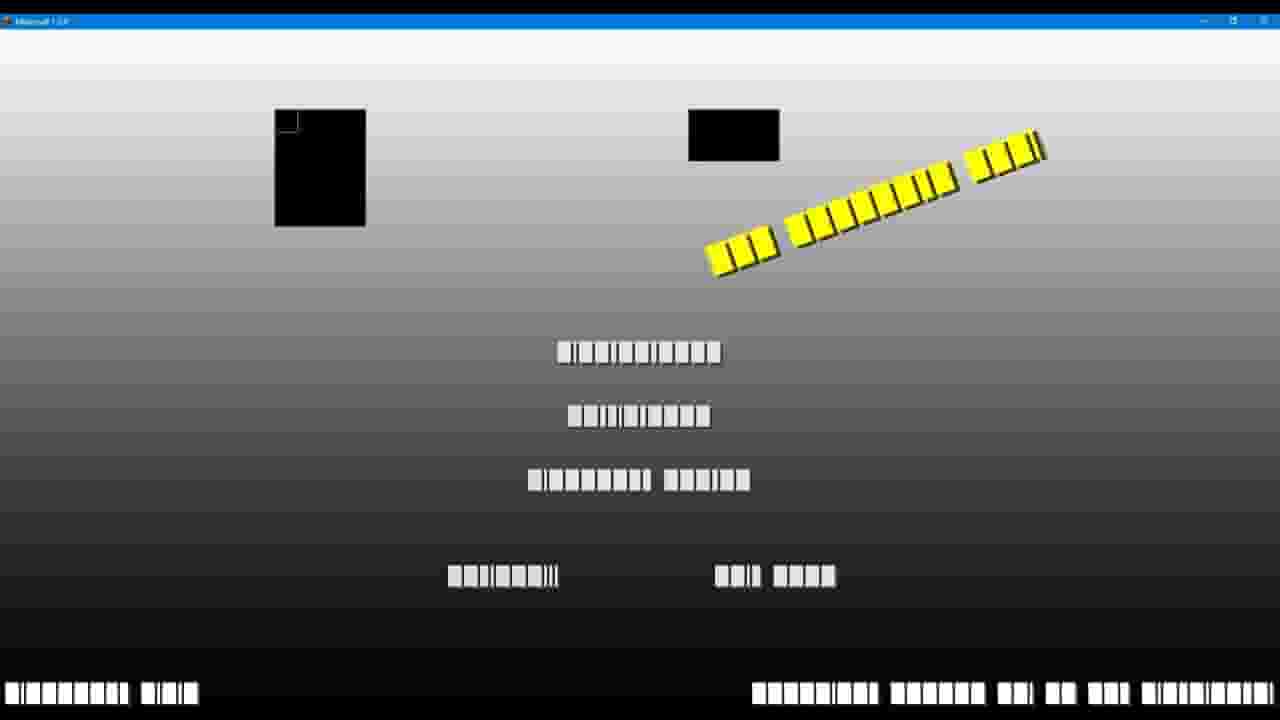
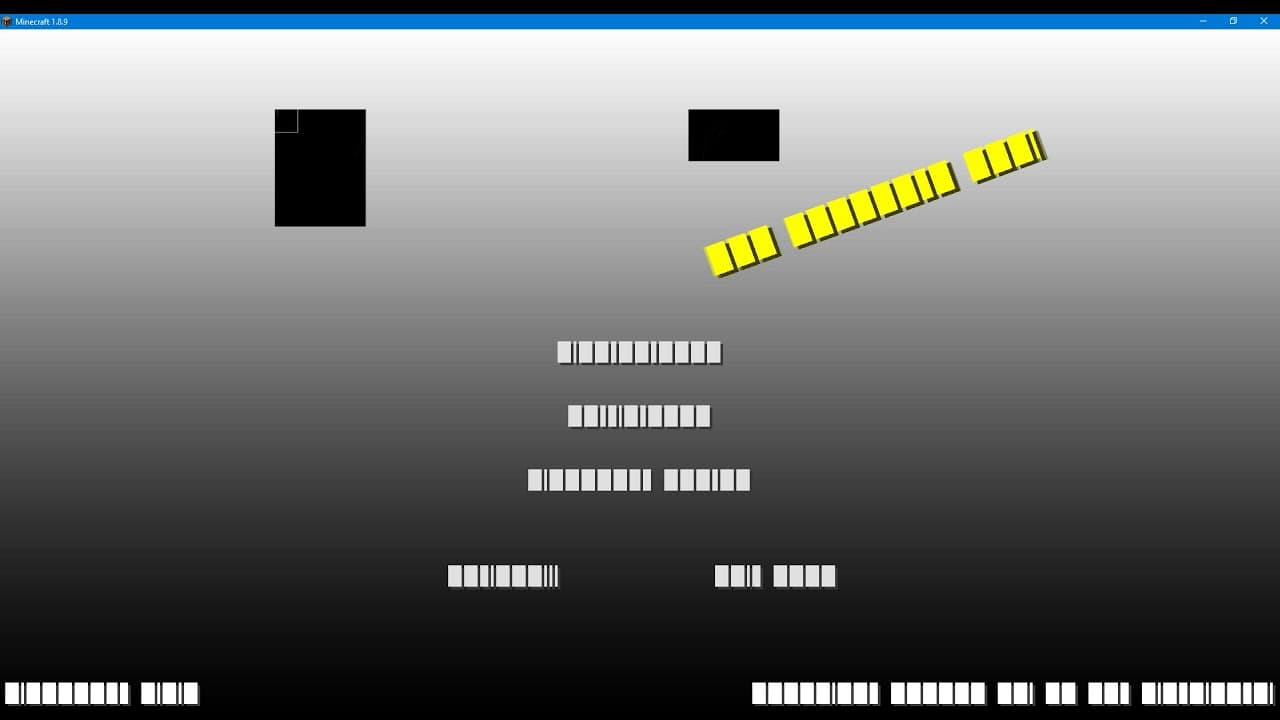


minecraft visual bug, bugged menu, texture glitch, corrupted texture fix 1.8.9-1.12.2!
78,547
Socialcounts.Org
923
likes
212
comments
daily view 0
monthly view 0
Live Analytics
Comments 0
minecraft visual bug, bugged menu, texture glitch, corrupted texture fix 1.8.9-1.12.2! Analytics Table
Income Estimates for minecraft visual bug, bugged menu, texture glitch, corrupted texture fix 1.8.9-1.12.2!
Based on this YouTube video's total view count of 78.5K views and industry-standard rates, the estimated total earning is $55 - $157 through ad revenue. Historical data is not yet available to calculate daily, weekly, or monthly averages.
About minecraft visual bug, bugged menu, texture glitch, corrupted texture fix 1.8.9-1.12.2!
Explore minecraft visual bug, bugged menu, texture glitch, corrupted texture fix 1.8.9-1.12.2! with 78,547 views, 923 likes, and 212 comments. Experience the impact of this video content that has captured audience attention.
description updated 1/11/2024 from personal experience, these graphics drivers should help mitigate the graphical effects that are described in this video intel iris xe graphics (driver version 31.0.101.4502 from 6/15/2023 works with minecraft version 1.8.9 without graphical issues intel uhd graphics for 11th gen processors (driver version 30.0.101.2079 from 5/26/2022 works with minecraft version 1.8.9 without graphical issue amd graphics drivers (havent tested, dont have amd graphics card) nvidia rtx 3050 laptop (driver version 527.56 from 12/8/2022 works with minecraft version 1.8.9 without graphical issues) preferably, update your graphics driver to the latest versions. if you're stuck with a uac or administrator prompt, the following softwares should also fix these graphical issues as described in the video without requiring additional permissions 1: https://www.lunarclient.com/download 2: https://optifine.net/downloads 3: https://files.minecraftforge.net/net/minecraftforge/forge if you have a graphics control panel app on your computer, particulaly nvidia control panel. you can try to set your preferred graphics processor to "Integrated graphics" from the manage 3d settings, global settings tab. this issue could also be related to minecraft itself (but that would be highly unlikely) if so, try to reset or reinstall java, minecraft, or even the minecraft launcher itself a final option would be to use the display driver uninstaller, which would flush the gpu out. https://www.guru3d.com/download/display-driver-uninstaller-download/ if nothing else works, and you're experiencing a similar problem as the video shows, this might mean one of your graphics cards or hardware is malfunctioning. you may need to do further troubleshooting or seek a professional from your manufacturer/etc to solve this problem OLD DESCRIPTION BELOW the latest nvidia game ready update driver 527.56 fixes this minecraft bug! https://cdn.discordapp.com/attachments/839930500469751821/1051349333590679582/image.png ===[INSTRUCTIONS]=== open up the browser and go to https://www.nvidia.com/en-us/drivers/results/193713/ download it, and go through the remote installation process after installer success, you should be good to go! do you think you have an older computer? try this one instead: https://www.nvidia.com/Download/driverResults.aspx/180557/en-us/ ===[INSTRUCTIONS]=== if you're still encountering this bug even after downgrading your nvidia game ready graphics driver to 522.25, 472.12 or lower, or you don't have administrator access to your device, there are still chances to fix it! the bug itself is completely non-existent when running a custom version of minecraft (most likely) 1: https://www.lunarclient.com/download (install lunar client and play on the specified version you want to play on) 2: https://optifine.net/downloads (install a version of optifine you want to play on, may require java to install and then play on it) 3: https://files.minecraftforge.net/net/minecraftforge/forge (same instructions as optifine) 4: setting your preferred graphics processor to integrated graphics this requires you to open up the nvidia control panel, after opening up the nvidia control panel click on manage 3d settings, set the preferred graphics processor to integrated graphics (if there is an option for it) unless you're the 1% of minecraft gamers still suffering from this bug, you might have to use a software called display driver uninstaller, as that also helps to eliminate the game breaking bug until nvidia actually does something for once, we probably won't be able to play vanilla minecraft on the latest nvidia game ready drivers for now. also don't try to uninstall or delete minecraft from your computer, it's not effective at patching the bug either 3/20/2023 seems like some intel graphics users are experiencing a similar issue to this one, i'm pretty sure you need to downgrade your intel graphics driver to 0.0.100.9955 (October 2021), reinstall or update the drivers optifine fast render appears to break the rendering process (tested a month ago on nvidia graphics driver 526.98)
About YouTube Real-Time View Count
With SocialCounts.org’s view counter, track your YouTube video’s live view count and YouTube likes count in real time with fast, reliable updates.
Watch every YouTube video live view count rise with our real-time YouTube views tracker—built for accuracy and minimal delay.
Follow YouTube real time views as they happen, using our dedicated view counter for YouTube videos.
Get up-to-date live view count on YouTube and see real-time growth with SocialCounts.org’s smart tracking tools.
Embed Widget
Parameters:
fullscreen=true- Fullscreen countergraph=true- Live graph chartcounter=0/1/2- Select counter (0=likes, 1=views, 2=comments)
URL
Click to copy the embed URL to your clipboard