

How to Fix 404 Page not Found error on my website & public_html missing/renamed? |🔴LIVE
214,012
Socialcounts.Org
774
likes
30
comments
daily view 0
monthly view 0
Live Analytics
Comments 0
How to Fix 404 Page not Found error on my website & public_html missing/renamed? |🔴LIVE Analytics Table
Income Estimates for How to Fix 404 Page not Found error on my website & public_html missing/renamed? |🔴LIVE
Based on this YouTube video's total view count of 214K views and industry-standard rates, the estimated total earning is $150 - $428 through ad revenue. Historical data is not yet available to calculate daily, weekly, or monthly averages.
About How to Fix 404 Page not Found error on my website & public_html missing/renamed? |🔴LIVE
Explore How to Fix 404 Page not Found error on my website & public_html missing/renamed? |🔴LIVE with 214,012 views, 774 likes, and 30 comments. Experience the impact of this video content that has captured audience attention.
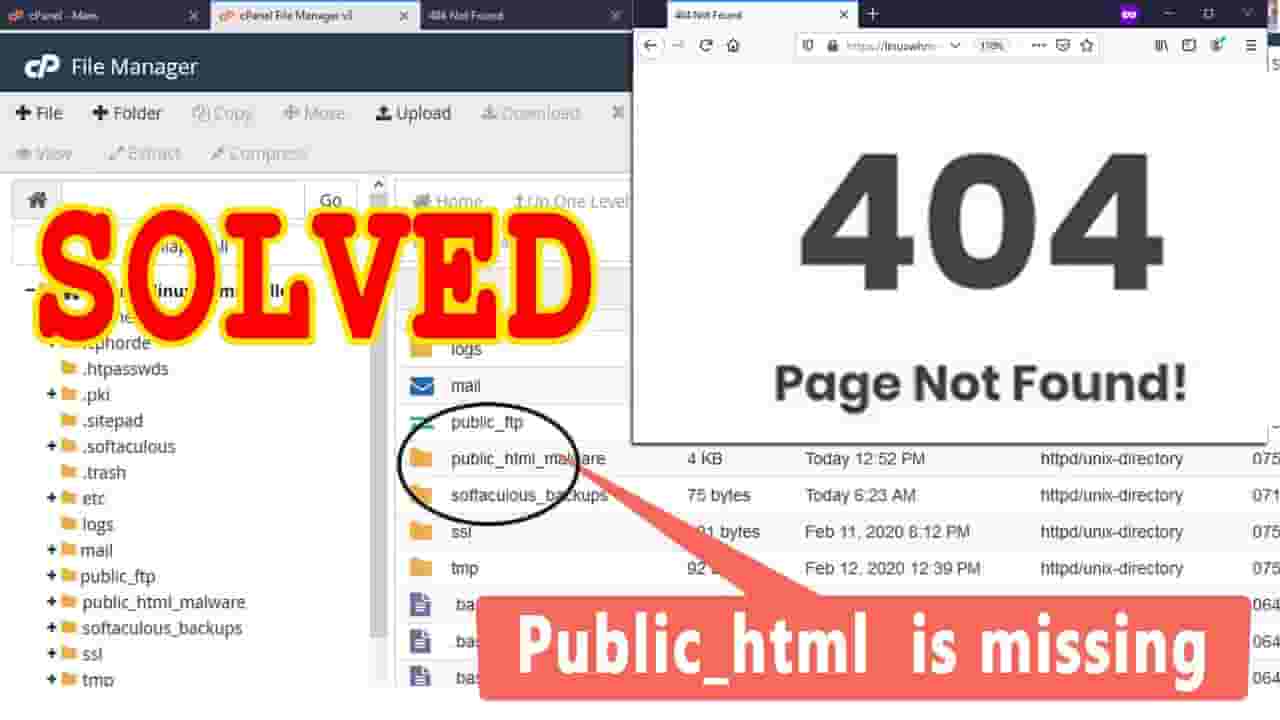
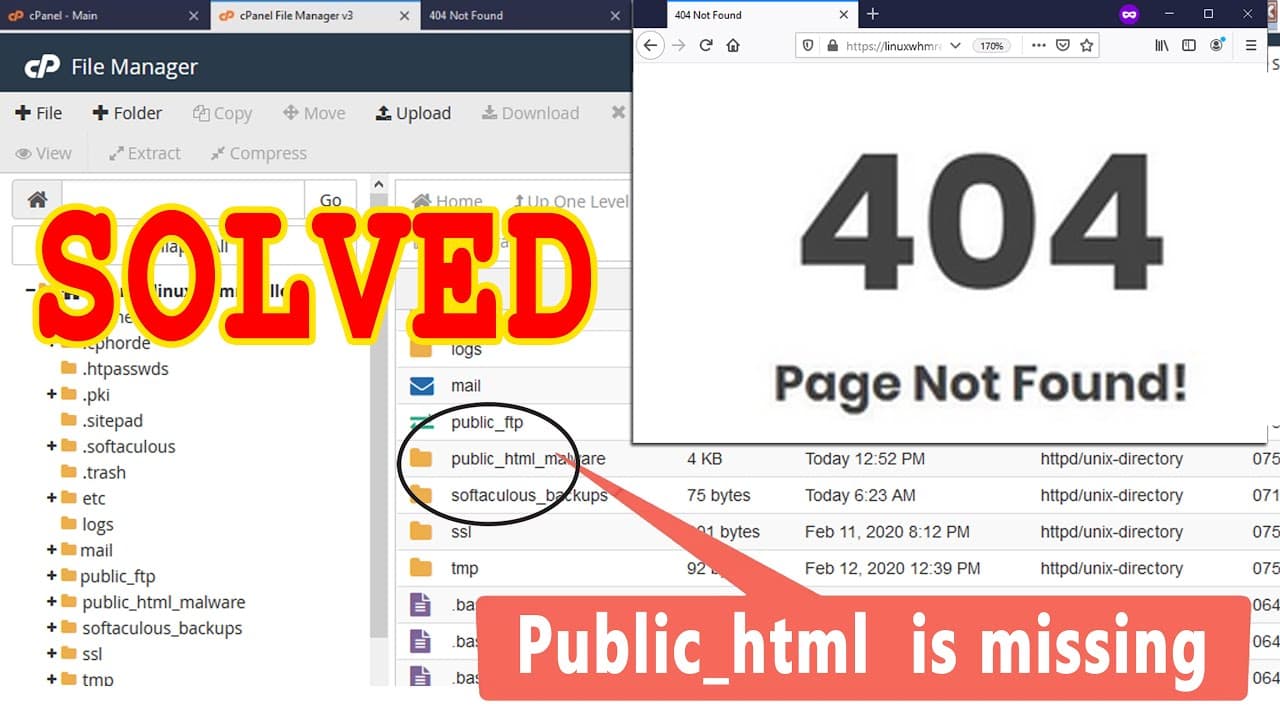
Today in this video we will show you how to fix 404 Page not Found error in your website and public_html missing from cPanel. It might be frustrating when you see 404 page not found error while accessing your website. It can even become more frustrating when you open your cPanel and found public_html missing or totally changed to a new name. So in order to fix this issue first you need to understand about this. Let me tell you that this type of error only comes after you transfer infected or vulnerable website(that can be hacked ) from somewhere to Redserverhost or it may also come because of vulnerable website like WordPress with infected themes or plugins. For special security purpose Redserverhost have installed Imunify360 to deal with such infected websites. Imunify360 detects the malwares in a website and automatically rename public_html so that no one could access it. And as soon public_html is renamed the website begins to throw 404 error. This security measure is only to ensure the hardening of the website. To fix this issue you need to follow the steps given below: Step::1 Login to your cPanel Step::2 Navigate to SECURITY section and open Imunify360. Also check History tab Step::3 Here you will see the Malware detected by Imunify360 Step::4 Check the Malicious files and fix them manually if you are good in it or contact the developer. You can also Re-Install Wordpress by using the tutorial given here- https://bit.ly/2SOhil4 Step::5 As soon you fix all the malicious files rename the folder back to public_html and your website will be live. You can install hardened WordPress by renaming wp-config.php in your Wordpress website or by renaming /wp-admin from the Wordpress admin login URL by taking the help of below tutorial https://bit.ly/2Hrbt7T That's all, you are done!!! Hope this helps!!! For more information, kindly follow us on social media like Twitter and Facebook and for video tutorials, subscribe to our YouTube channel -https://youtube.com/redserverhost.com Facebook Page- https://facebook.com/redserverhost Twitter Page- https://twitter.com/redserverhost.com Official Website- https://redserverhost.com If you have any query, feel free to let us know via the comments section below. #Fix_404_Page_not_Found #Fix_cPanel_error_public_html_missing
About YouTube Real-Time View Count
With SocialCounts.org’s view counter, track your YouTube video’s live view count and YouTube likes count in real time with fast, reliable updates.
Watch every YouTube video live view count rise with our real-time YouTube views tracker—built for accuracy and minimal delay.
Follow YouTube real time views as they happen, using our dedicated view counter for YouTube videos.
Get up-to-date live view count on YouTube and see real-time growth with SocialCounts.org’s smart tracking tools.
Embed Widget
Parameters:
fullscreen=true- Fullscreen countergraph=true- Live graph chartcounter=0/1/2- Select counter (0=likes, 1=views, 2=comments)
URL
Click to copy the embed URL to your clipboard