


25,335
likes
650
comments
daily view 0
monthly view 0
Live Analytics
Comments 0
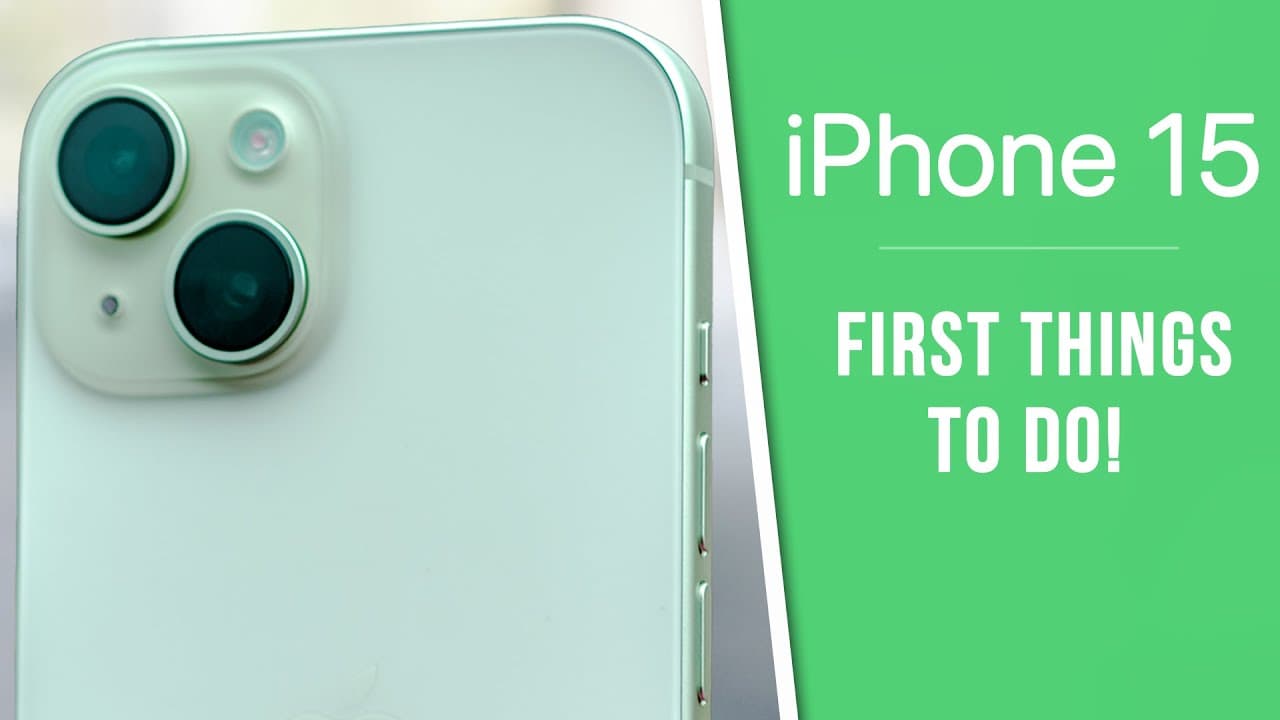
iPhone 15 - First 17 Things To Do! (Tips & Tricks) Analytics Table
Income Estimates for iPhone 15 - First 17 Things To Do! (Tips & Tricks)
Based on this YouTube video's total view count of 1.70M views and industry-standard rates, the estimated total earning is $1.19K - $3.40K through ad revenue. Historical data is not yet available to calculate daily, weekly, or monthly averages.
About iPhone 15 - First 17 Things To Do! (Tips & Tricks)
Explore iPhone 15 - First 17 Things To Do! (Tips & Tricks) with 1,701,404 views, 25,335 likes, and 650 comments. Experience the impact of this video content that has captured audience attention.
iPhone 15 & iPhone 15 Pro - First 17 Things To Do! | iPhone 15 Tips & Tricks RHINOSHIELD Cases: https://url.rhinoshield.io/brandon15 | Use code brandonbutch for 10% off! If you just got an iPhone 15, iPhone 15 Pro or iPhone 15 Pro Max, this video will show you more than 17 new tips & tricks that will help you understand your new iPhone & all of the new features that come along with it! This video will showcase settings you need to change, tips & tricks to know, and just how to get the most out of your iPhone 15. Enjoy! 🍎 Become an *Ultra Member* to get PDF guides for videos, access to premium wallpapers + more: https://bit.ly/bb-member 💬 Join our *Discord* server to continue the conversation: https://discord.gg/appleden 📖📲 Sign up for the *newsletter* to get unfiltered Apple news & insights: https://theappleden.com/subscribe (it's free) *Other videos you might like:* iPhone 15 Pro Max - 25+ Tips & Tricks: https://youtu.be/EbW0iaA_XOc How to Transfer ALL Data to New iPhone 15 & 15 Pro (Best Way): https://youtu.be/2QRQ8taT1Q0 iPhone 15 Pro & Pro Max: All Colors Compared: https://youtu.be/BPSu1kXTFKI iPhone 15: All Colors Compared: https://youtu.be/p1sfisghOdE iPhone 15 vs 15 Pro - 12 KEY Differences: https://youtu.be/B7XewiY8D44 *Social Media:* Twitter: https://twitter.com/brandonbutch Instagram: https://instagram.com/brandonbutch Threads: https://www.threads.net/@brandonbutch TikTok: https://tiktok.com/@brandon.butch Facebook: https://www.facebook.com/brandonbutchyt Apple Music: https://apple.co/2VF3KZj *Chapters:* 0:00 You need to know these.. 0:28 Do this FIRST on your iPhone 15 1:27 USB-C isn't just for charging (but they aren't equal) 3:02 This is not a gimmick. You'll see 4:03 Find People MUCH Easier 4:57 Protect it!! 7:16 Make it YOURS 8:33 Automatically detect this (insanely awesome!) 9:32 Action Button 11:03 iPhone 15 Pro users, remove this 11:45 Represent Yourself (choose wisely) 13:57 Choose the tone 14:26 Massive change for the iPhone 15 camera quality 15:39 But... change this 17:26 Choose your default focal length 18:35 Tetraprism 19:14 Charge to 80% ..why? 20:36 Change THESE display settings 22:42 Control Center 23:45 Apple Music 24:26 Configure Face ID Settings 25:38 StandBy 26:00 5G Improved 27:01 Thoughts? *Gear used to make this video:* 📷 Camera: https://amzn.to/3Fn6f8R 📷 Lens: https://amzn.to/31VXuVC 🎙️ Mic: https://amzn.to/2HLUVZp 🎤 Other Mic: https://amzn.to/2jP0HLl 🎛️ Audio Interface: https://amzn.to/2kNwwnU 📱 Best tech deals (updated daily): http://amzn.to/2qcK0QT Disclosure: This video might contain affiliate links, which help fund the channel if you make a purchase. Have a fantastic day & I'll see you soon!
About YouTube Real-Time View Count
With SocialCounts.org’s view counter, track your YouTube video’s live view count and YouTube likes count in real time with fast, reliable updates.
Watch every YouTube video live view count rise with our real-time YouTube views tracker—built for accuracy and minimal delay.
Follow YouTube real time views as they happen, using our dedicated view counter for YouTube videos.
Get up-to-date live view count on YouTube and see real-time growth with SocialCounts.org’s smart tracking tools.
Embed Widget
Parameters:
fullscreen=true- Fullscreen countergraph=true- Live graph chartcounter=0/1/2- Select counter (0=likes, 1=views, 2=comments)
URL
Click to copy the embed URL to your clipboard