

590
likes
183
comments
daily view 0
monthly view 0
Live Analytics
Comments 0
How To Connect Universal Samsung Remote To Samsung Smart TV Analytics Table
Income Estimates for How To Connect Universal Samsung Remote To Samsung Smart TV
Based on this YouTube video's total view count of 268K views and industry-standard rates, the estimated total earning is $188 - $538 through ad revenue. Historical data is not yet available to calculate daily, weekly, or monthly averages.
About How To Connect Universal Samsung Remote To Samsung Smart TV
Explore How To Connect Universal Samsung Remote To Samsung Smart TV with 268,856 views, 590 likes, and 183 comments. Experience the impact of this video content that has captured audience attention.
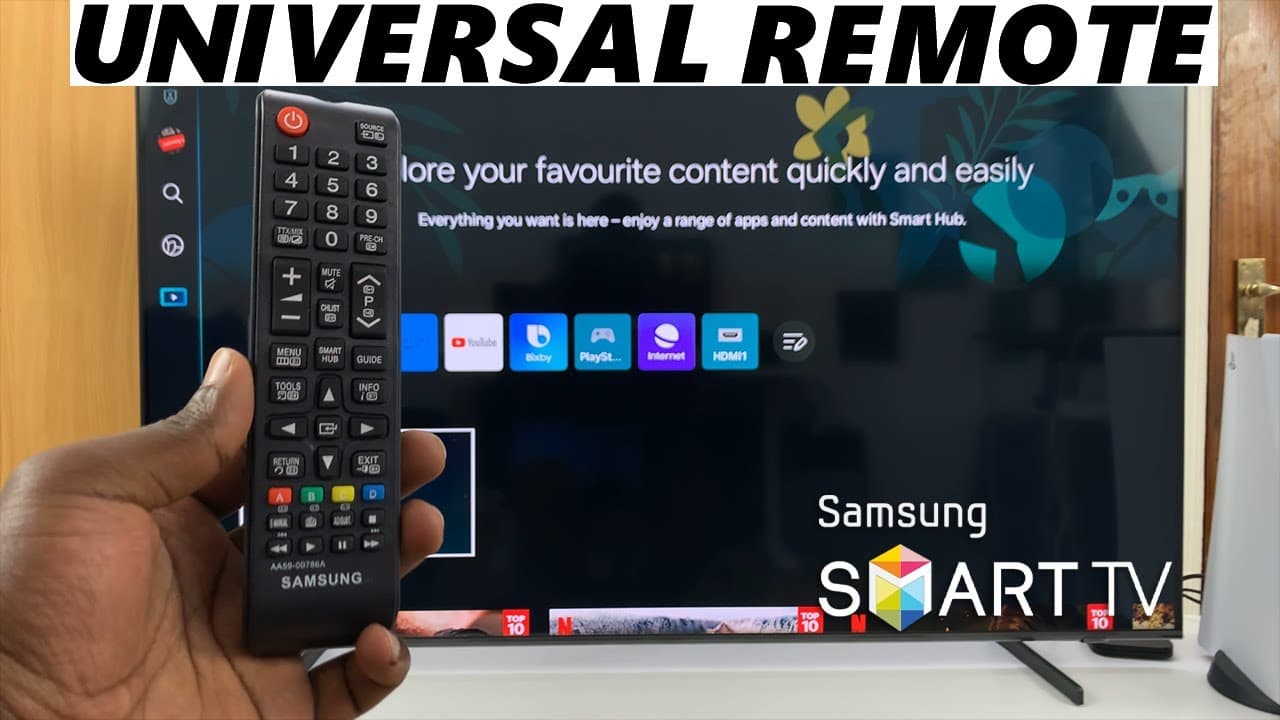
Here's how to connect a universal Samsung remote to your Samsung Smart TV. Read: https://www.webproeducation.org/how-to/connect-universal-samsung-remote-to-samsung-smart-tv/ Whether you've misplaced your original remote or you're looking to streamline your entertainment setup, this video will provide you with clear instructions on how to pair your universal remote with your Samsung Smart TV effortlessly. We'll cover everything from identifying the model of your Samsung TV to programming your universal remote to ensure seamless control of your television. Connect Universal Samsung Remote To Samsung Smart TV: How To Pair Universal Samsung Remote To Samsung Smart TV: How To Link Universal Samsung Remote To Samsung Smart TV: Step 1: Purchase a Samsung Universal remote, if your TV did not come with one. Not all universal remotes are compatible with all Samsung Smart TVs. Therefore, it's crucial to ensure that the remote you have or plan to purchase is compatible with your specific TV model. Consult the remote's user manual or manufacturer's website for compatibility information. Step 2: Once you've confirmed compatibility, it's time to program the universal remote to work with your Samsung Smart TV. place a set of AAA batteries into the remote. Step 3: Point the remote towards your TV and press the power button on the universal remote. You can also press any button on the remote to start using it on your TV. All functions, such as power, volume, and channel control, should work correctly with your Samsung Smart TV. If you have a Samsung Smart TV Solar Remote, it will also work alongside the Universal remote. You can now use both at will. Samsung 55-Inch QLED 4K Q60C Series Smart TV: https://amzn.to/4amqsf8 Samsung Galaxy S24 Ultra (Factory Unlocked): https://amzn.to/3UprMJi Samsung Galaxy A25 5G, Factory Unlocked GSM: https://amzn.to/3wKYjQe SAMSUNG Galaxy FIT 3: https://amzn.to/3IxyGVK #samsungsmarttv #smarttv #samsungelectronics #samsungexperience #tech #techtips #innovation #innovations #homeentertainment #smarthome #smarthomegadgets #entertainment #streaming #gaming #4ktv #hdr #internettv #smartliving #hometheater #connectedhome #futuretech #futuretechnology #cuttingedgetechnology #cuttingedgetech -----My Gear for YouTube videos----- Main Camera (iPhone 13 pro): https://amzn.to/3GZztve Tripod: https://amzn.to/35acqRa Cell Phone Tripod Adapter: https://amzn.to/3v3wFuI Lights: https://amzn.to/3vkoGK7 As full disclosure, I use affiliate links on this channel and purchasing through these links earns me a small commission. The price you pay will be the same! Website: https://www.webproeducation.org Facebook: https://www.facebook.com/webproeducation.org Twitter: https://twitter.com/WebPro_E Instagram: https://www.instagram.com/webproeducation/
About YouTube Real-Time View Count
With SocialCounts.org’s view counter, track your YouTube video’s live view count and YouTube likes count in real time with fast, reliable updates.
Watch every YouTube video live view count rise with our real-time YouTube views tracker—built for accuracy and minimal delay.
Follow YouTube real time views as they happen, using our dedicated view counter for YouTube videos.
Get up-to-date live view count on YouTube and see real-time growth with SocialCounts.org’s smart tracking tools.
Embed Widget
Parameters:
fullscreen=true- Fullscreen countergraph=true- Live graph chartcounter=0/1/2- Select counter (0=likes, 1=views, 2=comments)
URL
Click to copy the embed URL to your clipboard