
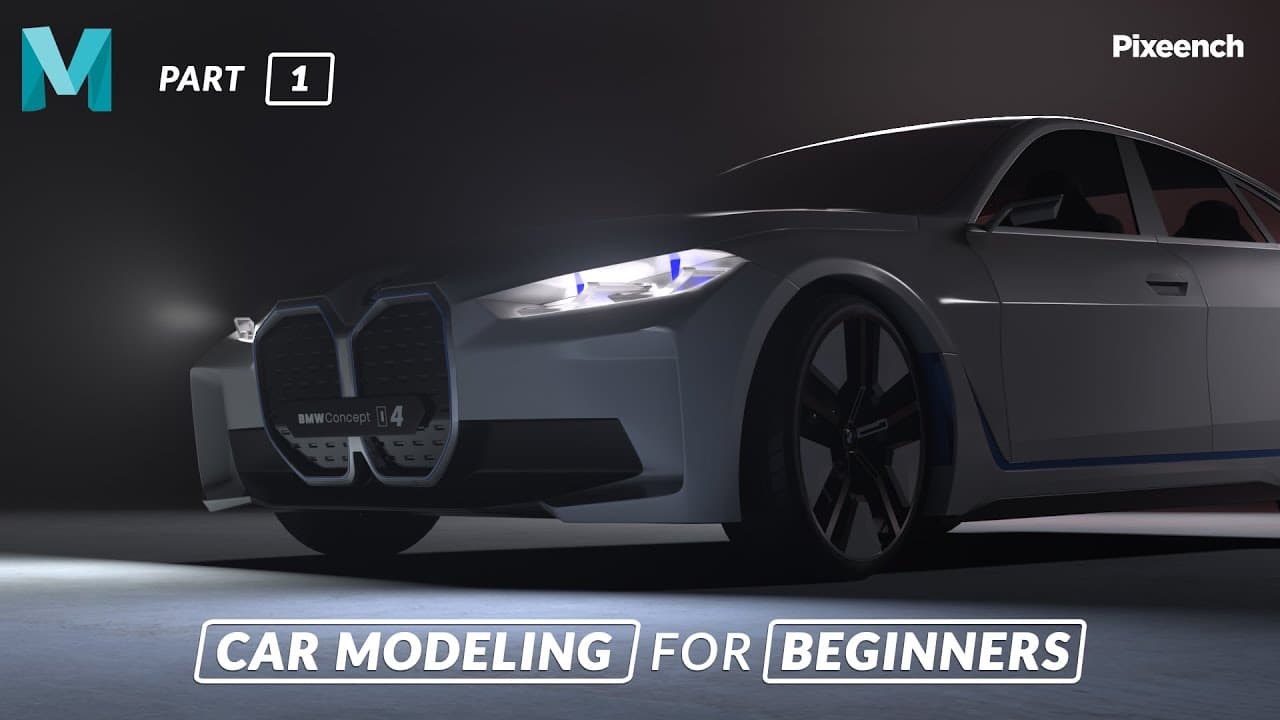


How to Model a CAR in Maya for BEGINNERS | Part - 01 | Making The Front Part | Pixeench
80,947
Socialcounts.Org
1,386
likes
56
comments
daily view 0
monthly view 0
Live Analytics
Comments 0
How to Model a CAR in Maya for BEGINNERS | Part - 01 | Making The Front Part | Pixeench Analytics Table
Income Estimates for How to Model a CAR in Maya for BEGINNERS | Part - 01 | Making The Front Part | Pixeench
Based on this YouTube video's total view count of 80.9K views and industry-standard rates, the estimated total earning is $57 - $162 through ad revenue. Historical data is not yet available to calculate daily, weekly, or monthly averages.
About How to Model a CAR in Maya for BEGINNERS | Part - 01 | Making The Front Part | Pixeench
Explore How to Model a CAR in Maya for BEGINNERS | Part - 01 | Making The Front Part | Pixeench with 80,947 views, 1,386 likes, and 56 comments. Experience the impact of this video content that has captured audience attention.
How to model a car in maya for beginners. In this tutorial we will be taking a look at how you make a car model in Autodesk Maya. These tutorials are for complete beginners. In this video, we will model the front part of the car. I have used BMW as a reference, you can also use different car references. Subscribe to my Channel to see more parts of How to Model a CAR in Maya. https://www.youtube.com/c/Pixeench Facebook► https://www.facebook.com/Pixeench Instagram► https://www.instagram.com/pixeench_3dartist ▶ Reference image : https://drive.google.com/drive/folders/1rlKi5qZ8bMy7Uzam9wSEuTg1xxyObNzg?usp=sharing Autodesk Maya shortcuts & hotkeys Ctrl + D Duplicate Ctrl + Shift + D Duplicate Special Shift + D Duplicate with Transform Ctrl + G Group Shift + Z Redo G Repeat Z Undo ( also Ctrl+z ) Ctrl + R Create file reference Ctrl + N New Scene Ctrl + O Open Scene Ctrl + S Save Scene Ctrl + Shift + S Save Scene As Space (When pressed down) Show the hotbox Ctrl + F10 Convert polygon selection to Edges Ctrl + F9 Convert polygon selection to Vertexes Ctrl + F11 Covert polygon selection to Faces Ctrl + F12 Covert polygon selection to UVs 1 Rough quality display setting 2 Medium quality display setting 3 Smooth quality display setting 4 Wireframe 5 Shaded display 6 Shaded and Textured display 7 Use All Lights ▶ More Videos ◾ Car Modeling Maya Timelapse https://youtu.be/eUmT9aiyTzY ◾ Bike Modeling in Autodesk Maya https://youtu.be/IFuqVEJ2hkQ THANK YOU ------------------------------------------------------------------------------------- Please ignore the tags below. #autodeskmayatutorialbeginner #3dmodellingtechniquesincomputergraphics #howdoyoulearnhardsurfacemodling #pixeench #HowdoyoumakeacarmodelinMaya
About YouTube Real-Time View Count
With SocialCounts.org’s view counter, track your YouTube video’s live view count and YouTube likes count in real time with fast, reliable updates.
Watch every YouTube video live view count rise with our real-time YouTube views tracker—built for accuracy and minimal delay.
Follow YouTube real time views as they happen, using our dedicated view counter for YouTube videos.
Get up-to-date live view count on YouTube and see real-time growth with SocialCounts.org’s smart tracking tools.
Embed Widget
Parameters:
fullscreen=true- Fullscreen countergraph=true- Live graph chartcounter=0/1/2- Select counter (0=likes, 1=views, 2=comments)
URL
Click to copy the embed URL to your clipboard