

86
likes
12
comments
daily view 0
monthly view 0
Live Analytics
Comments 0
Behind the Scenes: A Great Thermal Camera, But I Would NOT Recommend the Company! 🌡️ | P3 Review Analytics Table
Income Estimates for Behind the Scenes: A Great Thermal Camera, But I Would NOT Recommend the Company! 🌡️ | P3 Review
Based on this YouTube video's total view count of 4.10K views and industry-standard rates, the estimated total earning is $3 - $8 through ad revenue. Historical data is not yet available to calculate daily, weekly, or monthly averages.
About Behind the Scenes: A Great Thermal Camera, But I Would NOT Recommend the Company! 🌡️ | P3 Review
Explore Behind the Scenes: A Great Thermal Camera, But I Would NOT Recommend the Company! 🌡️ | P3 Review with 4,108 views, 86 likes, and 12 comments. Experience the impact of this video content that has captured audience attention.
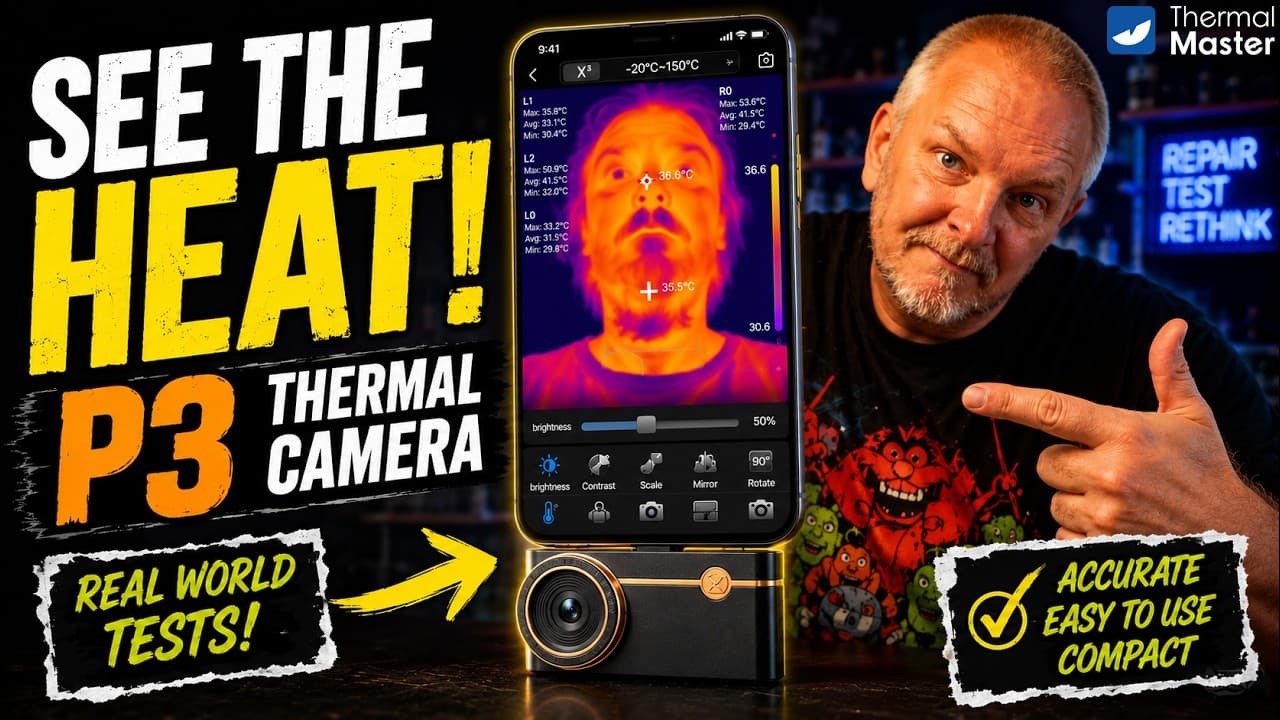
Ever wondered what your favourite smart home gadgets look like when they start getting HOT? 🌡️🔥 In this Behind the Scenes video, I'm taking a closer look at the Thermal Master P3, a compact smartphone thermal imaging camera that I'm adding to my YouTube production toolkit. I'll unbox the P3, check out the build quality and manual-focus lens, set it up with the Thermal Master app, and put it through a few simple real-world tests. From an incense cone 🔥 to studio LED lighting 💡 and a mobile phone, we'll see how thermal imaging can reveal heat that you simply can't see with a normal camera. The P3 features 512×384 Super IR resolution, 25Hz imaging, manual focus, temperature measurement, multiple colour palettes and support for iOS, Android and PC. However, there's an important part of this review that I also need to share. While I was happy with the P3, my experience dealing with the company was disappointing. Based on my experience, I found the situation unfair and I don't feel the company can be trusted. Therefore, I cannot recommend doing business with them, even though I think the P3 itself is a good product. 🛒 P3 Thermal Camera: https://link.amazon/B05w50JeA https://thermalmaster.com/SMARTHOMEUK 🔥 Want to save 10%? Use discount code THERMALBF10 at checkout to get 10% off your purchase. ⏱️ Chapters: 00:00 Chapter 1: INTRO 00:49 Chapter 2: DISCLAIMER 01:20 Chapter 3: UNBOXING 02:33 Chapter 4: DESIGN & BUILD 03:23 Chapter 5: INSTALLATION 05:00 Chapter 6: TEST 06:20 Chapter 7: CONCLUSION 07:49 Chapter 8: THANK YOU If you found this video useful, please LIKE 👍, SUBSCRIBE 🔔, SHARE it and leave a comment below. I'd love to know what you'd like me to show in the next Behind the Scenes video! ❤️ Support the channel: ⭐ Become a Channel Member ☕ Buy Me a Coffee: https://buymeacoffee.com/smarthomeuk70 💙 Support via PayPal: https://www.paypal.com/donate/?hosted_button_id=D6TQUSDS9YZ8G Every contribution helps me create more honest reviews, tutorials, and troubleshooting videos. Social media: Facebook: https://www.facebook.com/people/Smart-Home-UK/61568466748908/ Instagram: https://www.instagram.com/smarthomeuk70/ Tik Tok: https://www.tiktok.com/@smarthomeuk70 Thanks for watching, and I'll see you in the next Behind the Scenes episod! 🚀 #smarthomeuk #behindthescenes
About YouTube Real-Time View Count
With SocialCounts.org’s view counter, track your YouTube video’s live view count and YouTube likes count in real time with fast, reliable updates.
Watch every YouTube video live view count rise with our real-time YouTube views tracker—built for accuracy and minimal delay.
Follow YouTube real time views as they happen, using our dedicated view counter for YouTube videos.
Get up-to-date live view count on YouTube and see real-time growth with SocialCounts.org’s smart tracking tools.
Embed Widget
Parameters:
fullscreen=true- Fullscreen countergraph=true- Live graph chartcounter=0/1/2- Select counter (0=likes, 1=views, 2=comments)
URL
Click to copy the embed URL to your clipboard