

Live Analytics
Comments 0
PicoScope 7 the Basics Analytics Table
Income Estimates for PicoScope 7 the Basics
Based on this YouTube video's total view count of 39.5K views and industry-standard rates, the estimated total earning is $28 - $79 through ad revenue. Historical data is not yet available to calculate daily, weekly, or monthly averages.
About PicoScope 7 the Basics
Explore PicoScope 7 the Basics with 39,541 views, 793 likes, and 41 comments. Experience the impact of this video content that has captured audience attention.
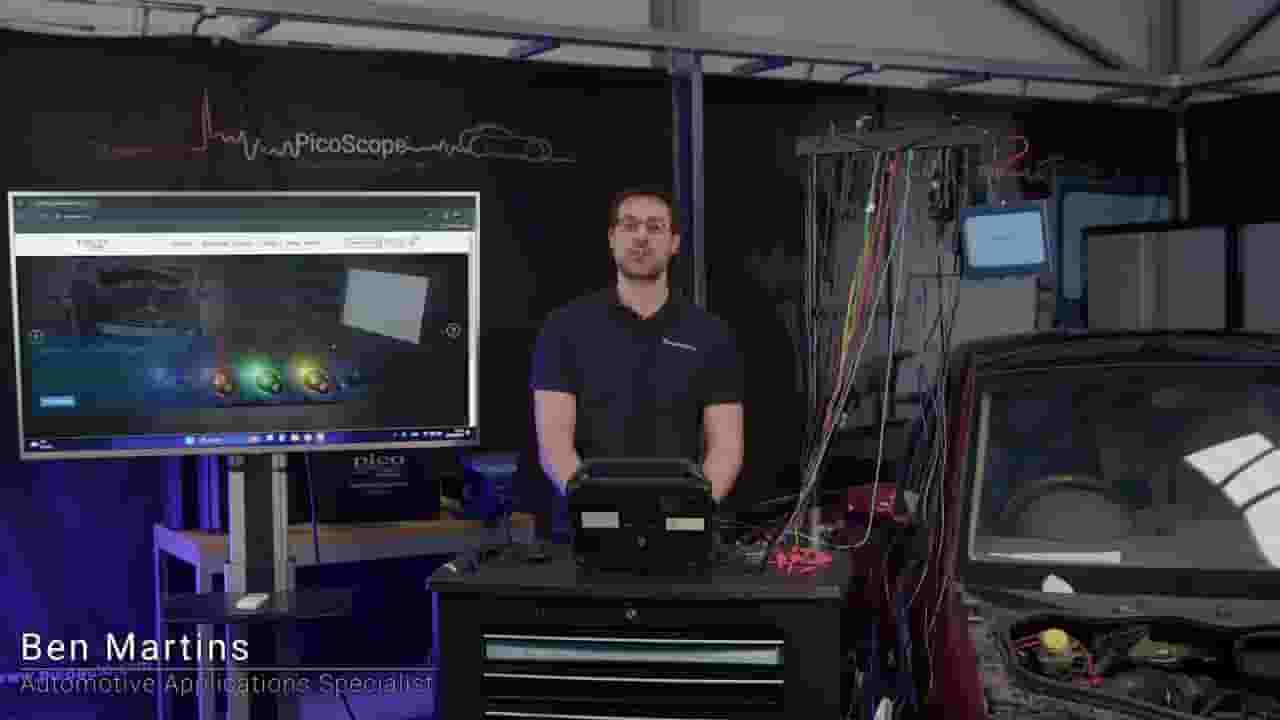
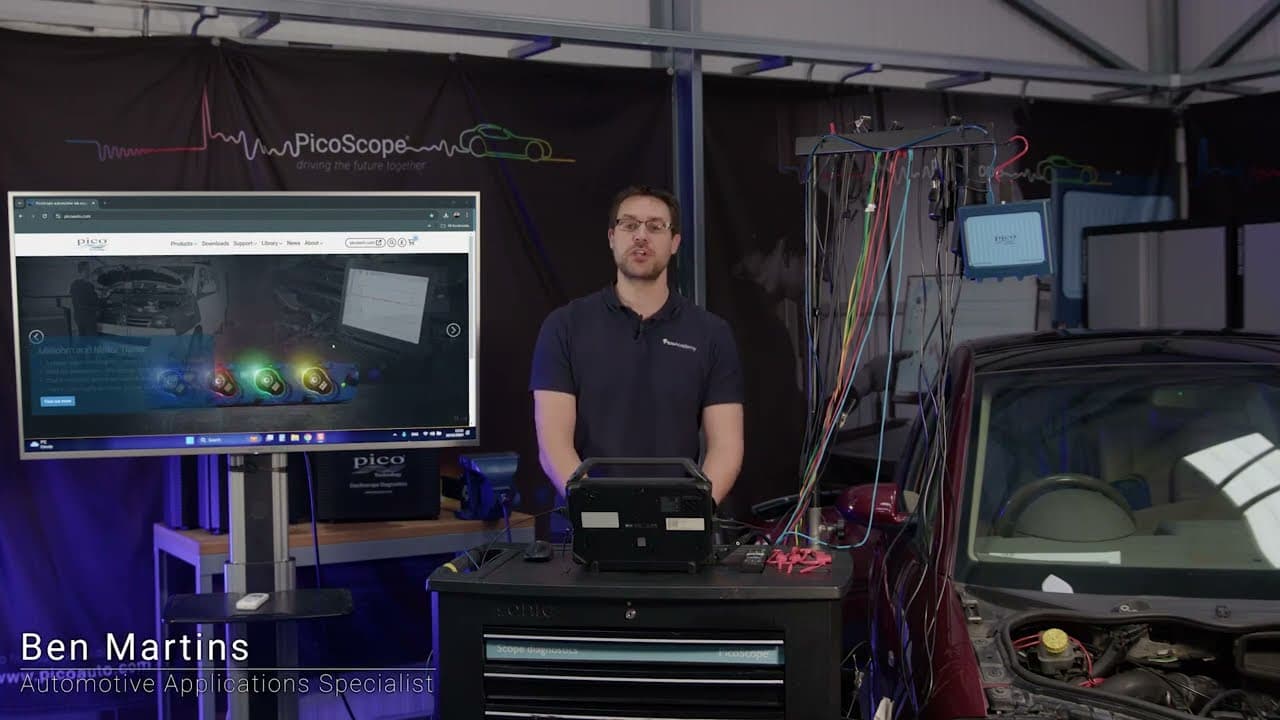
In this video, we embark on an exciting journey into the world of automotive diagnostics with PicoScope 7 Automotive. Join Ben as he guides you step-by-step through the entire process, from the initial software download to capturing your first measurement. We'll cover everything you need to know to get started, including installation tips, navigating the user interface, and understanding basic measurement techniques. Whether you're a seasoned technician or just starting your automotive diagnostic journey, this video will equip you with the knowledge and confidence to harness the power of PicoScope 7 and unlock valuable insights into vehicle performance. 00:00 Introduction 01:30 Downloading the Software 02:39 Minimum Laptop Specifications 04:48 PicoScope 7 vs PicoDiagnostics 05:16 Demo Mode 05:59 Guided Test Toolbox 06:50 The Waveform Window (UI Basics) 07:52 Timebase and The Grid 08:57 Vertical Axis and Voltage Ranges 10:48 Using Rulers (Voltage & Time) 13:18 Channel Options 14:40 Probes Menu & BNC+ Auto-Detect 15:44 DSP / Low Pass Filtering 16:37 Display Settings (Scale & Offset) 18:01 Timebase: Block Mode vs Streaming Mode 21:08 Introduction to Triggers 24:18 Trigger Modes: Auto vs Repeat 28:05 Connecting the Scope to a Vehicle 30:38 Using a BNC+ Current Clamp 32:36 The Waveform Navigator 34:00 Setting Up a Trigger (Rising vs Falling Edge) 36:45 Zeroing a Current Clamp 41:44 Multiple Captures via Fuse Extension 43:11 Identifying Firing Order with Triggers 47:55 Saving Your Waveforms 50:02 Summary & Outro 🌍Find out more about PicoScope 7 Automotive software here: www.picoauto.com/downloads ------------------------------------------------------- 🔽 Links 🔽 - PicoScope A-Z - https://www.picoauto.com/library/picoscope-in-depth Newsletter - https://www.picoauto.com/news Instagram - https://instagram.com/pico.technology Facebook - https://www.facebook.com/picoauto/ ------------------------------------------------------- #picoscope #oscilloscope #automotive #diagnostics #picoauto #automotivediagnostics #picoautomotive
About YouTube Real-Time View Count
With SocialCounts.org’s view counter, track your YouTube video’s live view count and YouTube likes count in real time with fast, reliable updates.
Watch every YouTube video live view count rise with our real-time YouTube views tracker—built for accuracy and minimal delay.
Follow YouTube real time views as they happen, using our dedicated view counter for YouTube videos.
Get up-to-date live view count on YouTube and see real-time growth with SocialCounts.org’s smart tracking tools.
Embed Widget
Parameters:
fullscreen=true- Fullscreen countergraph=true- Live graph chartcounter=0/1/2- Select counter (0=likes, 1=views, 2=comments)
URL
Click to copy the embed URL to your clipboard