

4,565
likes
249
comments
daily view 0
monthly view 0
Live Analytics
Comments 0
How To Set Up Blink Outdoor 4 Camera Analytics Table
Income Estimates for How To Set Up Blink Outdoor 4 Camera
Based on this YouTube video's total view count of 618K views and industry-standard rates, the estimated total earning is $433 - $1.23K through ad revenue. Historical data is not yet available to calculate daily, weekly, or monthly averages.
About How To Set Up Blink Outdoor 4 Camera
Explore How To Set Up Blink Outdoor 4 Camera with 618,849 views, 4,565 likes, and 249 comments. Experience the impact of this video content that has captured audience attention.
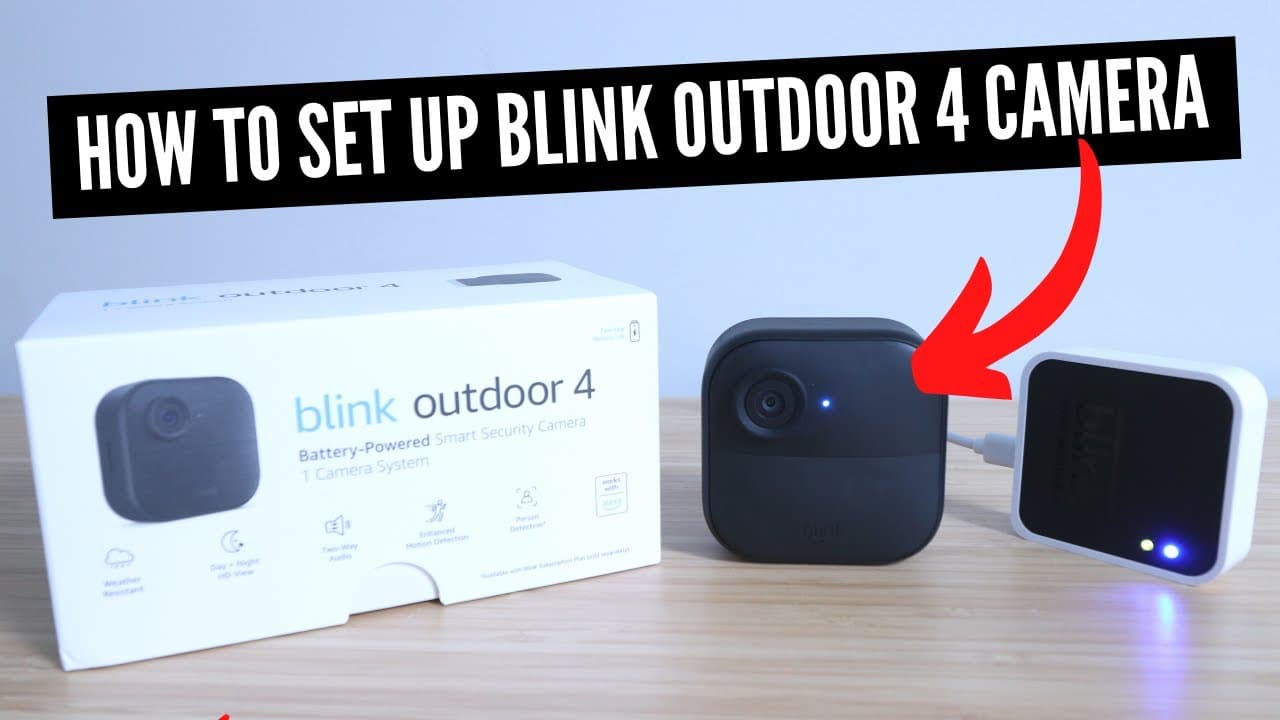
In this video we teach you how to setup the Blink Outdoor 4 Camera which was launched in the summer of 2023. The Blink Outdoor 4 is a wifi battery powered smart security camera. Blink Outdoor 4: https://amzn.to/44EzHnc The Blink Outdoor 4 Camera was launched in August 2023, and is an upgrade from previous generations of Blink Outdoor Cameras. It is a wifi battery powered smart security camera. The Blink Outdoor 4 Camera runs on two AA batteries and can function for up to 2 years with just battery powered depending on usage and settings. The Blink Outdoor 4 is easy to set up and easy to use. Being that it's battery powered it allows you a large number of options for placement of the camera. It's important to note that the Blink Outdoor 4 Smart Security Camera does require a Blink Sync Module for set up. What New Features Were Updated With the Blink Outdoor 4 Camera -The Blink Outdoor 4 can be used indoors or outdoors. -It has a wider field of view with 143 degree viewing angle. -It has enhanced motion detection -It has AI person detection -Improved image quality and improved low light and night vision image quality. How To Set Up Blink Outdoor 4 Camera: 1) To set up the Blink Outdoor 4 Security camera you will need to download and install the Blink App, create a username and password and login. 2) You will first need to set up the Blink Sync Module to get the Blink Camera set up. Plug in the Blink Sync Module to power and then follow the in app instructions on the Blink App to set up and connect the Blink Sync Module to wifi. 3) With the Sync Module connected you will need to install the batteries in the Blink Outdoor Camera 4. To do this you will remove the back cover with a screwdriver or coin. Then insert 2 Lithium AA batteries into the Blink Outdoor 4. These are the recommended batteries for the Blink Outdoor Camera: https://amzn.to/3PprXkX 4) Follow the instructions in the Blink App to set up the Blink Outdoor 4 Camera and scan the QR code on the back of the device before replacing the battery cover. 5) The app will guide you through the remaining set up and connect the Blink Outdoor to the Blink Sync Module. Your Sync module must be powered up and connected to wifi for the Blink Camera to function.
About YouTube Real-Time View Count
With SocialCounts.org’s view counter, track your YouTube video’s live view count and YouTube likes count in real time with fast, reliable updates.
Watch every YouTube video live view count rise with our real-time YouTube views tracker—built for accuracy and minimal delay.
Follow YouTube real time views as they happen, using our dedicated view counter for YouTube videos.
Get up-to-date live view count on YouTube and see real-time growth with SocialCounts.org’s smart tracking tools.
Embed Widget
Parameters:
fullscreen=true- Fullscreen countergraph=true- Live graph chartcounter=0/1/2- Select counter (0=likes, 1=views, 2=comments)
URL
Click to copy the embed URL to your clipboard