
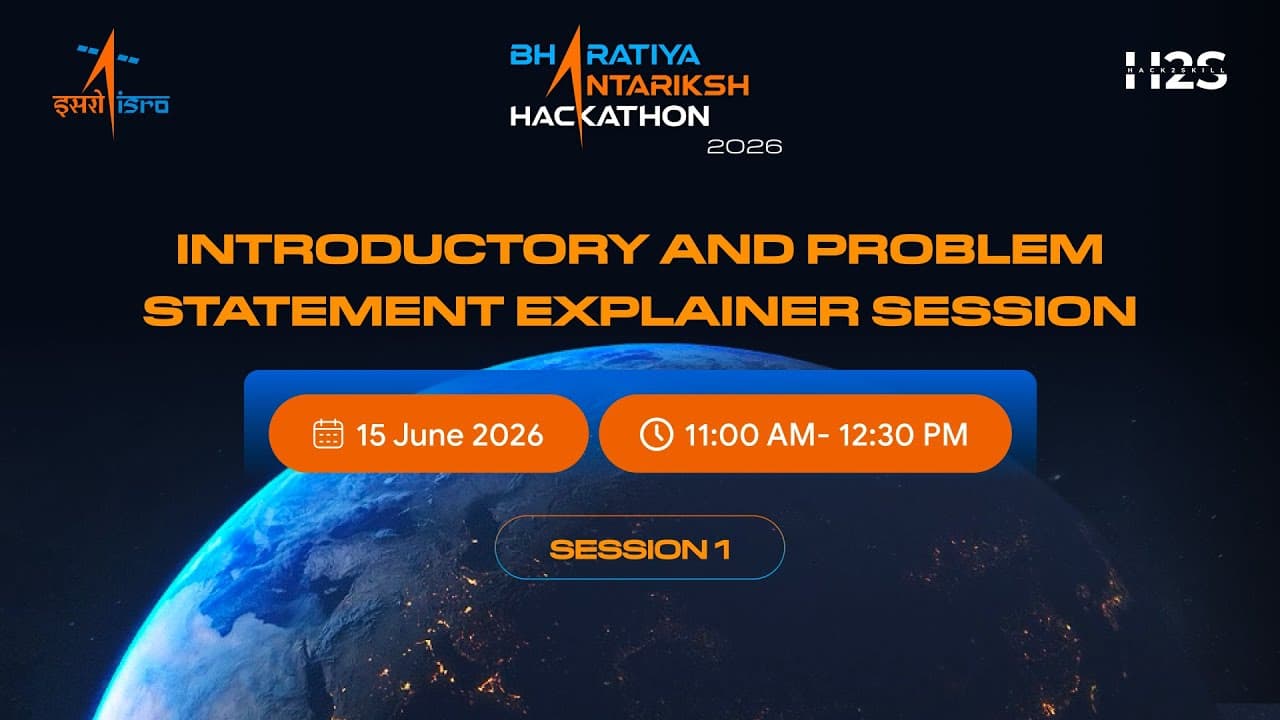


Introductory and Problem Statement Session 1 | Bharatiya Antariksh Hackathon 2026
38,466
Socialcounts.Org
1,147
likes
22
comments
daily view 0
monthly view 0
Live Analytics
Comments 0
Introductory and Problem Statement Session 1 | Bharatiya Antariksh Hackathon 2026 Analytics Table
Income Estimates for Introductory and Problem Statement Session 1 | Bharatiya Antariksh Hackathon 2026
Based on this YouTube video's total view count of 38.4K views and industry-standard rates, the estimated total earning is $27 - $77 through ad revenue. Historical data is not yet available to calculate daily, weekly, or monthly averages.
About Introductory and Problem Statement Session 1 | Bharatiya Antariksh Hackathon 2026
Explore Introductory and Problem Statement Session 1 | Bharatiya Antariksh Hackathon 2026 with 38,466 views, 1,147 likes, and 22 comments. Experience the impact of this video content that has captured audience attention.
In this session, we take a deep dive into Problem Statements 1–8 of Bharatiya Antariksh Hackathon 2026. Our experts break down each problem statement, explain the underlying challenge, discuss its real-world relevance in the space and technology ecosystem, and highlight key areas participants should focus on while building their solutions. Whether you're still deciding which problem statement to choose or have already started brainstorming, this session will help you gain clarity and move forward with confidence in your hackathon journey. 🚀
About YouTube Real-Time View Count
With SocialCounts.org’s view counter, track your YouTube video’s live view count and YouTube likes count in real time with fast, reliable updates.
Watch every YouTube video live view count rise with our real-time YouTube views tracker—built for accuracy and minimal delay.
Follow YouTube real time views as they happen, using our dedicated view counter for YouTube videos.
Get up-to-date live view count on YouTube and see real-time growth with SocialCounts.org’s smart tracking tools.
Embed Widget
Parameters:
fullscreen=true- Fullscreen countergraph=true- Live graph chartcounter=0/1/2- Select counter (0=likes, 1=views, 2=comments)
URL
Click to copy the embed URL to your clipboard