


37
likes
6
comments
daily view 0
monthly view 0
Live Analytics
Comments 0
Mastering MS Paint: A Step-by-Step Guide for Beginners Analytics Table
Income Estimates for Mastering MS Paint: A Step-by-Step Guide for Beginners
Based on this YouTube video's total view count of 421 views and industry-standard rates, the estimated total earning is $0 - $1 through ad revenue. Historical data is not yet available to calculate daily, weekly, or monthly averages.
About Mastering MS Paint: A Step-by-Step Guide for Beginners
Explore Mastering MS Paint: A Step-by-Step Guide for Beginners with 421 views, 37 likes, and 6 comments. Experience the impact of this video content that has captured audience attention.
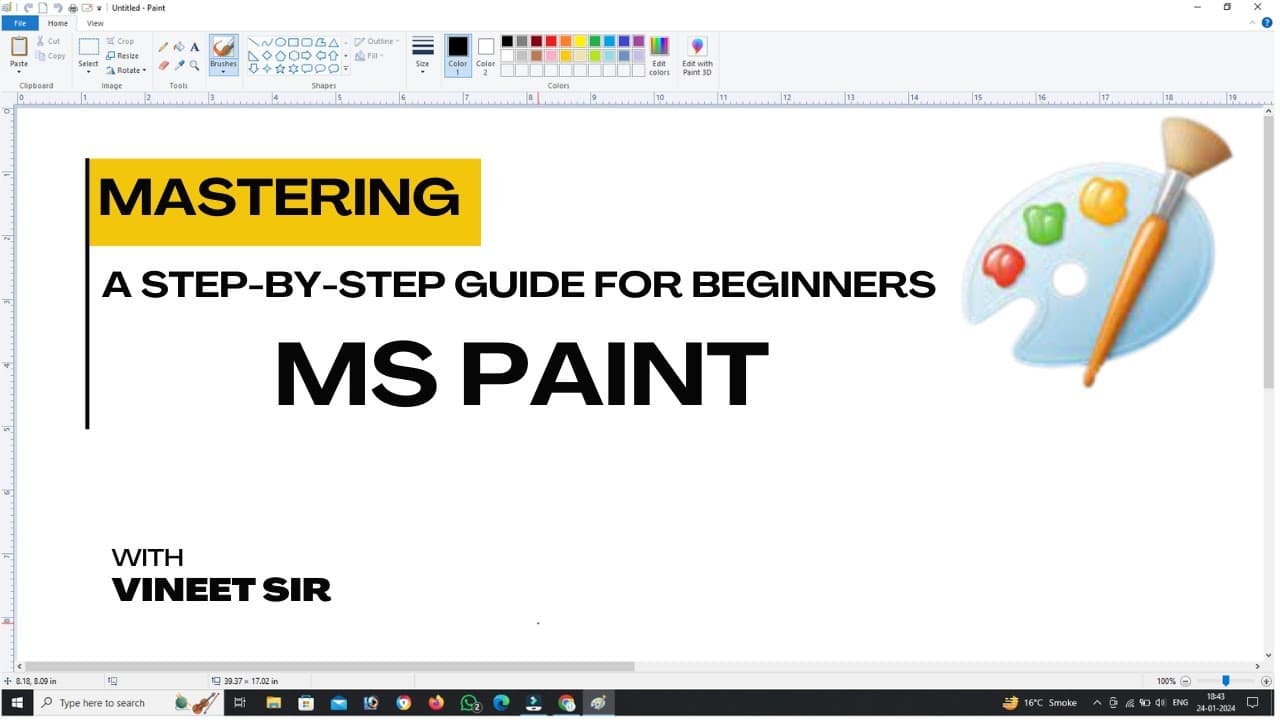
Mastering MS Paint involves understanding its features, tools, and practicing various techniques. Here's a step-by-step guide from beginner to pro: Beginner Level: Basic Navigation: Familiarize yourself with the MS Paint interface. Learn how to create a new canvas, open an existing file, and save your work. Brush and Pencil Tools: Experiment with the brush and pencil tools to understand how they work. Practice drawing simple shapes and lines. Color Palette: Understand the color palette and how to choose different colors. Experiment with filling shapes with different colors. Selections: Learn how to use the selection tools (rectangular, free-form, etc.). Practice selecting and moving parts of your drawing. Basic Shapes and Text: Explore the shapes and text tools. Use these tools to create simple objects and add text to your drawings. Intermediate Level: Layers: Learn about layers and how they can be used to organize your artwork. Experiment with creating different elements on separate layers. Advanced Selections: Master the magnetic selection tool and the lasso tool for more precise selections. Practice cutting, copying, and pasting selected areas. Custom Colors and Brushes: Create and save custom colors. Experiment with custom brushes to add texture to your drawings. Gradient and Fill Options: Understand how to use gradients and fills to add depth and dimension. Experiment with different gradient styles and fill patterns. Zoom and Pan: Master the zoom and pan features for detailed work. Use these features to focus on specific areas of your drawing. Advanced Level: Clone Stamp Tool: Learn to use the clone stamp tool for duplicating parts of your drawing. Experiment with cloning textures and patterns. Image Editing: Import images into MS Paint and practice editing them. Learn to blend imported images with your drawings. Advanced Text Options: Explore advanced text formatting options. Use text effects and transformations to enhance your text elements. Special Effects: Experiment with special effects like blurs, distortions, and pixelation. Use these effects creatively to enhance your artwork. Shortcuts and Efficiency: Memorize keyboard shortcuts to improve your workflow. Focus on efficiency by using tools and features more effectively. Pro Level: Digital Painting Techniques: Practice digital painting techniques using brushes, layers, and blending modes. Experiment with shading and highlighting. Animation: Explore the animation features in MS Paint. Create simple animations by manipulating different frames. Complex Compositions: Create complex compositions with multiple elements. Experiment with different perspectives and styles. Mastery of Tools: Achieve mastery in using all available tools. Understand the nuances of each tool and use them in combination for advanced effects. Showcase Your Art: Share your work online and seek feedback. Participate in MS Paint communities to learn from others and showcase your skills. Remember, practice is key to mastering any skill. As you progress through these levels, challenge yourself with increasingly complex projects to further enhance your MS Paint skills. Website- https://vivekci.co.in/ Blog- https://vivekci.co.in/Blog/ Facebook- https://www.facebook.com/Vivekcomputerinstitute Instagram- https://www.instagram.com/vivekci.co.in/ Telegram- https://t.me/vivekci Whatsapp- https://wa.me/918090953347 MS Access Part-2 https://youtu.be/gMd0EXPoC5E?si=UJt2Dc0DxARRSlbt MS Access Part-1 https://youtu.be/zijXR7hjpAw?si=gflyOiCQtNOC38ms #Mastering MS Pain #mspaint #vivekcomputerinstitute
About YouTube Real-Time View Count
With SocialCounts.org’s view counter, track your YouTube video’s live view count and YouTube likes count in real time with fast, reliable updates.
Watch every YouTube video live view count rise with our real-time YouTube views tracker—built for accuracy and minimal delay.
Follow YouTube real time views as they happen, using our dedicated view counter for YouTube videos.
Get up-to-date live view count on YouTube and see real-time growth with SocialCounts.org’s smart tracking tools.
Embed Widget
Parameters:
fullscreen=true- Fullscreen countergraph=true- Live graph chartcounter=0/1/2- Select counter (0=likes, 1=views, 2=comments)
URL
Click to copy the embed URL to your clipboard