

14
likes
4
comments
daily view 0
monthly view 0
Live Analytics
Comments 0
How To Change Samsung Smart TV Keyboard Layout (ABC / QWERTY) Analytics Table
Income Estimates for How To Change Samsung Smart TV Keyboard Layout (ABC / QWERTY)
Based on this YouTube video's total view count of 6.29K views and industry-standard rates, the estimated total earning is $4 - $13 through ad revenue. Historical data is not yet available to calculate daily, weekly, or monthly averages.
About How To Change Samsung Smart TV Keyboard Layout (ABC / QWERTY)
Explore How To Change Samsung Smart TV Keyboard Layout (ABC / QWERTY) with 6,297 views, 14 likes, and 4 comments. Experience the impact of this video content that has captured audience attention.
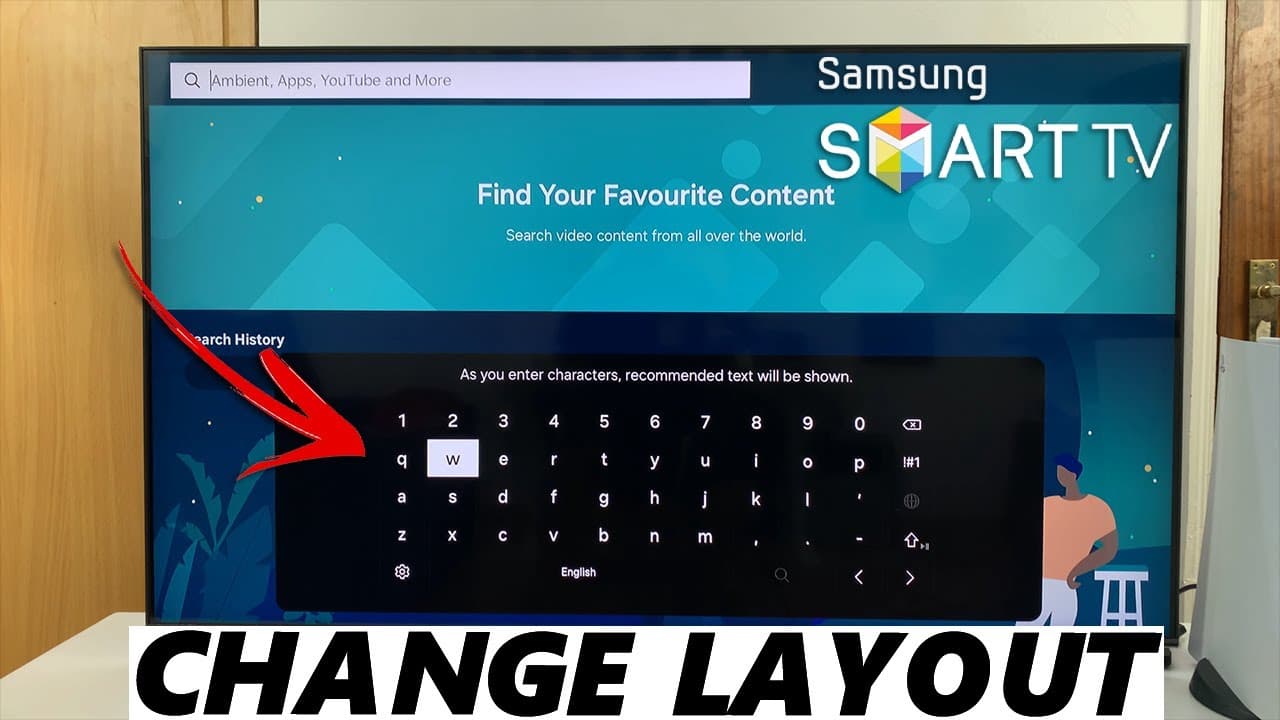
In this tutorial, learn how to effortlessly change the Samsung keyboard layout (ABC / QWERTY). Switch between the ABC and QWERTY keyboard layouts on your Samsung Smart TV. Read: https://www.webproeducation.org/how-to/change-samsung-smart-tv-keyboard-layout-abc-qwerty/ Whether you're typing in passwords, searching for your favorite shows, or browsing the web, having the right keyboard layout can make a significant difference in your user experience. Follow along step-by-step to suit your preferences. We'll walk you through the simple steps required to access the settings menu on your Samsung Smart TV, where you can easily toggle between the ABC and QWERTY keyboard layouts. Change Samsung Smart TV Keyboard Layout (ABC / QWERTY): How To Change Samsung Smart TV Keyboard Layout To ABC: How To Change Samsung Smart TV Keyboard Layout To QWERTY: How To Switch Samsung Smart TV Keyboard Layout From ABC: How To Switch Samsung Smart TV Keyboard Layout From QWERTY: Step 1: Access the keyboard by selecting a text entry field, such as a search bar, which prompts the appearance of the virtual keyboard on the screen. Step 2: Once you've accessed the virtual keyboard, scroll though to the settings wheel icon at the bottom left of the keyboard. Use your remote to open the keyboard settings options. Step 3: Under "Settings", select "Keypad Language". Here, navigate to the "Keypad Layout" section. Step 4: Once in the Keyboard Layout section, simply toggle between ABC and QWERTY to select your preferred layout. Samsung 55-Inch QLED 4K Q60C Series Smart TV: https://amzn.to/4amqsf8 Samsung Galaxy S24 Ultra (Factory Unlocked): https://amzn.to/3UprMJi Samsung Galaxy A25 5G, Factory Unlocked GSM: https://amzn.to/3wKYjQe SAMSUNG Galaxy FIT 3: https://amzn.to/3IxyGVK #samsungsmarttv #smarttv #samsungelectronics #samsungexperience #tech #techtips #innovation #innovations #homeentertainment #smarthome #smarthomegadgets #entertainment #streaming #gaming #4ktv #hdr #internettv #smartliving #hometheater #connectedhome #futuretech #futuretechnology #cuttingedgetechnology #cuttingedgetech -----My Gear for YouTube videos----- Main Camera (iPhone 13 pro): https://amzn.to/3GZztve Tripod: https://amzn.to/35acqRa Cell Phone Tripod Adapter: https://amzn.to/3v3wFuI Lights: https://amzn.to/3vkoGK7 As full disclosure, I use affiliate links on this channel and purchasing through these links earns me a small commission. The price you pay will be the same! Website: https://www.webproeducation.org Facebook: https://www.facebook.com/webproeducation.org Twitter: https://twitter.com/WebPro_E Instagram: https://www.instagram.com/webproeducation/
About YouTube Real-Time View Count
With SocialCounts.org’s view counter, track your YouTube video’s live view count and YouTube likes count in real time with fast, reliable updates.
Watch every YouTube video live view count rise with our real-time YouTube views tracker—built for accuracy and minimal delay.
Follow YouTube real time views as they happen, using our dedicated view counter for YouTube videos.
Get up-to-date live view count on YouTube and see real-time growth with SocialCounts.org’s smart tracking tools.
Embed Widget
Parameters:
fullscreen=true- Fullscreen countergraph=true- Live graph chartcounter=0/1/2- Select counter (0=likes, 1=views, 2=comments)
URL
Click to copy the embed URL to your clipboard