


1,026
likes
134
comments
daily view 0
monthly view 0
Live Analytics
Comments 0
Use AI to edit video like a Word doc in Premiere Pro Analytics Table
Income Estimates for Use AI to edit video like a Word doc in Premiere Pro
Based on this YouTube video's total view count of 33.2K views and industry-standard rates, the estimated total earning is $23 - $66 through ad revenue. Historical data is not yet available to calculate daily, weekly, or monthly averages.
About Use AI to edit video like a Word doc in Premiere Pro
Explore Use AI to edit video like a Word doc in Premiere Pro with 33,214 views, 1,026 likes, and 134 comments. Experience the impact of this video content that has captured audience attention.
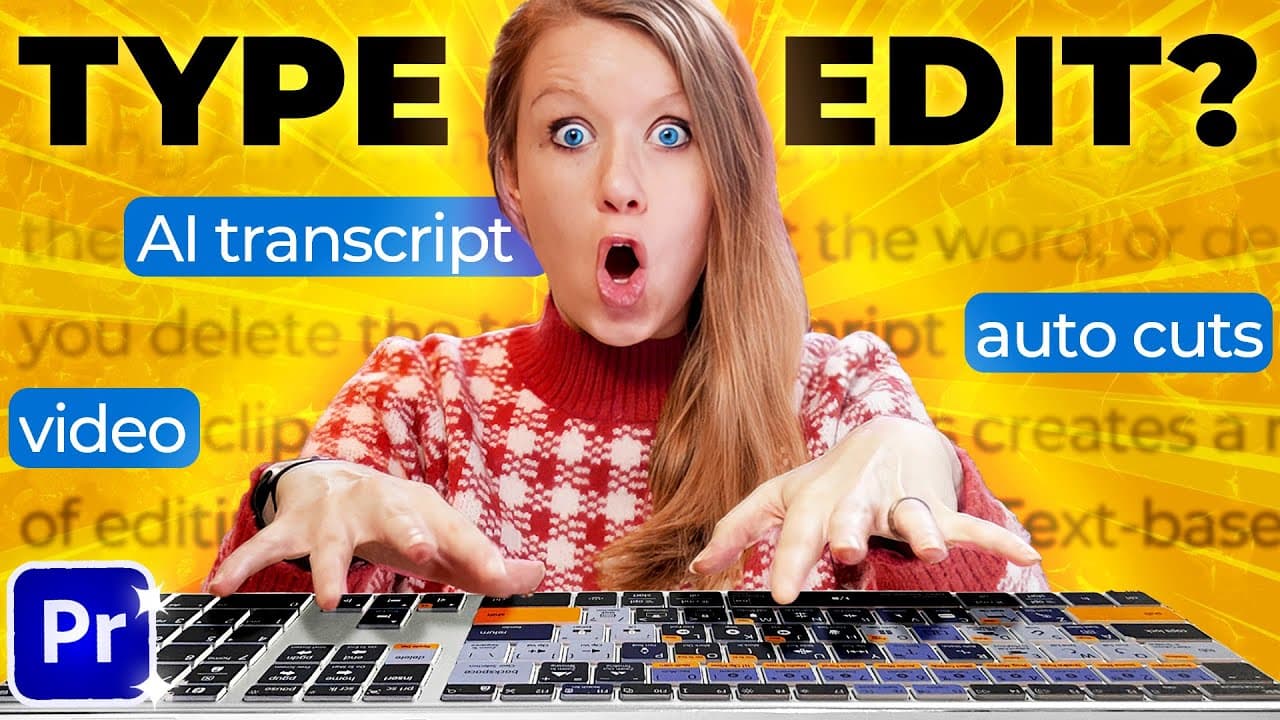
Download thousands of free video templates without a login on Mixkit ➡️ https://mixkit.co/r/gal5/ Get a 7-Day Free Trial of Envato Elements ➡️ https://1.envato.market/7daytrial (Envato Elements is the parent company of Mixkit!) _____________________________ ABOUT VIDEO ➜ Try Adobe Premiere Pro & the other Creative Cloud apps: https://prf.hn/l/vyppxnM In this video you’ll learn about the new text-based editing coming to Premiere Pro. It’s currently in the Public Beta version of the app, which means anyone with an Adobe Creative Cloud plan can use it.💬 Leave a comment below on what you want to see in Text-Based Editing in the future. It’s still in beta, so your contributions matter! _____________________________ AI TOOLS YOU SHOULD TRY IN YOUR EDIT (Affiliate Links) ➜ Descript for Auto-Animated Captions: https://bit.ly/descriptai ➜ RunwayML Text to Video/Image Tools: https://bit.ly/runwayml (enter code: GAL to get 10% off) ➜ Topaz Labs to upscale. & enhance footage to 4k/8k: https://bit.ly/TopazAiVideo ➜ Autocut Silence Remover (A Panel for Premiere): https://www.autocut.fr/en/?affiliate=PremiereGalAutoCut (20% off included with link) ➜⚡Timebolt Silence Remover: https://bit.ly/timeboltai (enter code: PREMIEREGAL to get 20% off) ➜ EndBoost - Automatically mixes your SoundTrack with Ai (formerly known as Alex Audio Butler). https://bit.ly/EndBoost (10% off with code GAL10) _____________________________ MORE FROM GAL ➜ Gal Edition Editing Keyboard: http://premieregal.com/keys ➜ Join Gal’s Patreon “The Editing Room” http://patreon.com/PremiereGal ➜ Register for Live workshops: http://superpeer.com/gal _____________________________ GAL’S CURRENT GEAR (Affiliate Links) Microphone: https://amzn.to/3YBptC6 Canon EOS R Camera: https://amzn.to/3YC14Mz Canon 35mm RF f1/8 Lens: https://amzn.to/3lF8MHk Andycine On-Camera Monitor: https://amzn.to/3S3lQlL SIRUI Bi-Color LED Soft-box Light: http://shrsl.com/3sp6c Apple M1 Max Laptop: https://amzn.to/3IqBXGS Logitech MX Master 3S Mouse: https://amzn.to/3lGDtvN Dell Ultrasharp 34” Curved Monitor: https://amzn.to/3YCrYUL ______________________________________ TIMECODE CHAPTERS 0:00 What is Text Based Editing? 0:45 Opening the Beta 0:55 New Import Panel 1:26 Auto-Transcription & New Workspace 2:09 Navigating Text Panel 2:45 Multi-camera Synchronization 3:41 First Method: How to Delete Portions of Text 4:01 Showing and Deleting Pauses 5:52 Copy and Pasting Portions of Text 6:10 Mixkit 8:07 Second Way to Edit Text 8:53 Making an Insert 9:42 Text Panel Keyboard Shortcuts 9:56 The Issue with Text-Based Editing 11:37 How to Request a Feature or Report a Bug ______________________________________ FOLLOW ME ON SOCIAL ➜ http://twitter.com/Premiere_Gal ➜ http://facebook.com/PremiereGal ➜ http://instagram.com/Premiere_Gal Website ➜ http://premieregal.com For sponsors: [email protected] Affiliate Disclaimer: Some of these links in this description are affiliate links. I'll earn a small commission if you make a purchase and it's no additional cost to you. Video Edited & Thumbnail Design by Rikard Tholen #ai #textbased #PremierePro
About YouTube Real-Time View Count
With SocialCounts.org’s view counter, track your YouTube video’s live view count and YouTube likes count in real time with fast, reliable updates.
Watch every YouTube video live view count rise with our real-time YouTube views tracker—built for accuracy and minimal delay.
Follow YouTube real time views as they happen, using our dedicated view counter for YouTube videos.
Get up-to-date live view count on YouTube and see real-time growth with SocialCounts.org’s smart tracking tools.
Embed Widget
Parameters:
fullscreen=true- Fullscreen countergraph=true- Live graph chartcounter=0/1/2- Select counter (0=likes, 1=views, 2=comments)
URL
Click to copy the embed URL to your clipboard